Compare
Julius AI vs Tableau AI
An editorially paired comparison: why each product is the alternative to the other, what each does better, and which one fits your job. Prefer the tool that matches your work, not the louder brand.

Option A
Julius AI
Conversational analysis on connected data: ask a cohort question, inspect the path, chart it.
Best for
- Analysts who ask cohort questions in English
- Teams that will inspect the calculation
- Work that is heavier than one CSV and lighter than certified BI
Strengths
- Matches how analysts already talk
- Middle ground between a CSV toy and a BI program
Trade-offs
- Easy to skip the audit step
- Not a replacement for a semantic layer
Verdict
Julius is the right trial when the team is drowning in “can you just pull…” messages and is not ready for Tableau governance. ChatCSV still wins a single attachment. Livedocs still wins an agent that should run a warehouse plan. Tableau still wins the certified dashboard. Adopt Julius only with a written rule: no number leaves the thread without a path you can recompute. Confirm connectors against your real warehouse or sheet, not the demo. If that rule feels like overhead, you are not ready for conversational analytics at all.
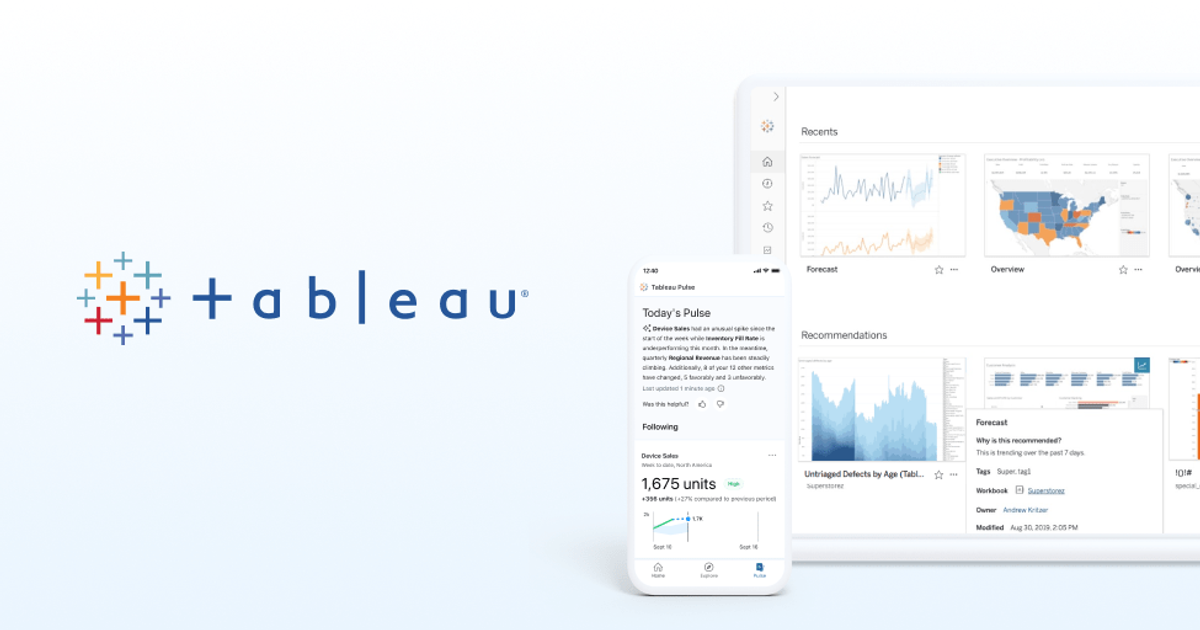
Option B
Tableau AI
AI on top of Tableau — useful only after certified metrics exist.
Best for
- Orgs already on Tableau Cloud or Server
- Natural language over certified sources
- Analysts who will audit the assist
Strengths
- Lives where the dashboards already are
- Inherits governance if you built it
Trade-offs
- Amplifies a bad model
- Not a reason to start a Tableau project
Verdict
Tableau AI is for companies that already did the BI work. Julius is the middle conversation. Livedocs is the warehouse agent. ChatCSV is the attachment. Turn the feature on after metrics are certified, not as a way to avoid certifying them. Write the weekly audit. Confirm which AI features your Tableau SKU actually includes — marketing and the contract still diverge. Enable AI on one certified source, audit answers for two weeks, then widen. If you cannot staff the audit, do not enable the feature. Tableau without definitions plus AI is a rumor mill with charts.
Julius AI → Tableau AI
Tableau AI if dashboards already live in Tableau.
Pricing
Tableau is platform pricing; Julius is an analyst copilot.
Migration
Do not recreate Tableau dashboards in Julius. Use Julius for questions Tableau is slow at.
Choose Julius AI if…
- Analysts who ask cohort questions in English
- Teams that will inspect the calculation
- Work that is heavier than one CSV and lighter than certified BI
Choose Tableau AI if…
- Orgs already on Tableau Cloud or Server
- Natural language over certified sources
- Analysts who will audit the assist
Also see Julius AI alternatives and Tableau AI alternatives. Directory curated by ToolifyNav.
Weekly digest