Compare
Speechify vs Wispr Flow
Side-by-side notes for builders choosing between Speechify and Wispr Flow. Prefer the tool that matches your job, not the louder brand.
Option A
Speechify
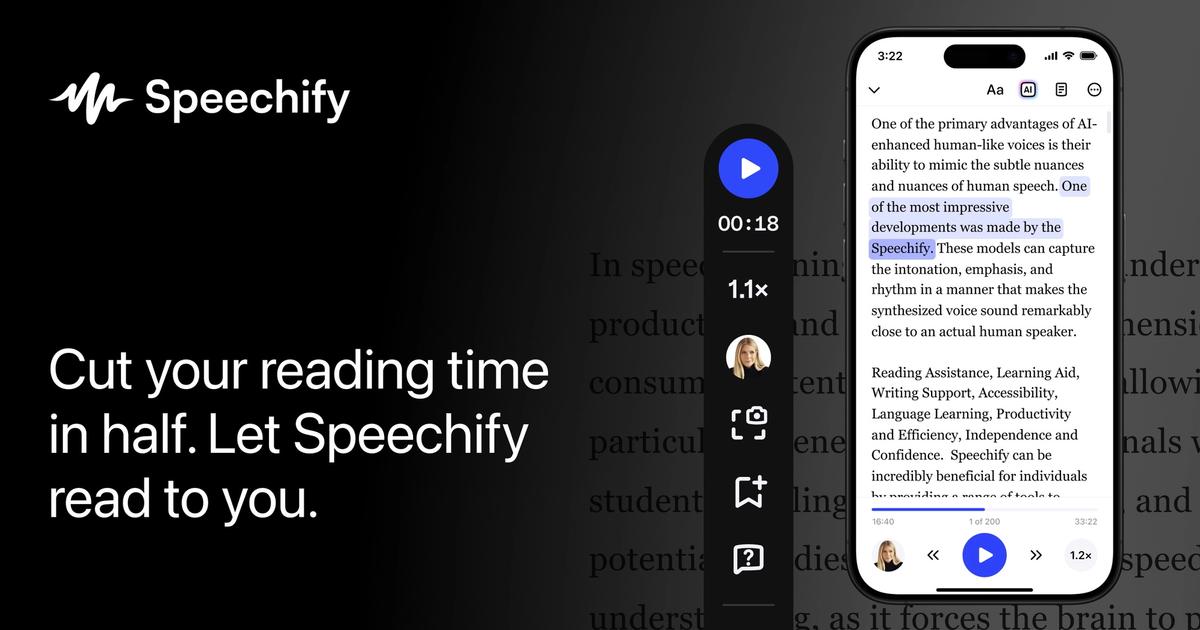
Turn articles and PDFs into speech so “I will read it later” becomes a finished commute.
Best for
- Weekly reading piles
- Commuters and accessibility needs
- People who will connect their real sources
Strengths
- Turns the pile into a habit
- Clear job, not a studio costume
Trade-offs
- Not a production TTS
- Useless if you never connect sources
Verdict
Speechify is a reader. ElevenReader is the other reader. Everything else on this voice shelf is trying to ship a voice. Pick the reader whose voices you can stand on a twenty-minute walk, using your real PDFs. Connect the sources in week one. If you needed a narrator for a course, open Murf or ElevenLabs instead. Pick Speechify or ElevenReader with your ears on a real walk. Then stop collecting readers. If the job was a course narrator, leave this page. A listening app that never sees your sources is just a voice demo.
Option B
Wispr Flow
Wispr Flow is an AI dictation app that converts spoken voice into formatted, context-aware writing across all applications on desktop and mobile.
Best for
- Professionals dictating emails, messages, and documents
- Users looking to speed up typing and reduce RSI fatigue
- Multi-app voice input across macOS, Windows, and mobile
Strengths
- Transforms natural rambling speech into polished written prose
- Fast, accurate recognition with minimal latency
- Works in any application without special plugins
Trade-offs
- Free plan has weekly word count limits
- Requires microphone access and background running app
Verdict
Wispr Flow is OS-wide AI dictation that cleans speech into polished writing across apps. Granola and Otter capture meetings. Speechify reads documents aloud. Built-in OS dictation is rawer and less context-aware. Predictive autocomplete still assumes you are typing. Choose Flow when speaking emails, messages, and docs across Mac, Windows, and mobile is faster than typing and you want filler removal plus tone cleanup. Skip it for multi-speaker meeting transcripts or text-to-speech narration of uploaded files. Watch free weekly word caps and confirm Pro limits if dictation becomes your primary all-day input method.
Choose Speechify if…
- Weekly reading piles
- Commuters and accessibility needs
- People who will connect their real sources
Choose Wispr Flow if…
- Professionals dictating emails, messages, and documents
- Users looking to speed up typing and reduce RSI fatigue
- Multi-app voice input across macOS, Windows, and mobile
Also see Speechify alternatives and Wispr Flow alternatives. Directory curated by ToolifyNav.
Weekly digest