Adobe Podcast
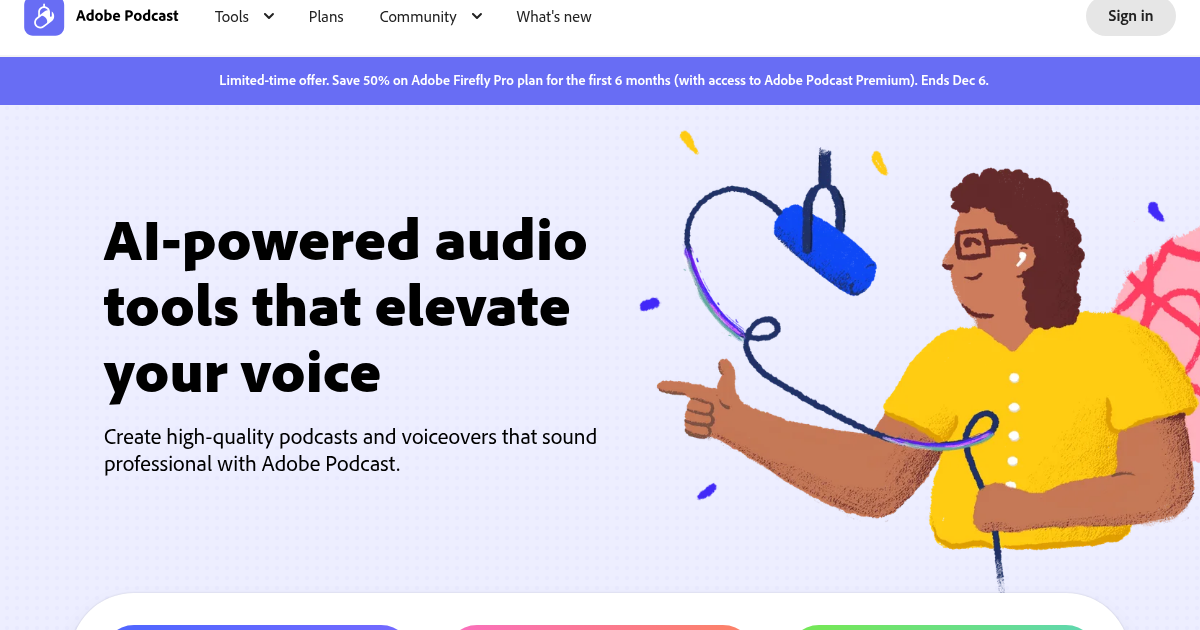
Browser-based AI audio studio for recording, enhancing and editing speech, with noise removal and transcription built in.
Evaluation
What to know
Editorial notes based on the vendor's own documentation and public pricing, plus hands-on testing where a score or review is shown above. They describe fit for a job, not absolute quality.
Best for
- Podcasters and course authors recording on imperfect equipment
- Teams that need a fast, browser-based way to clean up voice content
- Anyone producing spoken audio in more than one language
Not ideal for
- Audio engineers who need detailed mix control
- Studios that work in a multi-user professional DAW
- Users who need large libraries of commercial sound effects
Key features
- Enhance Speech removes noise, reverb, echo and hum from a recording
- Records directly in the browser with no local installation
- Timeline editing, filler word removal and speech transcription
- Translation and voice conversion for producing versions in other languages
- Works with uploaded audio files as well as new captures
Pros
- Turns a phone recording into something close to studio quality
- Runs entirely in the browser, so nothing is installed or uploaded to a local tool
- Transcription and filler removal are built into the same project
Cons
- Free tier is limited, and paid plan pricing is only shown after sign-in
- Advanced mixing and mastering are still better in a dedicated DAW
- Best value comes with the wider Adobe ecosystem
ToolifyNav verdict
Adobe Podcast is the most convincing one-click answer to the problem of a bad room and a cheap microphone, and Enhance Speech remains the feature competitors are measured against. It is a cleanup and production tool rather than a creative one, and the pricing is unhelpfully hidden behind sign-in. In Music and Audio it is the practical choice for spoken content, less so for music. Anyone who has recorded on a laptop in a hotel room has effectively used the free tier already, which is the clearest argument for the product.
About
About Adobe Podcast
Adobe Podcast is a web application for making speech recordings usable. Its best-known feature, Enhance Speech, takes a recording made on a laptop or phone and removes room noise, reverb, echo and hum, then applies a voice enhancement that sounds markedly closer to a studio recording than the raw take. Everything runs in the browser, so there is nothing to install and the audio never has to be handed to an outside editor. Around that core, Adobe Podcast has built a Studio environment for the rest of the recording workflow: capture directly in the app, transcribe the result, edit the audio on a timeline, remove filler words, and translate or re-voice a track for a different language. For podcasters, course authors and anyone shipping voice content from imperfect conditions, the practical value is that a bad take becomes publishable without buying a microphone or booking a studio. The trade-offs are the usual Adobe ones: the strongest workflows sit inside the wider Creative Cloud ecosystem, and detailed mixing is still better in a dedicated editor.
Related
More in Music & Audio
Same category — not a curated competitor list.
Discover More
Weekly digest
Get weekly AI tools and hands-on reviews
A short digest of new tools and hands-on breakdowns. Unsubscribe anytime.