Bigjpg
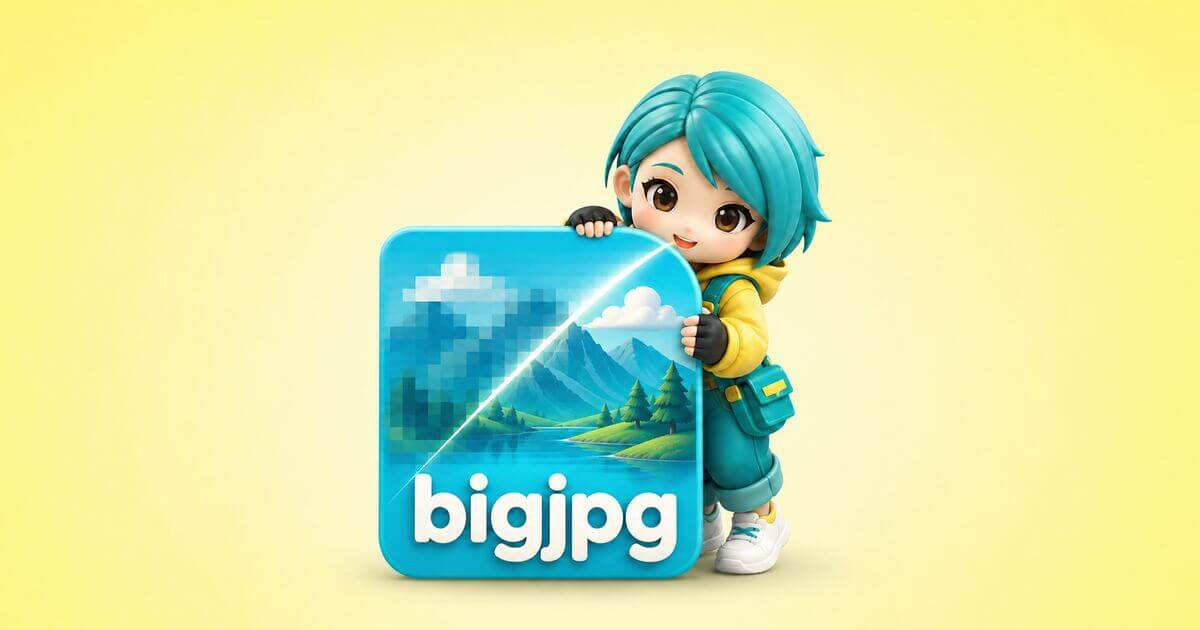
Super-resolution upscaler that enlarges artwork and photos up to sixteen times while cleaning up noise and sharpening lines.
Evaluation
What to know
Editorial notes based on the vendor's own documentation and public pricing, plus hands-on testing where a score or review is shown above. They describe fit for a job, not absolute quality.
Best for
- Artists enlarging sprites, covers and lower-resolution illustrations
- Game and animation studios preparing texture assets
- Anyone who needs a bigger file once rather than a monthly quota
Not ideal for
- Photographers who want subtle, natural grain preservation
- Users needing generative fill or object removal alongside upscaling
- Heavy pipelines that would rather buy unlimited API volume
Key features
- Neural super-resolution that enlarges images from 2x up to 16x
- Models tuned for anime and illustration line work as well as photographs
- Built-in noise cleaning and line sharpening during enlargement
- Web app plus Windows, macOS, iOS and Android clients
- API available for batch and pipeline upscaling
Pros
- Holds line art and flat colour far better than generic upscalers
- One-off packs avoid a subscription for occasional work
- API and desktop clients cover both interactive and batch use
Cons
- Free monthly allowance is small for regular work
- Packs expire, so heavy users still face repeat purchases
- Very large images and extreme enlargement factors hit hard limits
ToolifyNav verdict
Bigjpg still does the one thing most upscalers do badly: enlargement that respects drawn line work rather than hallucinating detail. The pricing model is a little old-fashioned, with expiring packs that busy studios will keep repurchasing, and it does nothing beyond enlarging. In Image Generation and Editing it is a specialist worth knowing, particularly for illustration pipelines. Because the service exists to enlarge one file well rather than to edit a project, it slots into a pipeline without competing with the design tools around it.
About
About Bigjpg
Bigjpg is an image enlargement service built on deep convolutional neural networks, with an emphasis that traces back to its origins: anime-style artwork and illustrations. Its models were trained on that kind of image, so line art and flat colour come back crisp rather than smeared, which is why it became the default upscaler for artists who had painted a sprite or a cover at low resolution and needed a usable high-resolution version. Photographs are supported too, and the service adds noise reduction and sharpening rather than simply stretching pixels. Enlargement factors run from 2x up to 16x, with a practical ceiling around 3000 pixels and a 50 MB per-image limit. The product covers several surfaces: a web app, desktop builds for Windows and macOS, mobile apps on iOS and Android, and an API for pipelines that need batch upscaling. The commercial model is unusually light: a free monthly allowance covers a small number of images, and paid access is sold as one-off time-limited packs rather than an endless subscription, which suits the bursty way people actually need enlargement work.
Related
More in Image Generation & Editing
Same category — not a curated competitor list.

Discover More
Weekly digest
Get weekly AI tools and hands-on reviews
A short digest of new tools and hands-on breakdowns. Unsubscribe anytime.