CapCut
Mobile-first short-form editor: captions, templates, and effects aimed at posts per week.

Evaluation
What to know
Editorial notes based on the vendor's own documentation and public pricing, plus hands-on testing where a score or review is shown above. They describe fit for a job, not absolute quality.
Best for
- Short-form social editors
- Creators who finish on a phone
- Teams that need captions and templates more than a film NLE
Not ideal for
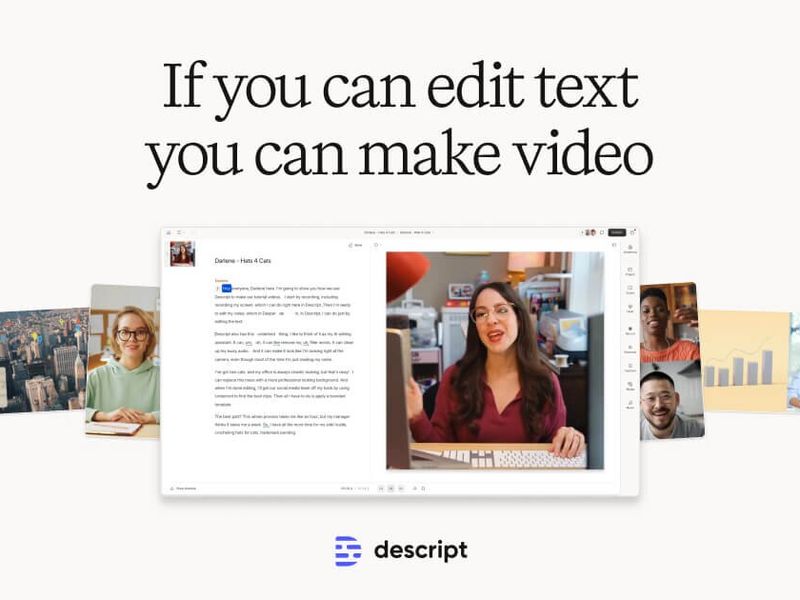
- Transcript-first long interviews (Descript)
- Generated cinematic shots as the whole job (Runway, Kling, Flow)
Key features
- Auto captions
- Template library
- Mobile-first timeline
- Effects and captions AI
- Export presets for TikTok, Reels, Shorts
Pros
- Speed from camera roll to posted
- Templates that a small team can lock down
- The tool most collaborators already have installed
Cons
- Easy to look like every other CapCut account
- Not where you color a short film
ToolifyNav verdict
CapCut should be the default short-form bench unless you have a specific reason to leave. Descript wins when the edit is the words. HeyGen wins when there is no camera. Runway wins when the picture has to be invented. Keep a brand kit inside CapCut and forbid random effect packs on client work. Check the current export defaults against the network you actually post to — vertical crops still get wrecked by sloppy presets. If your team already lives here, do not migrate to a “more professional” NLE just to feel serious.
About
About CapCut
CapCut is an assembly line. The unit of success is posts that left the phone this week, not a cut that could play at a festival. Auto captions, templates, and effects exist so a creator can finish in the same session they filmed.
The brand risk is letting every template win. A kit you design once — type, lower-third, end card — is the difference between a recognizable account and a slot machine of effects. AI cleanup and captions help; they do not choose what is worth saying.
Descript is the better home when the source is a long talking-head and the edit is the transcript. InVideo and Pictory are factories for “we have a script, make a marketing video.” Runway and Kling are for shots that do not exist yet. CapCut is where those shots, and the footage you actually filmed, get a caption and a deadline.
Desktop exists. The culture of the product is still mobile speed. If a cut needs colorist habits and a twelve-layer timeline, you are in the wrong app by lunch.
Alternatives
Alternatives to CapCut




Direct Side-by-Side Comparisons
Discover More
Weekly digest
Get weekly AI tools and hands-on reviews
A short digest of new tools and hands-on breakdowns. Unsubscribe anytime.