Captions
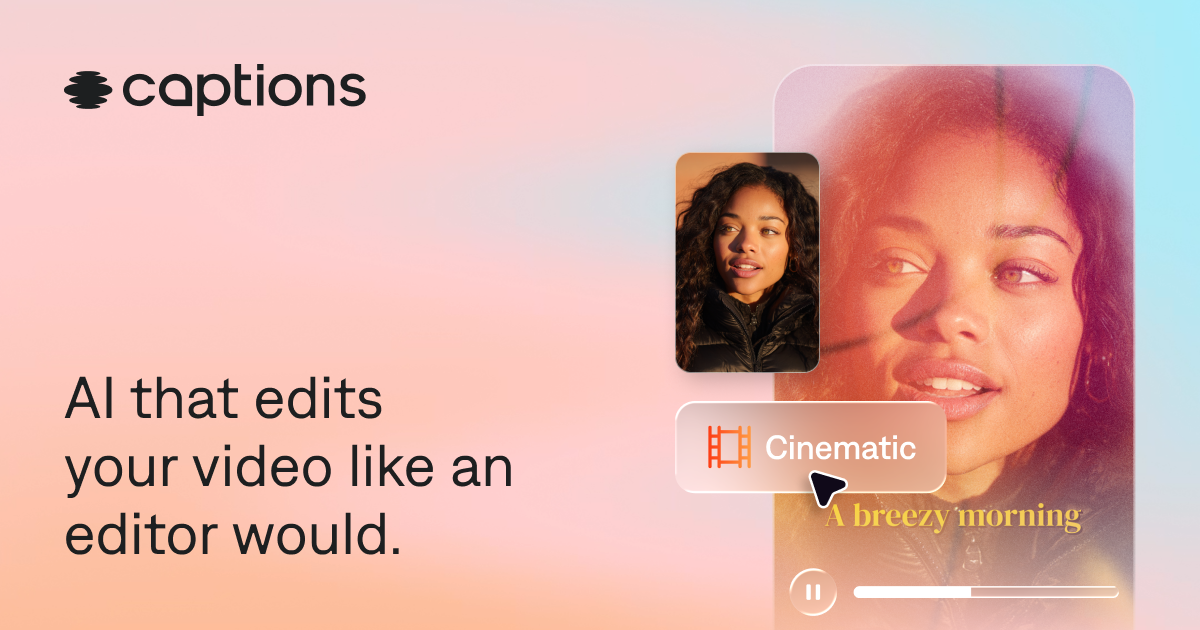
Mobile-and-web AI video editor for talking-head polish — captions, eye contact, AI Edit, and avatars.
Evaluation
What to know
Editorial notes based on the vendor's own documentation and public pricing, plus hands-on testing where a score or review is shown above. They describe fit for a job, not absolute quality.
Best for
- Creators shipping frequent talking-head Shorts/Reels/TikToks
- Teams localizing captioned social video
- Users who want AI polish without learning a full NLE
Not ideal for
- Cinema-grade color and multi-cam editorial
- Budgets that must stay on free CapCut forever
- Audio-only podcast production
Key features
- Auto captions, templates, and 100+ language translation/lipdub tools
- Eye-contact fix, denoise, and filler/pause cleanup
- AI Edit styles, chat-based editor, and clip batching
- AI avatars / digital twins (Mirage Studio merged)
- Generative B-roll, music, SFX, and images on paid credit plans
Pros
- Talking-head cleanup stack is unusually complete in one app
- AI Edit reduces manual short-form assembly time
- Credit rollover softens spiky publishing weeks
Cons
- Meaningful generative work needs paid credits quickly
- Scale dollar price not clearly listed beside Max on public page
- Not a substitute for Premiere/DaVinci long-form finishing
ToolifyNav verdict
Captions is AI short-form finishing for faces-on-camera. CapCut wins free templates and trends. Descript owns script-linked studio editing. Fliki generates from text without your footage. Pick Captions when you already have takes and need captions, eye-line fixes, and AI assembly to ship faster. Pass if you only paste scripts into stock slideshows or need feature-film grading. Check credit burn on a real edit before choosing Max versus Scale, and confirm the storefront price for your phone or web platform. Confirm mobile export caps and Max versus Scale limits on the live Captions pricing page before a creator batch week.
About
About Captions
Captions is an AI video editor for creators who shoot talking-head or short-form footage and want finishing that feels closer to a human editor than a caption stamp. The product spans iOS, Android, and web. Signature tools include automatic captions with stylized templates, translation across 100+ languages, eye-contact correction, denoise, filler/pause trimming, AI Edit styles that cut scenes and overlay B-roll, chat-based text-to-edit, royalty-free music/SFX generation, and AI avatars or digital twins (including the former Mirage Studio workflow now merged in).
Free covers basic trim, transitions, limited caption templates, and light media — enough to try the app, not enough for generative editing at volume. Max is listed at $24.99/month with 500 credits for AI Edit, twins/actors, chat editor, clip batches, and generative B-roll/music/image tools. Scale raises credits (about 1,400/month cited) and unlocks higher generative model tiers; Enterprise adds seat packs, training-data exclusion, and dedicated support. Credits can roll up to roughly 3× monthly allowance. Pricing footnotes note iOS plan display — verify Android/web checkout parity.
Captions competes where CapCut is free-and-fast and Descript is script-based studio. It is strongest for vertical social polish and AI-assisted talking-head throughput, weaker as a full NLE for long-form cinema color and multi-cam.
Related
More in Video & Animation
Same category — not a curated competitor list.


Discover More
Weekly digest
Get weekly AI tools and hands-on reviews
A short digest of new tools and hands-on breakdowns. Unsubscribe anytime.