Circleback
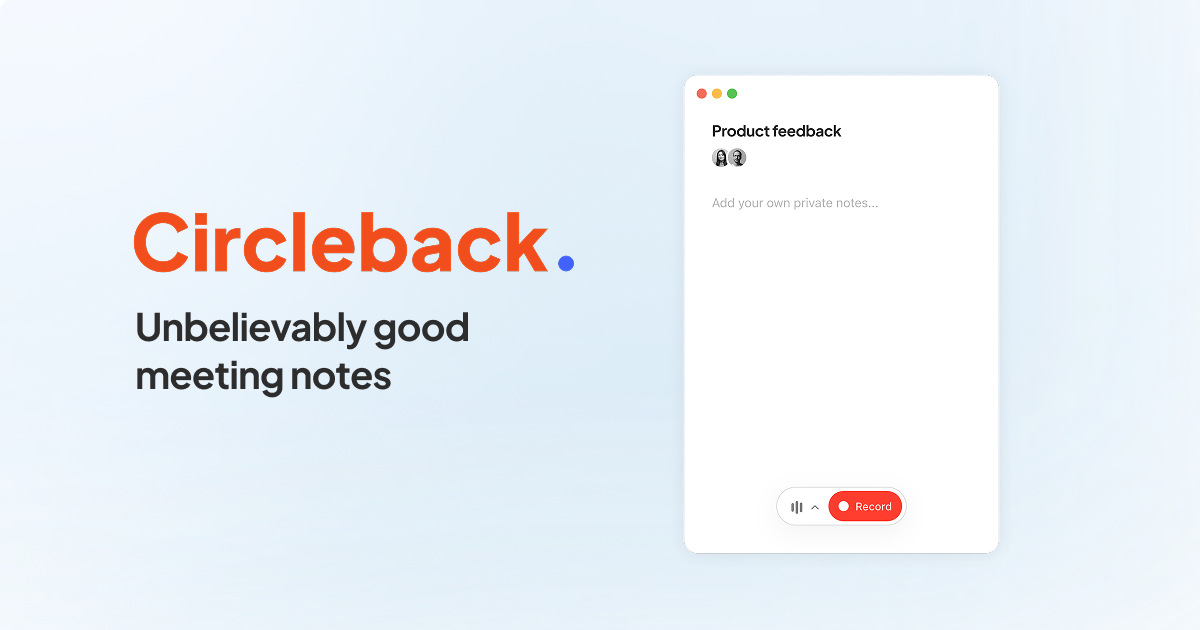
AI notetaker that turns meetings into searchable notes, action items and automations across your other work tools.
Evaluation
What to know
Editorial notes based on the vendor's own documentation and public pricing, plus hands-on testing where a score or review is shown above. They describe fit for a job, not absolute quality.
Best for
- Sales and client-facing teams that live in video calls
- Small companies that want meeting notes without a per-seat tax on recording
Not ideal for
- Individuals who only need a one-off transcript
- Organisations that forbid third-party bots in calls
Key features
- Automatic joining and note-taking for video meetings
- Unlimited meeting recording and notes on the free plan
- Searchable archive across meetings, people and projects
- Automations that push summaries and tasks into other tools
- Tiers at $15, $25 and $35 per user per month for company-wide features
Pros
- Unlimited free recording is rare in this category
- Automations make notes act on other tools instead of waiting to be read
- Search across past calls turns old decisions into reusable context
Cons
- Automations are the real value and they take setup to be useful
- Free tier records unlimited meetings but the advanced search and actions sit on paid plans
- Search quality depends on how much of your work actually happens in connected apps
ToolifyNav verdict
Circleback's free unlimited recording is the hook, but its automations are the reason to pay. Once a meeting summary can update a CRM or draft the follow-up without anyone copying text, the notetaker stops being an archive and starts closing loops. The catch is that this only works when someone configures and maintains the rules, and when enough of the team's work already lives in connected tools. For individuals it is a generous free utility; for small sales-led companies it can replace a couple of hand-offs a week.
About
About Circleback
Circleback started as a notetaker and has widened into a meeting memory for the whole company: it joins calls, produces structured notes with action items, and then lets you search everything that was said across accounts, projects and time. The interesting layer is automations — rules that fire after a meeting, pushing summaries into a CRM, drafting a follow-up email, or filing tasks where the work actually happens.
The pricing stance is unusual in this category. Recording and notes are unlimited on the free plan, which removes the per-meeting anxiety that competitors sell against; paid tiers at $15, $25 and $35 per user a month add the company-brain features, more automation runs and admin controls. For a small team that takes a lot of calls, that is a cheap way to stop losing decisions.
The honest limitation is that none of this replaces discipline. A searchable archive of every call is only as good as the questions people ask of it, and automations need someone to define them. Teams that want notes only will be satisfied on the free plan; teams that want the archive to behave like a company brain need to commit to the setup.
Related
More in Office & Productivity
Same category — not a curated competitor list.

Discover More
Weekly digest
Get weekly AI tools and hands-on reviews
A short digest of new tools and hands-on breakdowns. Unsubscribe anytime.