Kapwing
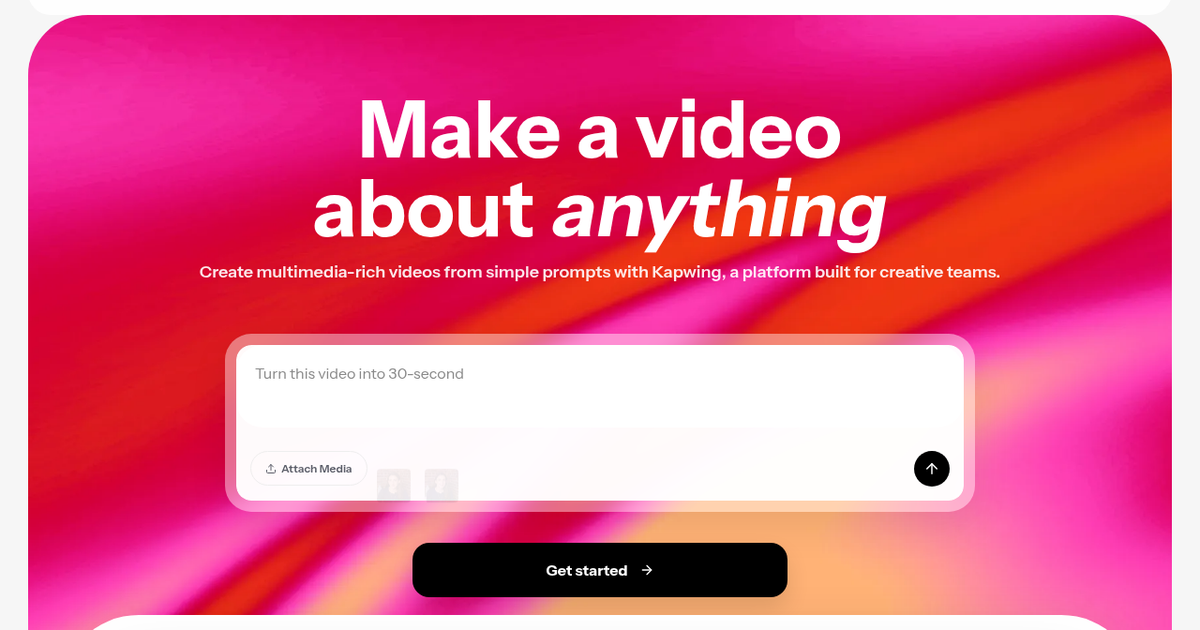
Collaborative browser video editor with AI tools for subtitles, dubbing, clip repurposing, silence removal, text-to-speech and prompt-to-video drafts.
Evaluation
What to know
Best for
- Marketing teams repurposing webinars and podcasts into shorts
- Internal comms teams localizing video updates
- Educators and creators who need fast captioned videos
Not ideal for
- Film editors who need color grading and pro codecs
- Offline or air-gapped workflows
- Creators wanting only text-to-video generation
Key features
- Collaborative browser timeline editor with comments
- Auto subtitles, transcription and text-based trimming
- AI dubbing and translation into 40+ languages
- Smart Cut silence removal and Repurpose Studio clip making
- Prompt-to-video drafts and reusable AI characters
Pros
- Runs entirely in the browser with real-time collaboration
- Strong localization tools for subtitles and dubbing
- Repurposing tools save hours turning webinars into shorts
Cons
- Browser editing slows down on long, high-resolution projects
- AI credits on Pro run out with heavy dubbing
- Free exports are limited
ToolifyNav verdict
Kapwing is a practical team editor first and a generator second. It does not compete with dedicated generative-video models; instead it bundles the chores that consume most marketing video time — captions, translations, resizing, silence trimming and cutting long recordings into clips — into a collaborative browser workspace. That focus makes it easy to recommend for teams that publish frequently across platforms. Large, high-resolution projects push the limits of browser editing, and heavy dubbing will consume Pro credits fast. Teams that care about speed and localization over cinematic polish will get the most value from it.
About
About Kapwing
Kapwing, founded in San Francisco in 2017, built its reputation on a fast browser-based editor that ordinary people could use without installing anything. It now says more than 30 million creators have used the platform, and its focus has shifted toward teams — marketers, internal-communications staff, educators and content creators who need to produce lots of video together.
The editor itself is a drag-and-drop timeline for trimming, combining clips, layering overlays and leaving comments for collaborators. Around it sits a large set of AI tools. The Subtitler generates and styles captions; Dubbing translates dialogue into 40-plus languages; Transcribe turns video into text, and Trim with Transcript lets you cut footage by editing the words. Smart Cut removes silences automatically, the Clip Maker and Repurpose Studio turn one long video into several social-ready shorts, and Resize adapts dimensions for each platform. An audio editor cleans background noise, and text-to-speech produces voiceovers.
Kapwing has also added generative features. From a single prompt it can draft a multilayered project with timing and sound, and Character Consistency lets you create a reusable AI character for recurring video series. Brand kits and shared workspaces keep teams consistent. The free plan supports basic editing, while paid plans add credits, higher-resolution exports and team controls.
Related
More in Video & Animation
Same category — not a curated competitor list.



Discover More
Weekly digest
Get weekly AI tools and hands-on reviews
A short digest of new tools and hands-on breakdowns. Unsubscribe anytime.