ParagraphAI
Writing assistant that sits behind the keyboard and rewrites, replies and corrects in whatever app you are already typing in.
Evaluation
What to know
Editorial notes based on the vendor's own documentation and public pricing, plus hands-on testing where a score or review is shown above. They describe fit for a job, not absolute quality.
Best for
- Professionals who write in email, chat and forms all day
- Non-native speakers who want grammar and tone help in every app
Not ideal for
- Teams whose security policy blocks keyboard-level overlays
- Writers who want a distinctive voice rather than clean, safe prose
Key features
- Rewrites and grammar correction inside any app via keyboard or desktop overlay
- One-tap reply drafting for email and messages
- Tone and length controls for professional correspondence
- Mobile keyboard plus desktop and browser access
- Free plan, with Premium at $24.99/month or $12.49/month billed annually
Pros
- Works in the apps people actually write in, with no tab switching
- Reply drafting saves real time on repetitive correspondence
- Mobile keyboard covers the messages a desktop tool misses
Cons
- Works best as an overlay on other apps, which some IT policies forbid
- The output is safe and serviceable rather than distinctive
- Annual-only discount hides the real monthly cost until checkout
ToolifyNav verdict
ParagraphAI is a utility for people buried in correspondence rather than a writing partner for people trying to be interesting. Working from behind the keyboard is the right instinct: the friction it removes is the copy-paste shuttle between an email and a chatbot, which is where most of the time actually goes. The prose it produces is clean and forgettable, and an overlay that sees every keystroke is a legitimate thing for a security team to refuse. For a salesperson or a support agent, that trade usually pays; for a copywriter chasing a voice, it does not.
About
About ParagraphAI
ParagraphAI takes the opposite approach to most writing tools: instead of a browser tab where you compose, it installs itself behind the keyboard and works wherever you are typing — email, a support ticket, a form, a chat window. Highlight a draft and it rewrites, ask for a reply and it drafts one, or let it fix grammar as you go.
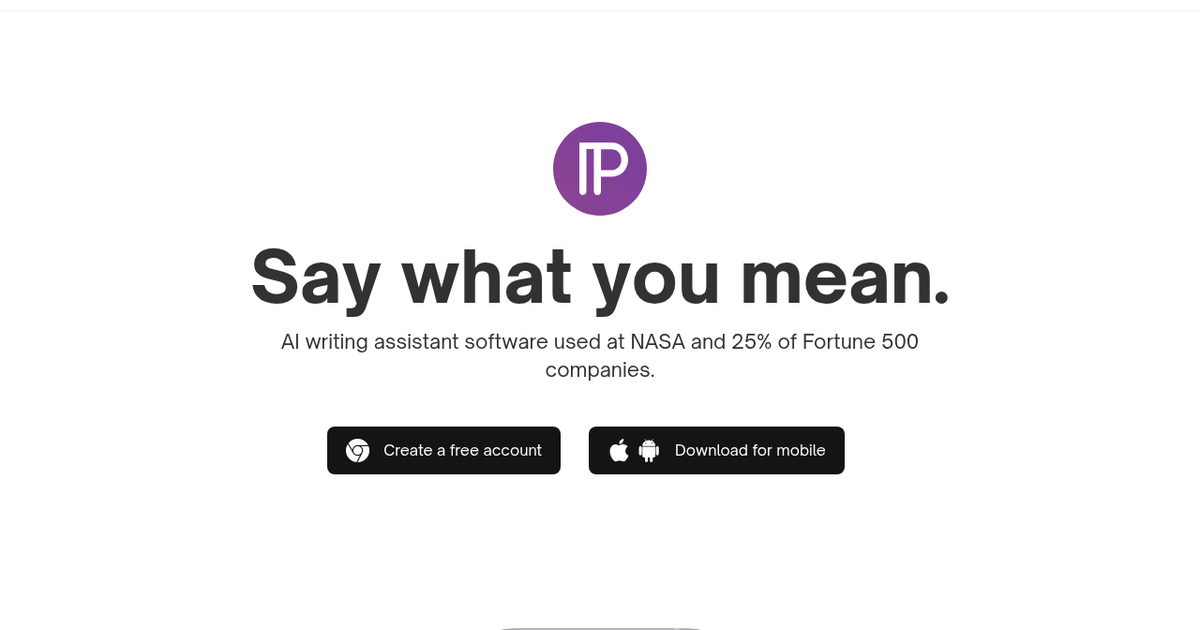
That positioning is why the site leads with logos rather than features: NASA and a quarter of the Fortune 500 are named as users, claims you should treat as marketing but which explain the buyer profile. This is a utility for people whose job is correspondence, not for novelists. The tone controls and reply drafting are tuned for short professional text, and the mobile keyboard matters as much as the desktop app for anyone answering messages all day.
The catch is that a keyboard-level overlay is exactly the kind of tool some IT departments block, and the writing itself is competent rather than distinctive — you will not mistake an output for your best paragraph. Pricing is free to try, with Premium at $24.99 a month or $12.49 a month if billed annually, which is reasonable for daily correspondence and expensive for occasional use.
Related
More in Writing & Editing
Same category — not a curated competitor list.


Discover More
Weekly digest
Get weekly AI tools and hands-on reviews
A short digest of new tools and hands-on breakdowns. Unsubscribe anytime.