Pixlr
Browser-based photo editor and AI studio bundling generative fill, upscaling, face swap and image/video/audio models from many providers.
Evaluation
What to know
Best for
- Casual creators and students editing photos in the browser
- Social media managers who need quick AI edits and generations
- Budget users wanting many models under one bill
Not ideal for
- Professional retouchers needing Photoshop-level precision
- Teams needing brand governance and approvals
- Users who require refunds or flexible credit rollover
Key features
- Pixlr Express and layer-based Pixlr Editor in the browser
- Generative fill, expand, transform and natural-language Instruct editing
- Super Scale upscaling to 25 MP, background and object removal
- Image, video and audio generation via Flux, Kling, Veo, Recraft and more
- One account across web, desktop and mobile apps
Pros
- Very low entry price for a large toolset
- Access to many third-party models without separate subscriptions
- Classic editing and AI tools live in the same workspace
Cons
- Free tier carries ads and limited saves
- Credits reset monthly and payments are non-refundable
- Model aggregation means quality varies with the chosen engine
ToolifyNav verdict
Pixlr's reinvention makes sense: rather than training its own frontier model, it puts a familiar browser editor in front of a buffet of other labs' engines and charges a small subscription for the credits. For casual creators that is a good deal — generative fill, upscaling, background removal and short video clips for less than many single-purpose apps charge. The compromises show at the edges. Output quality depends on which model you route to, credits reset each cycle, and refunds are off the table. Budget-minded creators get the most from it, and Premium is the tier where the catalog opens up.
About
About Pixlr
Pixlr has been a free in-browser photo editor for well over a decade, and it has reinvented itself as a multi-model AI studio. The lineup includes Pixlr Express for quick edits, Pixlr Editor for layer-based work, a collage maker, and a growing list of AI tools that run in the browser, on desktop and on mobile with one account.
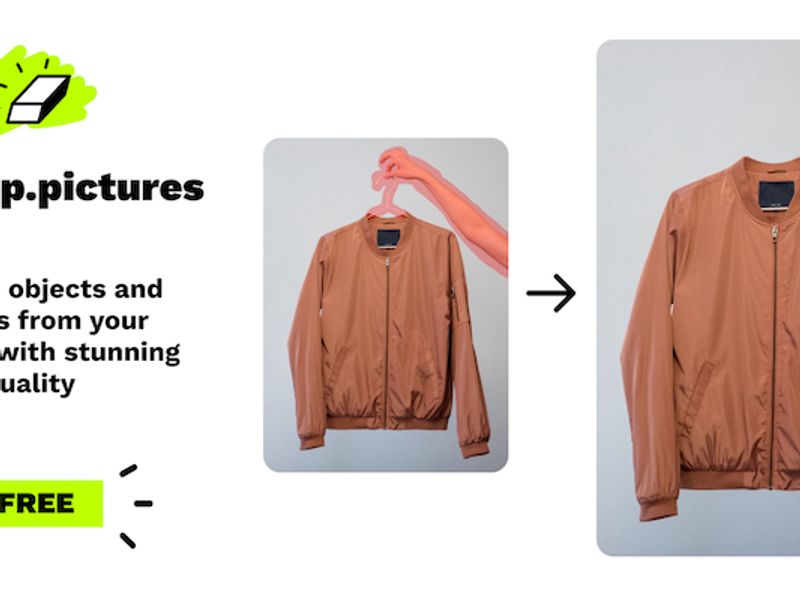
Image tools cover text-to-image and image-to-image generation, generative fill, generative expand (outpainting), generative transform for moving and resizing objects, object and background removal, noise removal, skin enhancement, colorize, Super Scale upscaling to 25 megapixels, sticker creation and layer extraction via AI segmentation. An Instruct editor lets you describe a change in plain language. Beyond stills, Pixlr now offers video generation from text or images and audio and speech generation, and a Pixlr Agent ties actions together.
The notable shift is that Pixlr acts as a front end to other labs' models — it lists Flux, Kling, Recraft, Google Veo, Qwen, Stable Diffusion, Seedance, Seedream, Grok Imagine, PixVerse, LTX Video, Vidu, Wan, ElevenLabs and MiniMax among them. Subscriptions are inexpensive and include monthly AI credits; higher tiers unlock all models, private generations, more concurrent jobs and priority queues. Credits reset on renewal and Pixlr states it does not refund processed payments.
Related
More in Image Generation & Editing
Same category — not a curated competitor list.

Discover More
Weekly digest
Get weekly AI tools + hands-on reviews
A short digest of new tools and hands-on breakdowns — unsubscribe anytime.