Raycast
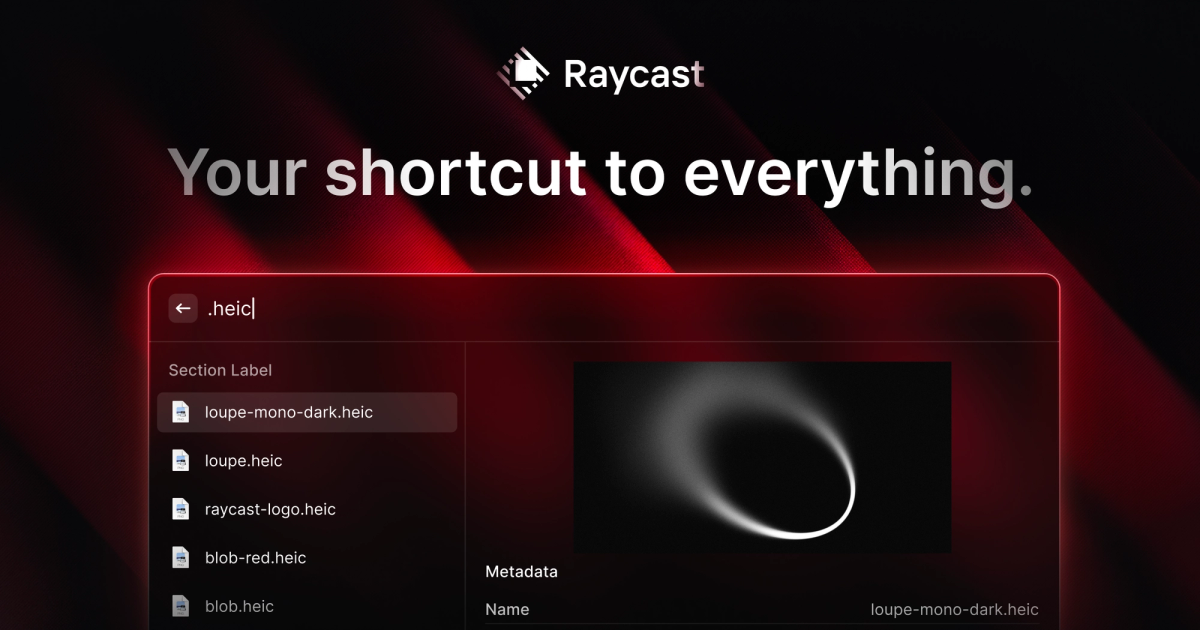
Keyboard-first launcher for Mac, Windows and iOS that combines app search, extensions, clipboard history, snippets and built-in AI.
Evaluation
What to know
Editorial notes based on the vendor's own documentation and public pricing, plus hands-on testing where a score or review is shown above. They describe fit for a job, not absolute quality.
Best for
- Developers and power users who live on the keyboard
- Mac users replacing Spotlight plus separate clipboard and window tools
- Teams standardizing shared snippets and internal quicklinks
Not ideal for
- Mouse-first users who rarely use shortcuts
- People wanting only an AI chatbot
- Organizations restricting third-party extensions
Key features
- Fast keyboard launcher for apps, files, calculations and commands
- Store of community extensions for Linear, Slack, Jira, GitHub and more
- Clipboard history, snippets, window management and notes
- Raycast AI chat, AI commands and AI extensions across models
- Teams features for sharing extensions, snippets and quicklinks
Pros
- Free plan already replaces several paid Mac utilities
- Extensions save constant app switching
- Single AI subscription covers several leading models
Cons
- Free plan includes no AI features
- Windows and iOS versions trail the mature Mac experience
- Keyboard-centric workflow has a learning curve
ToolifyNav verdict
Raycast is the launcher that keyboard-focused Mac users tend to keep once they try it, because its free tier already absorbs clipboard managers, snippet expanders and window tools, and its extension store turns everyday SaaS actions into a few keystrokes. The paid AI layer is a convenient way to reach several models from anywhere, though not essential to the core value. Windows and iOS builds are newer and less complete. Power users and developers should install it; mouse-first users or those only after AI chat will see less benefit.
About
About Raycast
Raycast is an extendable command launcher that replaces Spotlight on macOS and now also ships for Windows and iOS. Pressing a hotkey opens a search bar for launching apps, finding files, running calculations and conversions, and triggering commands from installed extensions. The Raycast Store hosts a large catalog of community and official extensions for tools such as Linear, Jira, Slack, Zoom, Spotify, 1Password, Google Translate and GitHub, letting people act inside those services without opening them.
Built-in utilities cover clipboard history, text snippets with expansion, window management, quicklinks, floating notes, timers, a calendar view and system commands. Everything is keyboard-driven, and the company emphasizes speed and stability, citing a 99.8% crash-free rate.
Raycast AI adds chat with multiple frontier models, AI commands that act on selected text, and AI extensions that let models call installed tools. AI usage runs on monthly credits on paid plans, and the free plan includes the launcher, extensions and core utilities but no AI. Raycast for Teams adds shared extensions, quicklinks and snippets, while Enterprise covers admin and security requirements.
Related
More in Office & Productivity
Same category — not a curated competitor list.


Discover More
Weekly digest
Get weekly AI tools and hands-on reviews
A short digest of new tools and hands-on breakdowns. Unsubscribe anytime.