SchoolAI
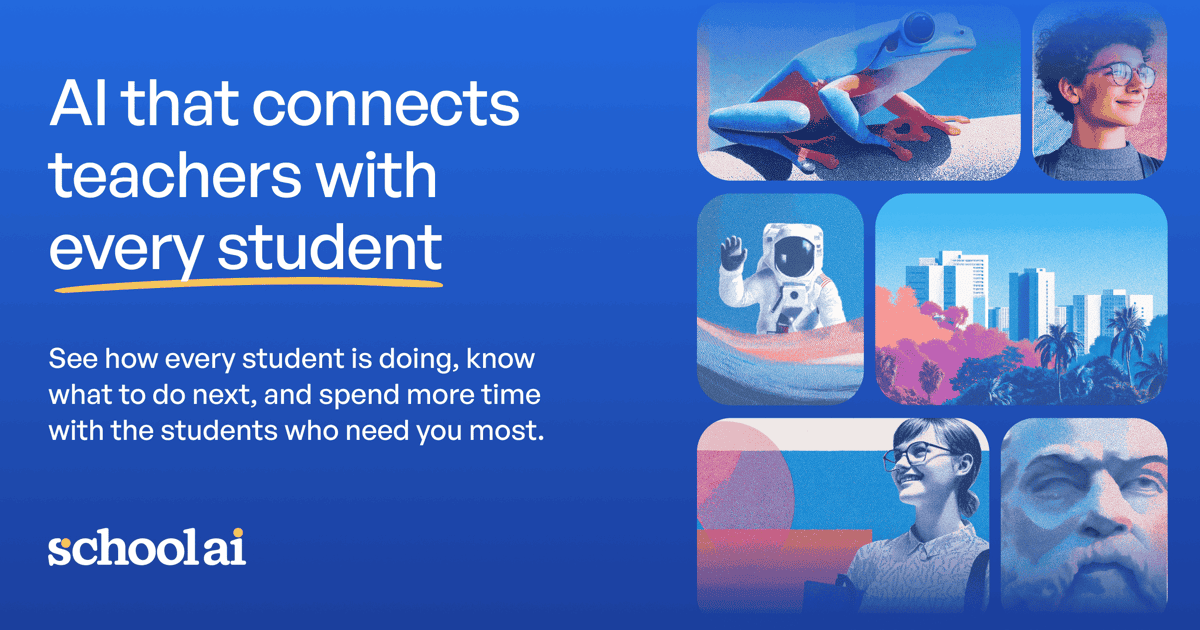
K-12 classroom AI Spaces with Mission Control visibility, PowerUps, and district-grade safety for teacher-led student learning.
Evaluation
What to know
Editorial notes based on the vendor's own documentation and public pricing, plus hands-on testing where a score or review is shown above. They describe fit for a job, not absolute quality.
Best for
- K-12 teachers and schools rolling out supervised classroom AI
- Districts needing rostering, alerts, and LMS integration
- Leaders who want Mission Control visibility during sessions
Not ideal for
- Higher-ed research labs needing open model playgrounds
- Parents seeking an unsupervised homework chatbot
- Districts unwilling to train teachers on Space design
Key features
- Teacher-designed Spaces for personalized student AI learning
- Mission Control live visibility and next-step guidance
- PowerUps for creation, practice, and exploration
- Browser extension for in-context teacher workflows
- FERPA/COPPA/SOC 2 posture with district admin controls
Pros
- Teacher-in-the-loop design with real classroom observability
- Strong compliance and safety narrative for K-12 buyers
- Research-backed positioning beyond novelty chatbots
Cons
- Free Trial Space launch caps are too tight for year-long classroom use
- Pro/Scale pricing requires district sales conversations
- Not a general consumer tutoring app for parents alone
ToolifyNav verdict
SchoolAI is the supervised classroom Space platform with Mission Control — not a free-for-all student ChatGPT. Brisk Teaching is the Chrome-extension planning and feedback sidekick for teachers; Khanmigo is tutoring with curriculum rails. SchoolAI wins when the product must show every student’s thinking during class and keep Dot inside teacher-set guardrails. Budget via district procurement; do not plan a semester on Free Trial launch limits. Verify ESSA funding eligibility and DPA language with your legal team before rollout. Confirm district data agreements and classroom guardrails on the live SchoolAI site before a school-wide rollout.
About
About SchoolAI
SchoolAI builds AI for classrooms where teachers stay in control. Spaces are teacher-designed learning experiences; Dot (the student-facing AI) works inside boundaries educators set. Mission Control shows who is engaged, who is stuck, and suggested next steps in real time so small-group instruction is not twenty kids on busywork. PowerUps add focused creation tools — documents, presentations, flashcards, graphing, and more — inside the Space.
Safety and compliance are central: crisis flagging, FERPA/COPPA, SOC 2 Type 2, 1EdTech certification, and contracts that forbid providers training on student data. Research pages cite ESSA Level III validation and district studies on critical thinking when teachers run multiple Spaces. A browser extension brings feedback and lesson tools into existing sites; Scale adds student portals, Sidekick tutoring, and deeper LMS embedding (including Canvas).
Pricing is district-shaped. Free Trial allows limited Space launches (about five per year) to explore. Pro unlocks unlimited Spaces, SIS rostering, admin alerts, LMS integration, and PD. Scale adds student portals, uploads, custom standards, and district frameworks. Dollar amounts are not published as a simple teacher SKU — expect sales conversations for Pro and Scale. Confirm current trial limits on schoolai.com/pricing.
Related
More in Education & Translation
Same category — not a curated competitor list.

Discover More
Weekly digest
Get weekly AI tools and hands-on reviews
A short digest of new tools and hands-on breakdowns. Unsubscribe anytime.