Voicemod
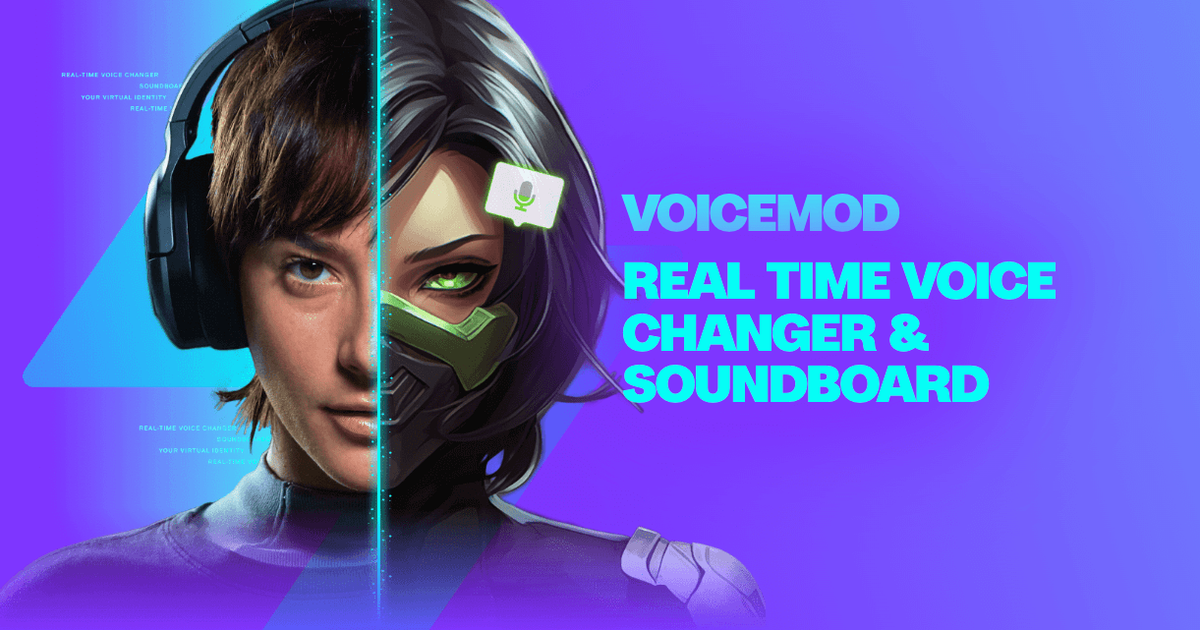
Real-time AI voice changer and soundboard for PC, Mac and mobile that works in Discord, games and streaming apps.
Evaluation
What to know
Best for
- Gamers and Discord communities
- Twitch and YouTube streamers adding reactions and sounds
- Content creators doing character voices live
Not ideal for
- Professional dubbing or film voice cloning
- Producing narrated audiobooks or TTS content
- Users who need transparent published pricing
Key features
- Virtual microphone for Discord, in-game chat and streaming apps
- 200+ real-time voices, AI voices trained with pro voice actors
- Soundboard with keybinds and community sound library
- Voicelab custom voice creator
- Recorder with 30-second Instant Replay; Elgato, Corsair, MSI, Razer integrations
Pros
- Very low friction setup through a virtual mic
- Fairly Trained certification addresses voice-consent concerns
- Free tier lets you try rotating voices
Cons
- PRO pricing is only shown in-app and varies by region and promotion
- Primarily entertainment-focused rather than production voice work
- Desktop-centric experience; mobile mainly acts as a remote
ToolifyNav verdict
Voicemod is the default answer for live, playful voice transformation, and it earns that position with a low-friction virtual microphone, a deep catalog and a soundboard built for the rhythm of streams and voice chat. The Fairly Trained certification is a meaningful signal in a category often accused of borrowing voices without consent. It is not a production voice tool; dubbing, narration and film work belong to studio-grade cloning services. The in-app-only pricing is mildly annoying, so compare offers at checkout. Gamers and streamers can start free and upgrade once a favorite voice ends up behind PRO.
About
About Voicemod
Voicemod is a real-time voice changer and soundboard aimed at gamers, streamers and anyone who hangs out in voice chat. After installation it adds a virtual microphone; you select "Voicemod Virtual Microphone" as the input in Discord, a game's voice chat or your streaming software, then pick a voice and start talking. The library includes more than 200 voices, from anime-style characters to radio-chatter effects, and Voicemod says its AI voices are trained with professional voice actors and certified by Fairly Trained, a nonprofit that audits training-data consent.
Beyond voices, the soundboard lets you assign sound clips to keybinds and fire them during calls or streams, pulling from a community library of sounds and filters. Voicelab is a custom-voice builder for mixing effects such as reverb, delay or a robotifier, or tweaking existing voices. Voicemod Recorder captures clips from YouTube or in-game audio, and Instant Replay rewinds up to 30 seconds to save a moment. Built-in noise suppression and voice enhancement aim to improve even basic microphones, with low latency and light resource use.
The product connects to a hardware ecosystem — Elgato Stream Deck control, MSI Mystic Light and Corsair iCUE lighting sync, Razer-branded voices — and runs AI workloads on-device on Qualcomm Snapdragon X Elite. A companion mobile app works as a remote soundboard. The free version offers a rotating selection of voices; Voicemod PRO unlocks the full catalog, soundboards and Voicelab, with prices shown in-app.
Related
More in Voice Generation & Conversion
Same category — not a curated competitor list.

Discover More
Weekly digest
Get weekly AI tools + hands-on reviews
A short digest of new tools and hands-on breakdowns — unsubscribe anytime.