Humata Review: PDF Answers That Jump Back Into the Page (4/5)
Card-free Humata signup, 18s PDF ingest, ~2s answers that matched the paper, and citation clicks that highlight the source. Free caps and Team-only OCR keep it at 4/5.
![Humata split view: chat answer with citation [1] and yellow-highlighted attention formula in the PDF pane](https://cdn.sanity.io/images/8zf2m0g8/production/d709c4f7ba9d685cd98208a05fd1900f3e301157-1200x675.png?w=1200&h=675&fit=crop&auto=format)
I needed a number out of a PDF without re-reading the whole thing. Not a vibe summary — the actual figure, and a way to check it against the page. That is why I opened Humata (listed on ToolifyNav) around 01:20 UTC on 22 Sep 2026, with a one-page synthetic note on attention mechanisms sitting on disk.
Signed up at app.humata.ai/signup with my Hotmail address. Email and password. First name Leo, last name Liang. No Google button, no Apple path. Verification mail from Humata.ai Support (noreply@humata.ai) hit Outlook Focused in about five seconds — not Junk this time, which already felt better than half the tools I review. Clicked the supabase.humata.ai link, landed on Free. Dashboard said $0. No card form. I could upload immediately.
Eighteen seconds, then the wrong click
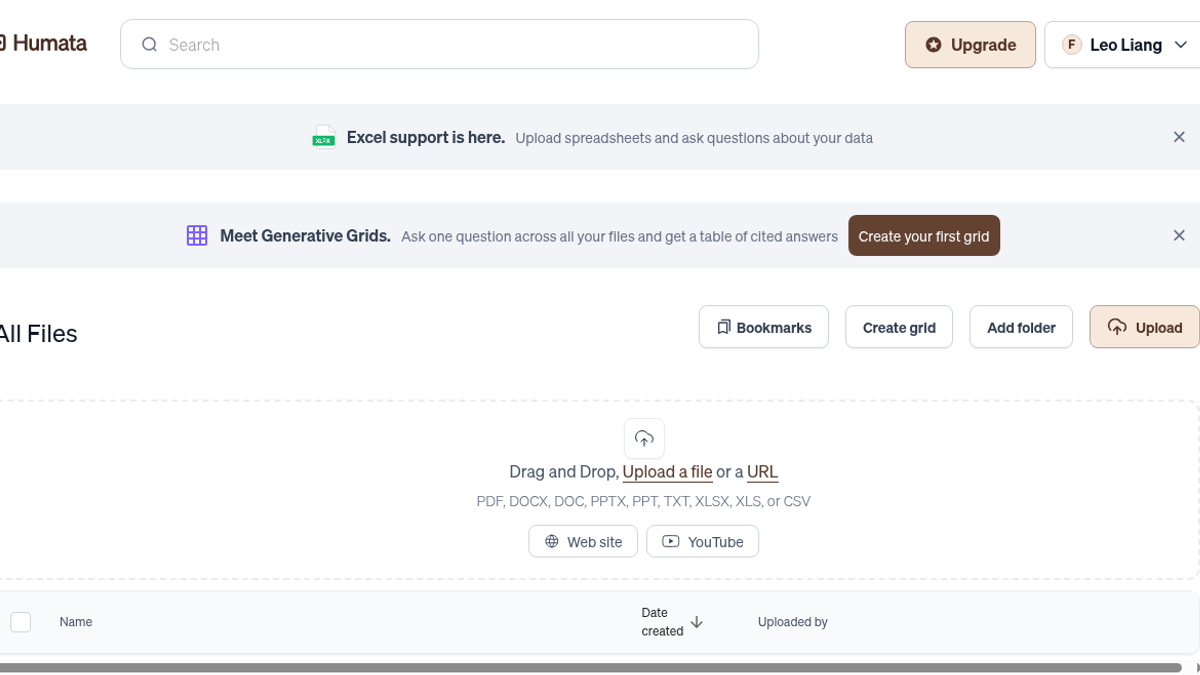
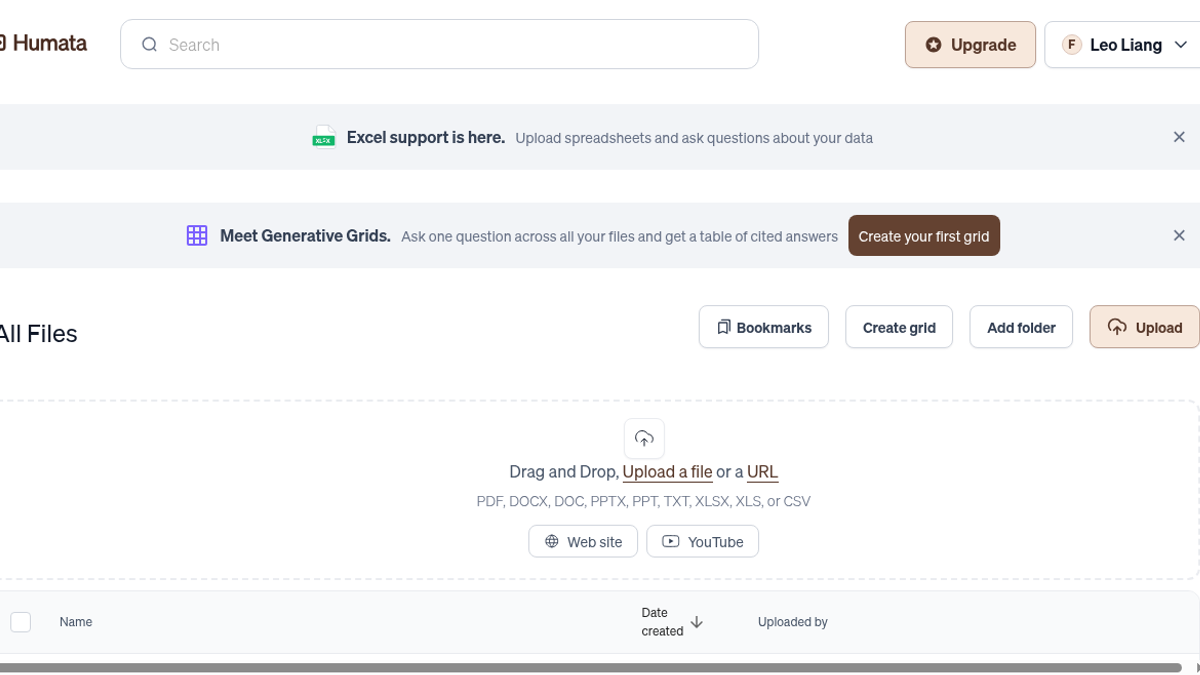
I dropped in sample-paper.pdf — one page covering scaled dot-product attention, a toy copying-task score, and the softmax formula. The UI showed STEP-ENQUEUED, a progress bar around 70%, then SUCCESS with processing_engine_version: 3. Wall clock from drop to ready: about 18 seconds. Short enough that I did not go make tea.
The file table has a small trap. Click the row and you just toggle the checkbox. The thing that actually opens chat is a separate Ask link on the right. I missed it once and sat there wondering why nothing happened. Muscle memory from every other SaaS table failed me.
Worse: if you jump to /ask/file/:id while indexing is still running, you get a flat "Uh-oh. This file failed to load" instead of a waiting state. Wait out the pipeline and it opens fine. Still a sharp edge for anyone who bookmarks the URL too early or double-clicks Ask during ingest.
Once it loaded, the layout was chat on the left, PDF on the right. Humata had already written a short executive summary of the note and parked three suggested prompts under it. Composer modes along the bottom: Fast, Visual, Thinking. I stayed on Fast for the whole session. Did not poke the other two — that is a different afternoon.
Two questions, then a follow-up
First ask: "What exact-match accuracy did the Transformer reach on the copying task?"
About 2.5 seconds later: the Transformer reached 98.4% exact-match on the toy copying task, with a citation badge [1] tagged to page 1. That lines up with the PDF sentence about a 2-layer Transformer with 4 heads after 8k steps. No soft hedging. No invented second decimal.
Second ask: "What is the attention formula given in section 2?"
About 2.0 seconds. Answer came back as Attention(Q, K, V) = softmax( (Q Kᵀ) / √dₖ ) V, again with [1]. Clicking the badge snapped the right-hand viewer onto the formula. Yellow highlight covered the math and the temperature sentence — I counted roughly 18 highlight spans on the react-pdf canvas. That click-to-source loop is the whole product pitch, and on a clean digital PDF it actually worked.
Follow-up without restating the setup: "How does this compare with the LSTM under the same budget?" Another ~2.0 seconds. It kept the thread — Transformer 98.4% vs LSTM 71.2% under the same training budget. No amnesia between turns. For a free-tier chat over a one-pager, that is the bar I wanted.
I did not upload a second file. Did not try Excel or YouTube ingest even though the empty dashboard advertised both. Did not feed it a scanned photocopy. This run stayed on born-digital text where the parser already had characters to chew.
Free means sixty pages and a soft answer cap
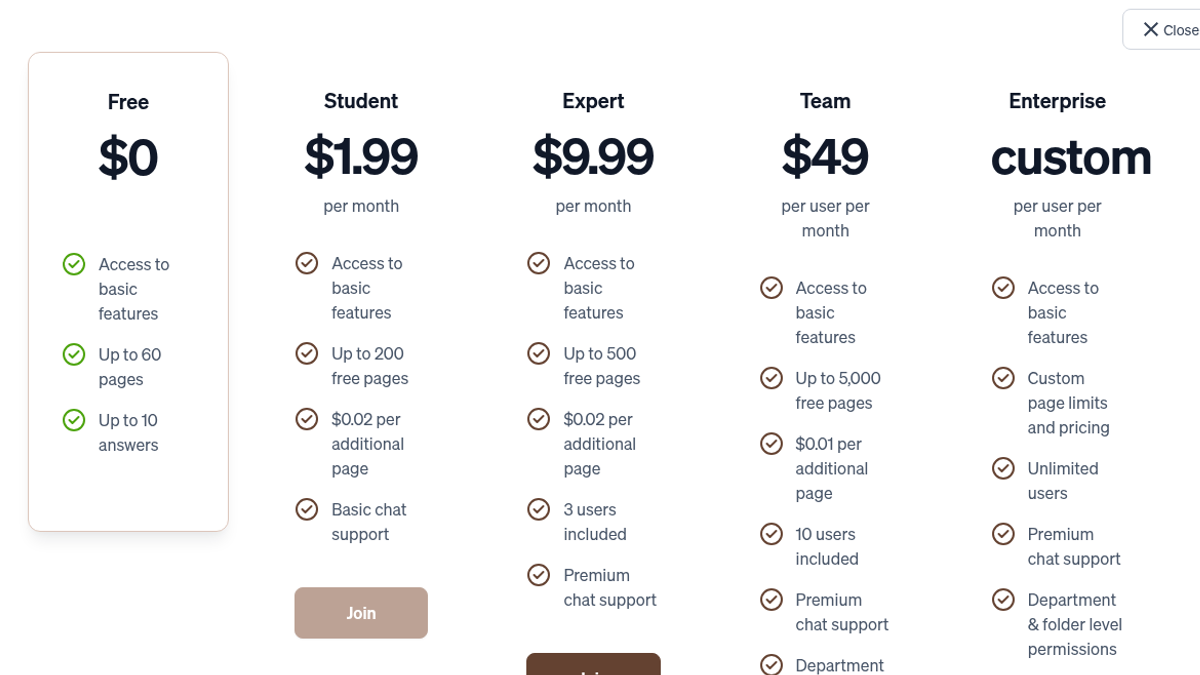
Upgrade modal on Free: $0, up to 60 pages, up to 10 answers. Settings copy elsewhere talked about 100 questions. Same product, two ceilings written in different rooms. I did not burn the free quota to the wall, so I cannot swear which number wins when you actually hit the limit — only that both UIs exist and Free is clearly a sample lane, not a semester of literature review.
Paid ladder from the same modal: Student $1.99/mo (200 pages), Expert $9.99/mo (500 pages, 3 users), Team $49/user/mo (5,000 pages). OCR for scanned documents and images sits on Team. If your pile is phone photos of paper or flattened fax archives, Free will not save you. That price jump is the real gate for labs sitting on legacy scans.
Who this fits in practice: solo researchers and students with clean digital PDFs who want answers they can click back into the page. Who should look elsewhere: anyone living in scanned archives without a Team budget, or anyone who needs a full document management system with retention and legal hold. I did not test team sharing, SSO, enterprise SOC-2 claims, multi-hundred-page books, or mobile.
The core loop held. Signup without a card. Ingest in under twenty seconds. Sub-three-second answers that matched the paper. Citation highlight that was not decorative. The free caps, the checkbox-vs-Ask miss, and the early-open error are the tax you pay before Expert money.
Final rating: 4 out of 5.
Sources: https://toolifynav.com/item/humata (official website, verified during review).
ToolifyNav Directory
Explore Humata on ToolifyNav
Chat with PDFs and document sets — answers with citations for research and team knowledge.
Keep Reading
Related posts
AI Tool Comparisons
ChatPDF vs Humata vs Explainpaper vs SciSummary: Which PDF Tool Actually Answered Me (Tested)
I gave four PDF tools documents I'd written myself. ChatPDF refused to invent a missing price, Humata's citation jumped to the exact formula, Explainpaper explained highlights with no meter, and SciSummary hid a careful summary behind a trial.
AI Tool Reviews
Felo Review: 4/5 — Anonymous Search Nailed a Chile Trap, Signup Hit an Image Captcha
Anonymous Felo search answered a three-part Argentina fact check in about 21 seconds, caught the Aconcagua-in-Chile trap, and rewrote the answer in Spanish with citations kept. Signup stopped on an image captcha. Final rating: 4 out of 5.
AI Tool Reviews
ChatPDF Review: A Trap Question, a Missing Citation and a Fair Free Tier (4/5)
I wrote a two-page darkroom handbook, hid a trap question in it and asked ChatPDF's free tier four questions. It got all four right and refused to invent a price, but one cross-page answer cited the wrong page for half its maths.