Remove.bg Review: 3/5 — Fast Anonymous Cutouts, Low-Res Free Export, and a Canva Sunset Date
Anonymous Remove.bg cutout in a few seconds on a dark flat-lay. Free Preview is 612×408, solid red edit worked, Magic wants signup, site sunsets into Canva 1 Dec 2026. Final rating: 3 out of 5.
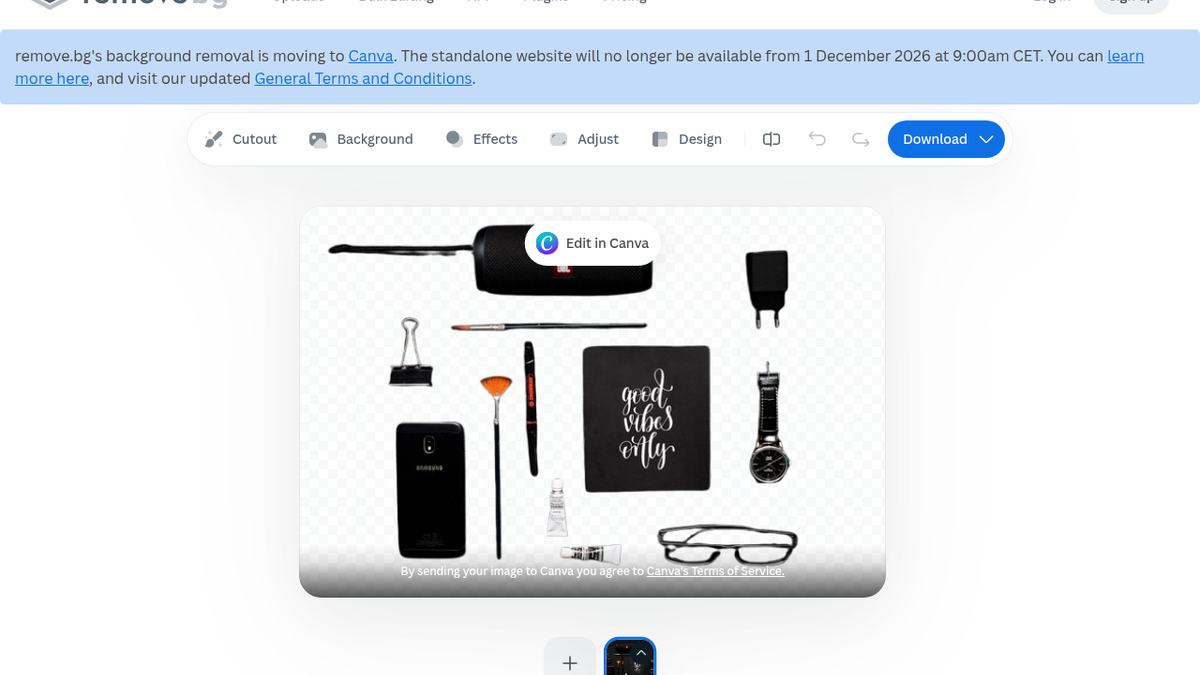
I needed clean product cutouts for store listings and did not want to open Photoshop. So on 10 Sep 2026 I opened Remove.bg anonymously and threw a real flat-lay at it — dark products on a black background. That kind of photo usually eats background removers alive. I wanted to know, in under half a minute, whether the junk would separate at all before I wasted time on a paid upsell.
Homepage claim: “100% Automatically and Free.” Also a banner I almost scrolled past: the standalone site moves to Canva and shuts on 1 December 2026, 9:00am CET. That colored the whole session. Hard to get excited about stacking free-tier habits on a tool with a hard sunset.
Dropping the photo in
No login wall. Upload page just worked. I picked my local JPG from the box and waited.
Roughly 2–5 seconds later the cutout was there. Not stopwatch-timed, but nowhere near my private “under 30 seconds or I bounce” bar. For a first anonymous pass that felt almost rude how quick it was.
The checkerboard preview kept the messy bits: speaker + cable, charger, clip, brush, pen, phone, card, watch, tube, glasses, little accessories. Thin stuff usually dies first. Here the cable, pen, and glasses frames stayed. No obvious leftover black rectangle where the background should have been punched out.
Still irritated me: a soft gray/white shadow/gradient along the bottom edge. Dark-on-black makes edges harder to judge, and that leftover would bother me on a real listing. I stared at it longer than the cutout itself. I did not try hair, glass, metal reflections, people, or a second photo — this was one stubborn flat-lay, and I left it there.
The download wall
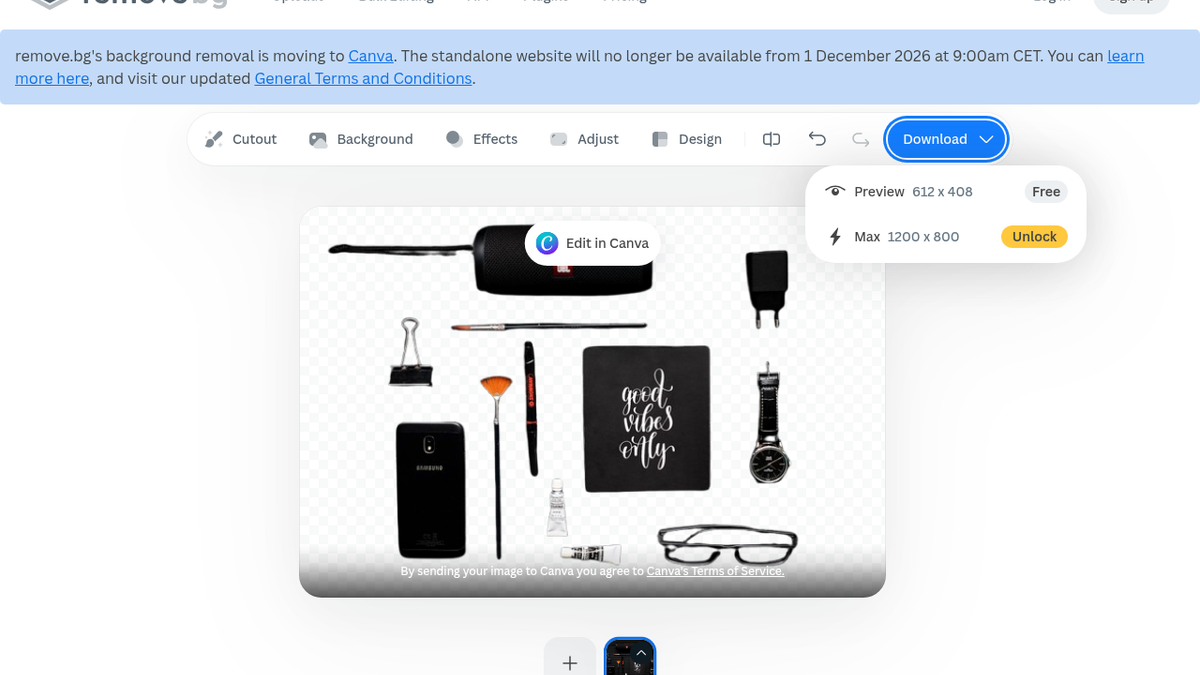
Download menu was blunt:
- Preview 612 × 408 — Free
- Max 1200 × 800 — Unlock
No watermark on the preview. No card popup when I hit Free. I clicked the free Preview option twice. Menu stayed open. Nothing new showed up in my Downloads folder. Maybe browser weirdness on my side — I’m not calling it a Remove.bg outage. What I can say from the UI: free is explicitly 612×408, and 1200×800 is Unlock.
That resolution is a draft thumbnail. Not a zoomable store asset. I almost bounced right there. For a Shopify-style product tile you want sharper than this without paying. The cutout quality had me leaning toward a 4; the free export size yanked it back hard.
Color worked. Magic didn’t.
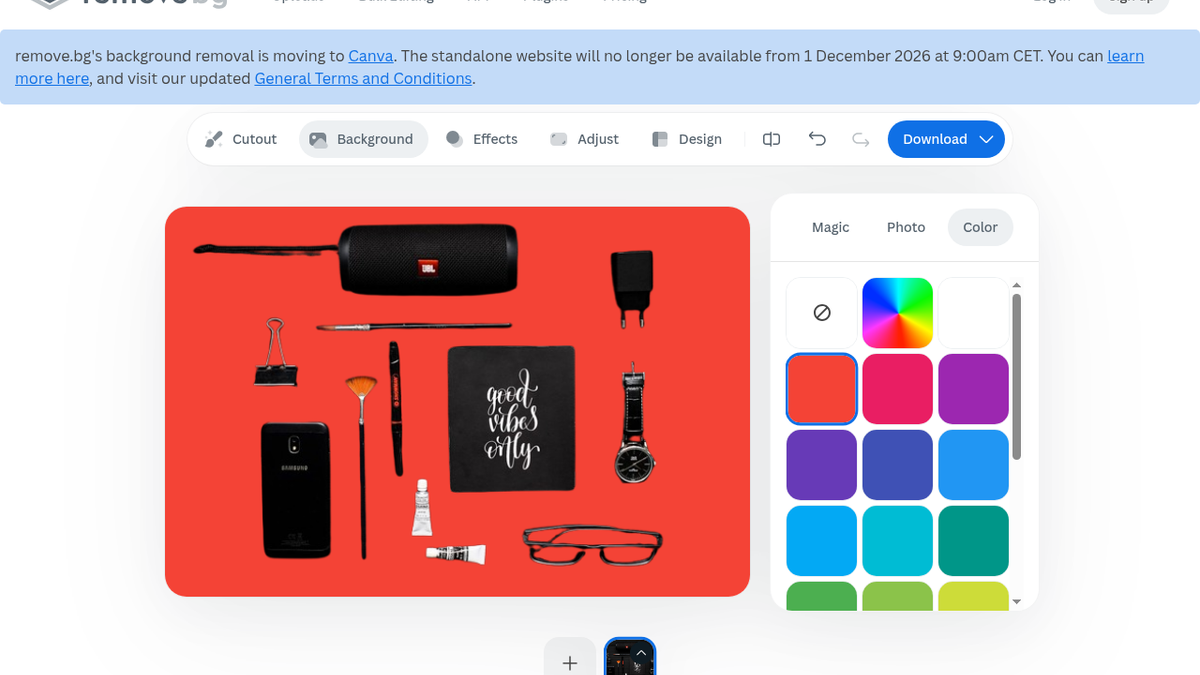
I poked the editor mostly to find the first paywall.
Background → Color: clicked the red swatch, checkerboard became solid red, objects stayed. No signup. Fine for a quick comp. Honestly the part of the free path I trusted most in this session.
Background → Magic: “Sign up to try.” So the AI background they advertise next to Color is gated the moment you poke it. I stopped. Didn’t make an account for this pass. Didn’t open Effects / Adjust / Design beyond that Color vs Magic glance.
Pricing (and the clock)
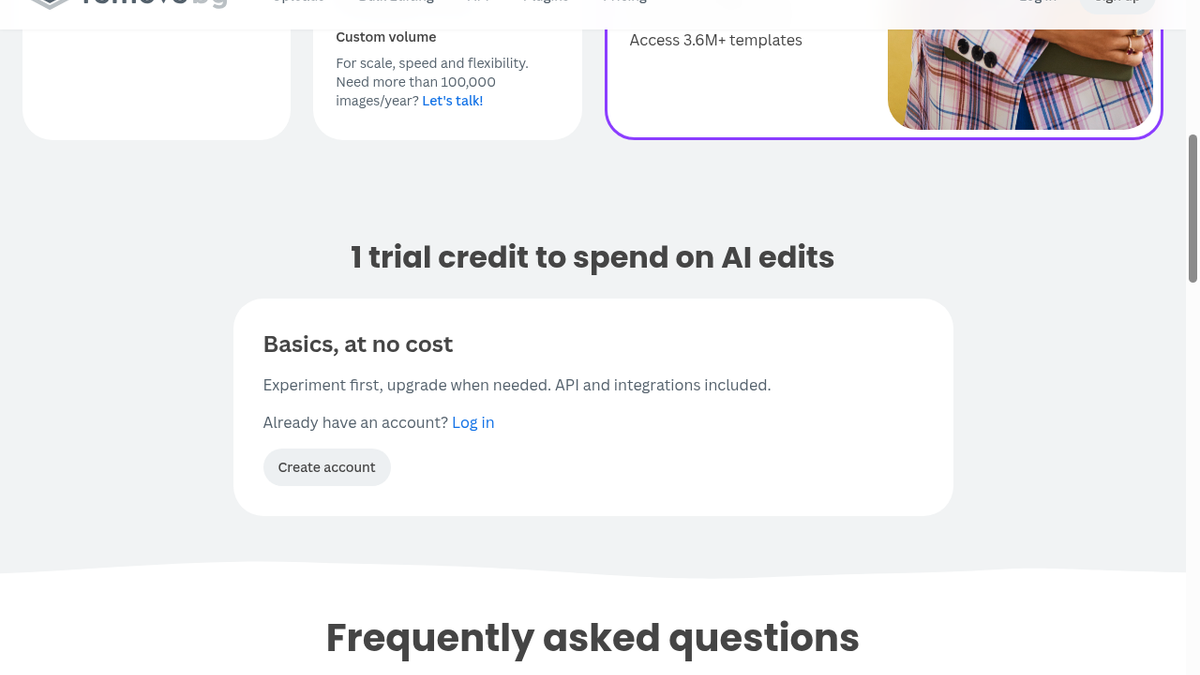
On remove.bg/pricing I saw pay-as-you-go at 3 credits for $3, subscription at 40 credits for $9/month, plus free copy about “1 trial credit to spend on AI edits” and “Basics, at no cost.” Same Dec 1 2026 expiry language as the homepage banner. Credits dying with the site is a real planning problem if you’re stocking up.
I didn’t buy Unlock. Didn’t run a card. Didn’t touch API, batch, or plugins. The pricing page mostly confirmed what the download menu already told me: free is a tease, Unlock is the product, and the calendar is not on your side.
Who this is actually for
If you want a five-second anonymous “will this flat-lay even separate?” check, or a free solid-color mock, Remove.bg still feels good — and the thin-edge pass surprised me more than I expected going in.
If you need free production resolution for ecommerce, or you’re planning credits past late 2026 without moving to Canva, this session was a no. Also listed on ToolifyNav if you want the directory card next to this write-up.
Fast cutout. Fiddly edges held up. Free export is cramped. The site is on borrowed time. I’m fine leaving it at three and moving on.
Final rating: 3 out of 5.
Sources: https://toolifynav.com/item/remove-bg (official website, verified during review).
ToolifyNav Directory
Explore Remove.bg on ToolifyNav
One-click AI background removal for product photos, portraits, and design assets.
Keep Reading
Related posts
SaaS Reviews
Jenni vs Paperpal: One Writes the Paragraph, the Other Fixes Yours
Jenni wrote me a cited paragraph on the daguerreotype and three of its four sources held up. Paperpal caught all seven slips I seeded in my own paragraph. Same $12 entry price, opposite jobs, and two free meters that run out differently.
SaaS Reviews
Jenni Review (4/5): Real Citations, Paywalled Bibliography
I asked Jenni for a cited paragraph on the daguerreotype. Every source it cited was a real paper, three of four actually backed their sentences, and a paraphrase took four seconds. The reference list itself is paywalled on free. Final rating: 4 out of 5.
SaaS Reviews
Paperpal Review: 7 of 7 Planted Grammar Slips Caught on the Free Tier (4/5)
I pasted an 86-word paragraph with seven planted grammar slips into Paperpal's free tier. It caught all seven, rewrote one sentence with Make Academic in about 2.5 seconds, and quietly charged 11 of my 200 monthly edits before I'd accepted a single fix.