Compare
AdCreative.ai vs Canva AI
Side-by-side notes for builders choosing between AdCreative.ai and Canva AI. Prefer the tool that matches your job, not the louder brand.
Option A
AdCreative.ai
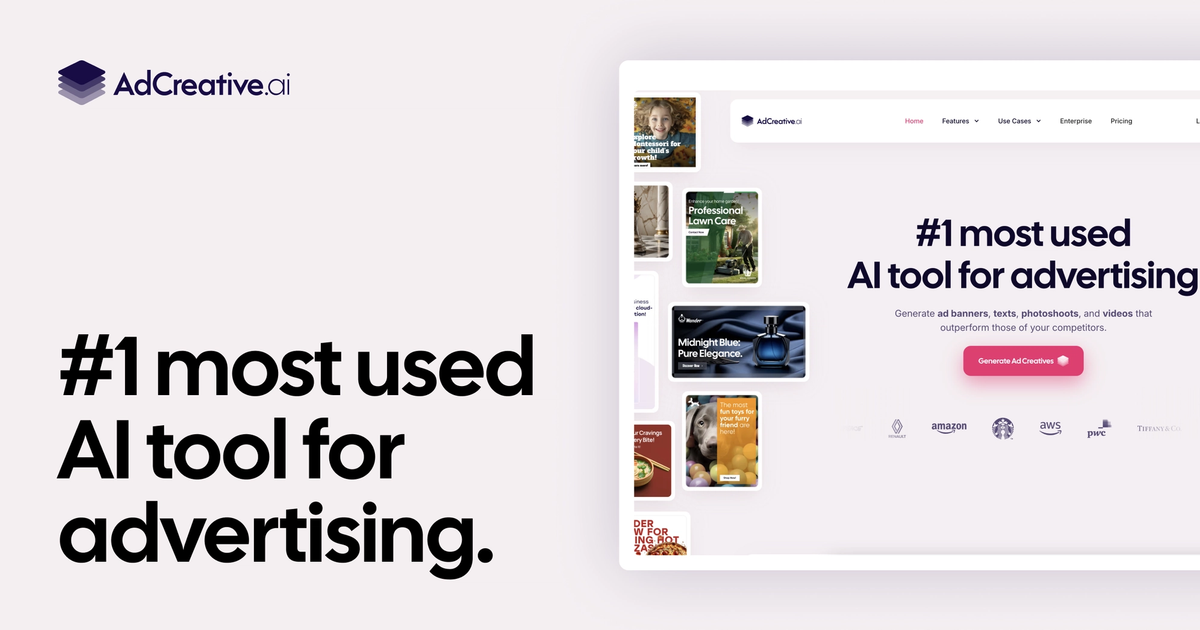
AdCreative.ai is an AI advertising platform that generates high-converting ad banners, social creatives, and ad copy with automated performance scoring.
Best for
- Performance marketing teams and media buyers
- Agencies managing high-volume paid ad campaigns
- Fast multivariate ad creative testing
Strengths
- Rapidly produces full ad size sets from brand guidelines
- Data-backed layout suggestions optimized for conversions
- Integrates with major ad platforms
Trade-offs
- Templates can feel repetitive across campaigns without customization
- Subscription required after initial trial
Verdict
AdCreative.ai is paid-ad creative generation with predictive conversion scoring. Canva AI is manual layout speed for general graphics. Copy.ai and Jasper lean organic and marketing copy. Midjourney and Flux chase open visual exploration without ad-platform sizing discipline. Reach for AdCreative.ai when media buyers and agencies need scored banner and social variants at campaign volume across Meta, Google, and LinkedIn formats. Skip it when the job is brand identity systems, editorial illustration, or long-form SEO articles. Recheck which platforms, video formats, and scoring credits your plan unlocks before locking a renewal around a heavy always-on spend month.
Option B
Canva AI
AI inside Canva’s template universe: Magic Write, Magic Edit, and images for social and light decks.
Best for
- Non-designers shipping social assets
- Marketing teams that already have a Brand Kit
- Fast variants on a template
Strengths
- End-to-end to export
- Approachable
- Fast for social and decks
Trade-offs
- Less control than Figma
- AI output needs a taste pass
Verdict
Canva AI is the practical default when speed and templates matter more than a design system. Midjourney and Flux are stronger pure generation. Firefly is the Adobe file. Uizard and Stitch are UI mockups. Keep the Brand Kit locked. Require the taste pass. Confirm export sizes for the network you actually post to. If a designer already owns Figma, do not force Canva on product UI. Keep Canva for templates and social speed. Leave for Figma when UI is the product. Require a human taste pass on anything public. Confirm export sizes for the actual network.
Choose AdCreative.ai if…
- Performance marketing teams and media buyers
- Agencies managing high-volume paid ad campaigns
- Fast multivariate ad creative testing
Choose Canva AI if…
- Non-designers shipping social assets
- Marketing teams that already have a Brand Kit
- Fast variants on a template
Also see AdCreative.ai alternatives and Canva AI alternatives. Directory curated by ToolifyNav.
Weekly digest