Canva AI
AI inside Canva’s template universe: Magic Write, Magic Edit, and images for social and light decks.
Evaluation
What to know
Editorial notes based on the vendor's own documentation and public pricing, plus hands-on testing where a score or review is shown above. They describe fit for a job, not absolute quality.
Best for
- Non-designers shipping social assets
- Marketing teams that already have a Brand Kit
- Fast variants on a template
Not ideal for
- Product design systems in Figma
- Print production with strict prepress
Key features
- Magic Write
- Magic Edit
- Text-to-image
- Template library
- Brand Kit on paid plans
Pros
- End-to-end to export
- Approachable
- Fast for social and decks
Cons
- Less control than Figma
- AI output needs a taste pass
ToolifyNav verdict
Canva AI is the practical default when speed and templates matter more than a design system. Midjourney and Flux are stronger pure generation. Firefly is the Adobe file. Uizard and Stitch are UI mockups. Keep the Brand Kit locked. Require the taste pass. Confirm export sizes for the network you actually post to. If a designer already owns Figma, do not force Canva on product UI. Keep Canva for templates and social speed. Leave for Figma when UI is the product. Require a human taste pass on anything public. Confirm export sizes for the actual network.
About
About Canva AI
Canva AI sits on the template universe. Social, light decks, one-pagers. Magic features accelerate variants. Brand Kit keeps colors from freelancing into rainbow chaos. The pipeline is brief → template → AI variants → human taste pass → export the right sizes. Skipping the taste pass is how brands look AI-generic.
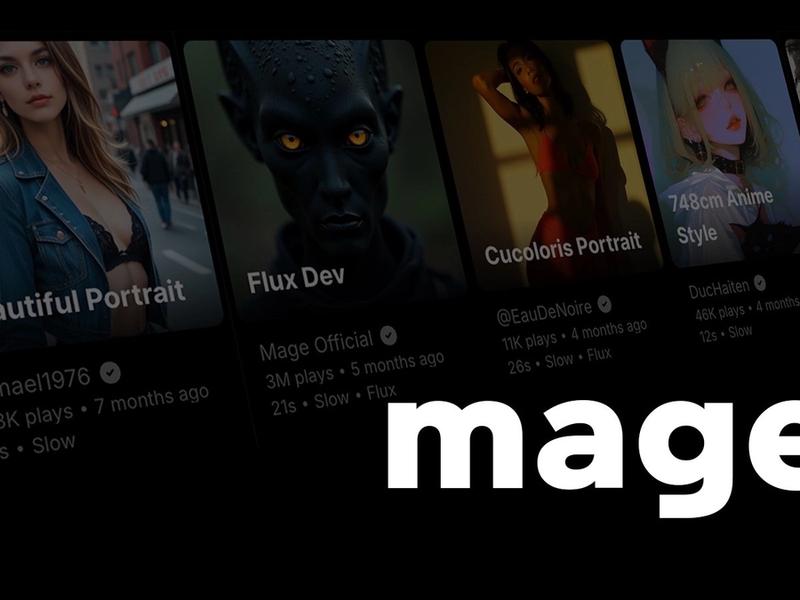
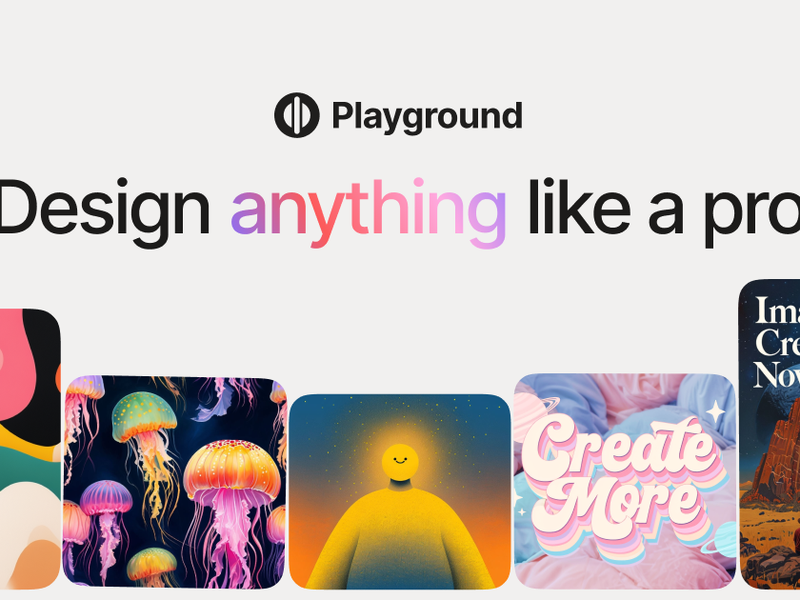
Product design systems, complex UI, and print with real prepress still want Figma or Adobe. Midjourney is for illustration outside layout. Recraft is for vectors you will ship. Stitch and Uizard are for app screens.
If the company already lives in Canva, the AI is an accelerator. If the company is not in Canva, do not buy Canva for the magic features alone.
Taste is still a job. The software will not do it.
Brand Kit first, magic second. A Magic Write paragraph in the wrong purple is still a brand incident. Lock colors before you generate variants. Export the exact pixel sizes the network wants, not the template default.
Alternatives
Alternatives to Canva AI
Direct Side-by-Side Comparisons
Discover More
Weekly digest
Get weekly AI tools and hands-on reviews
A short digest of new tools and hands-on breakdowns. Unsubscribe anytime.