Uizard
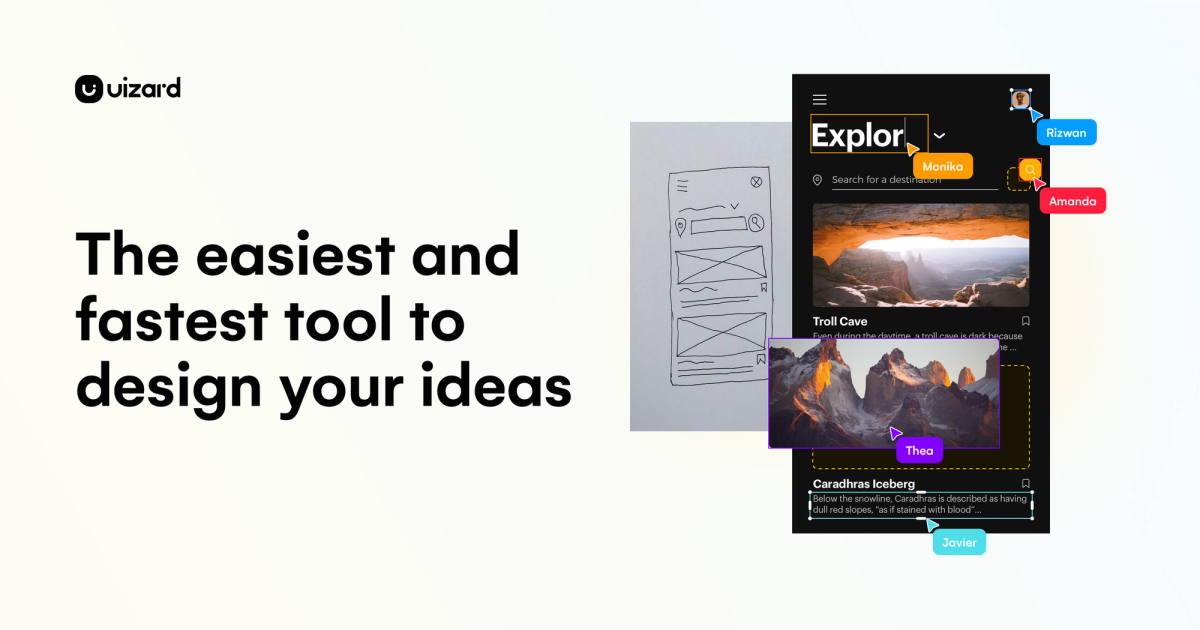
Sketches and prompts become editable UI mockups so teams can argue about screens early.
Hands-on Review and Evidence
Leo Liang · Hands-on
Hands-on score: 4 / 5
Uizard Review: Fast Multi-Screen AI Wireframes with Friction in the Margins
Uizard turned a single prompt into a multi-screen coffee app prototype in 45 seconds without asking for a credit card. The vector canvas is genuinely editable, though you'll run into tight component limits, a spam-folder detour, and an export flow that pushes you toward developer handoff.
Best for
- Founders/PMs turning a prompt into an early multi-screen mobile prototype
- Non-designers who need editable wireframes fast
- Quick product UI arguments before a Figma rebuild
Not ideal for
- Production design systems and accessibility-complete UI
- Long-term free use under tight generation/component caps
- Anyone expecting free developer handoff / code export
Evaluation
What to know
Editorial notes based on the vendor's own documentation and public pricing, plus hands-on testing where a score or review is shown above. They describe fit for a job, not absolute quality.
Key features
- Sketch-to-UI
- Text-to-mockup
- Editable prototypes
- Theme controls
Pros
- Autodesigner built a multi-screen Bean & Brew prototype in ~45 seconds on free
- Vector canvas edits (e.g. icon fill) without locking into flat images
- Preview worked without an upgrade wall
Cons
- Verification email landed in Hotmail Junk
- Export control opened Handoff Mode instead of a clear JPG/PNG/PDF download
- Free quotas are tight: 3 AI generations/month and 400 components/org
- Preview showed a character-encoding glitch on login copy
ToolifyNav verdict
Hands-on (Sep 2026): free Autodesigner produced a coherent multi-screen coffee-shop prototype in about 45 seconds, and basic canvas edits plus preview worked without payment. Score 4/5. Deductions for Junk-folder verification friction, Export pivoting into Handoff Mode, tight free quotas, and a visible encoding glitch in preview. Full write-up: https://toolifynav.com/blog/uizard-review
About
About Uizard
Uizard turns sketches and prompts into UI mockups so founders and PMs can fight about product direction before estimates fossilize. When a design system exists, rebuild with real components in Figma. Generated mockups are conversation starters, not accessibility-complete production UI.
v0 if the next artifact should be React. Framer for marketing pages. Lovable when you need a broader product shell. Stitch is the Google Labs cousin for prompt-to-screens.
Handoff is the rule. Falling in love with generated chrome is how you ship inaccessible UI.
If the argument is about brand illustration, you wanted Midjourney, not this.
Schedule the Figma rebuild the same week as the wow meeting. Conversation-starter UI becomes production UI only through neglect. Put the rebuild on the calendar. Generated chrome is a conversation, not an accessible UI. v0 if the next artifact is React. Framer if it is a marketing URL. Rebuild either way. Stitch is the Google Labs cousin. Handoff is the rule either way.
Alternatives
Alternatives to Uizard




Direct Side-by-Side Comparisons
Discover More
Weekly digest
Get weekly AI tools and hands-on reviews
A short digest of new tools and hands-on breakdowns. Unsubscribe anytime.