Compare
Google Stitch vs Uizard
Side-by-side notes for builders choosing between Google Stitch and Uizard. Prefer the tool that matches your job, not the louder brand.
Option A
Google Stitch
Google Labs tool that turns a prompt, screenshot, or URL into UI screens and exportable frontend code.
Best for
- Founders mocking multi-screen app flows
- Prompt or screenshot to UI
- Early IA arguments before engineering estimates
Strengths
- Fast enough to use in a meeting
- Free with a Google account
- Closer to an app than to a poster generator
Trade-offs
- Not design-ops
- Exported code still needs a developer who cares about the real system
Verdict
Stitch is an ideation tool for interfaces. Canva and Krea remain the right tabs for marketing visuals. Uizard remains the other sketch-to-UI option. v0 remains the better next step when the artifact should already be React. Use Stitch when you need several screens that look like software, not a poster, and you are fine throwing the first code away. Do not staff a product team as if Stitch were Figma plus a senior frontend. Check what the current Labs build actually exports on your prompt — the surface moves.
Option B
Uizard
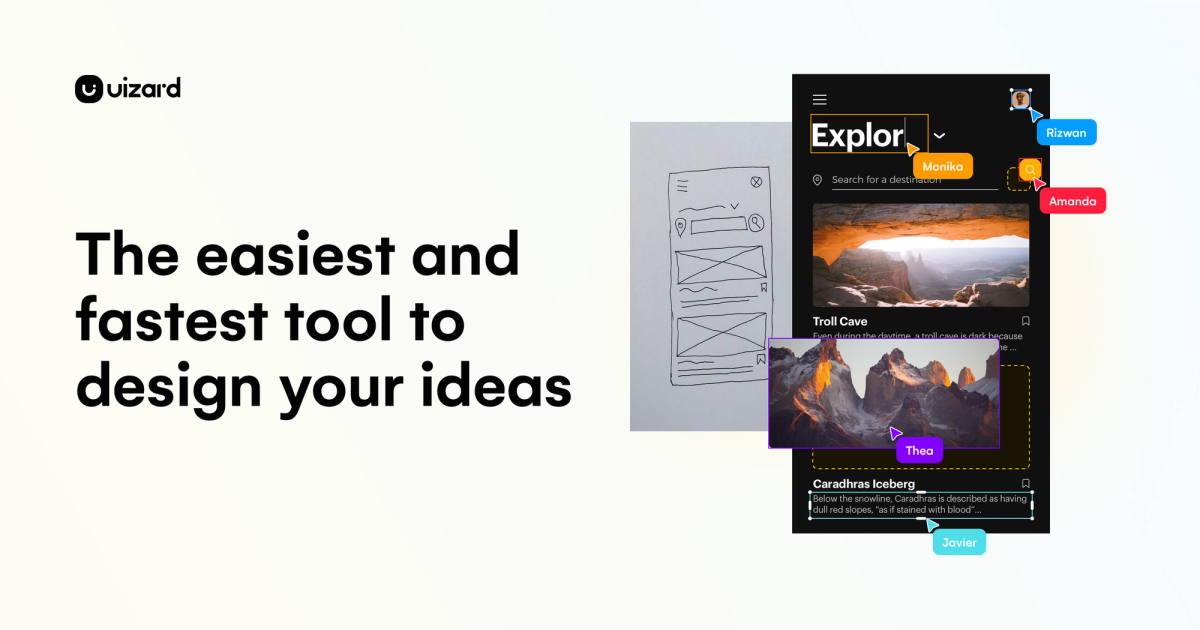
Sketches and prompts become editable UI mockups so teams can argue about screens early.
Best for
- Founders/PMs turning a prompt into an early multi-screen mobile prototype
- Non-designers who need editable wireframes fast
- Quick product UI arguments before a Figma rebuild
Strengths
- Autodesigner built a multi-screen Bean & Brew prototype in ~45 seconds on free
- Vector canvas edits (e.g. icon fill) without locking into flat images
- Preview worked without an upgrade wall
Trade-offs
- Verification email landed in Hotmail Junk
- Export control opened Handoff Mode instead of a clear JPG/PNG/PDF download
- Free quotas are tight: 3 AI generations/month and 400 components/org
- Preview showed a character-encoding glitch on login copy
Verdict
Hands-on (Sep 2026): free Autodesigner produced a coherent multi-screen coffee-shop prototype in about 45 seconds, and basic canvas edits plus preview worked without payment. Score 4/5. Deductions for Junk-folder verification friction, Export pivoting into Handoff Mode, tight free quotas, and a visible encoding glitch in preview. Full write-up: https://toolifynav.com/blog/uizard-review
Choose Google Stitch if…
- Founders mocking multi-screen app flows
- Prompt or screenshot to UI
- Early IA arguments before engineering estimates
Choose Uizard if…
- Founders/PMs turning a prompt into an early multi-screen mobile prototype
- Non-designers who need editable wireframes fast
- Quick product UI arguments before a Figma rebuild
Also see Google Stitch alternatives and Uizard alternatives. Directory curated by ToolifyNav.
Weekly digest