Compare
Framer vs Uizard
Side-by-side notes for builders choosing between Framer and Uizard. Prefer the tool that matches your job, not the louder brand.

Option A
Framer
Design-led marketing sites that become public URLs — motion, CMS, no sprint team required.
Best for
- Marketing sites owned by design
- Landing pages that must ship without a sprint
- Light CMS for changelog and blog
Strengths
- Designers ship
- Marketing craft without a queue
Trade-offs
- Not your app
- Easy to ignore performance
Verdict
Framer ships marketing sites. v0 ships React UI. Lovable and Bolt ship product shells. Webflow is the other designer-CMS religion. Use Framer when the page is the campaign. Measure the published site. Confirm CMS and localization on the plan. If engineers already own the marketing repo and like it, do not start a second brand home. Use Framer when the page is the campaign. Use v0 when the page is React. Measure the published site. Do not start a second brand home if engineering already owns a good marketing repo.
Option B
Uizard
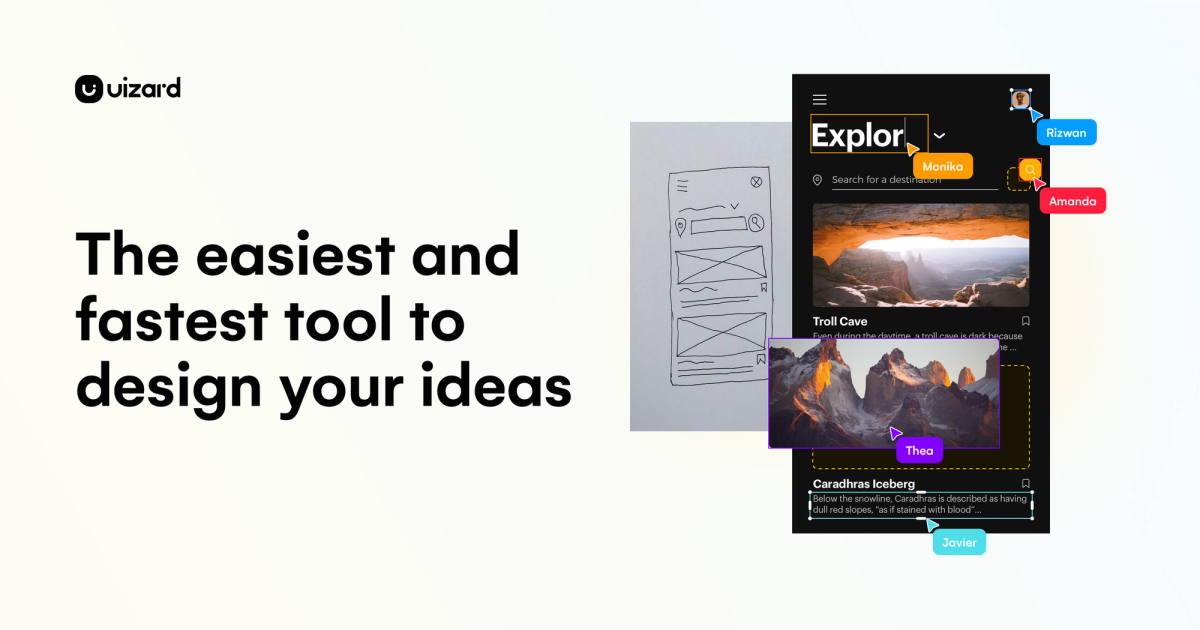
Sketches and prompts become editable UI mockups so teams can argue about screens early.
Best for
- Founders/PMs turning a prompt into an early multi-screen mobile prototype
- Non-designers who need editable wireframes fast
- Quick product UI arguments before a Figma rebuild
Strengths
- Autodesigner built a multi-screen Bean & Brew prototype in ~45 seconds on free
- Vector canvas edits (e.g. icon fill) without locking into flat images
- Preview worked without an upgrade wall
Trade-offs
- Verification email landed in Hotmail Junk
- Export control opened Handoff Mode instead of a clear JPG/PNG/PDF download
- Free quotas are tight: 3 AI generations/month and 400 components/org
- Preview showed a character-encoding glitch on login copy
Verdict
Hands-on (Sep 2026): free Autodesigner produced a coherent multi-screen coffee-shop prototype in about 45 seconds, and basic canvas edits plus preview worked without payment. Score 4/5. Deductions for Junk-folder verification friction, Export pivoting into Handoff Mode, tight free quotas, and a visible encoding glitch in preview. Full write-up: https://toolifynav.com/blog/uizard-review
Choose Framer if…
- Marketing sites owned by design
- Landing pages that must ship without a sprint
- Light CMS for changelog and blog
Choose Uizard if…
- Founders/PMs turning a prompt into an early multi-screen mobile prototype
- Non-designers who need editable wireframes fast
- Quick product UI arguments before a Figma rebuild
Also see Framer alternatives and Uizard alternatives. Directory curated by ToolifyNav.
Weekly digest