Compare
Aider vs Cline
Side-by-side notes for builders choosing between Aider and Cline. Prefer the tool that matches your job, not the louder brand.
Option A
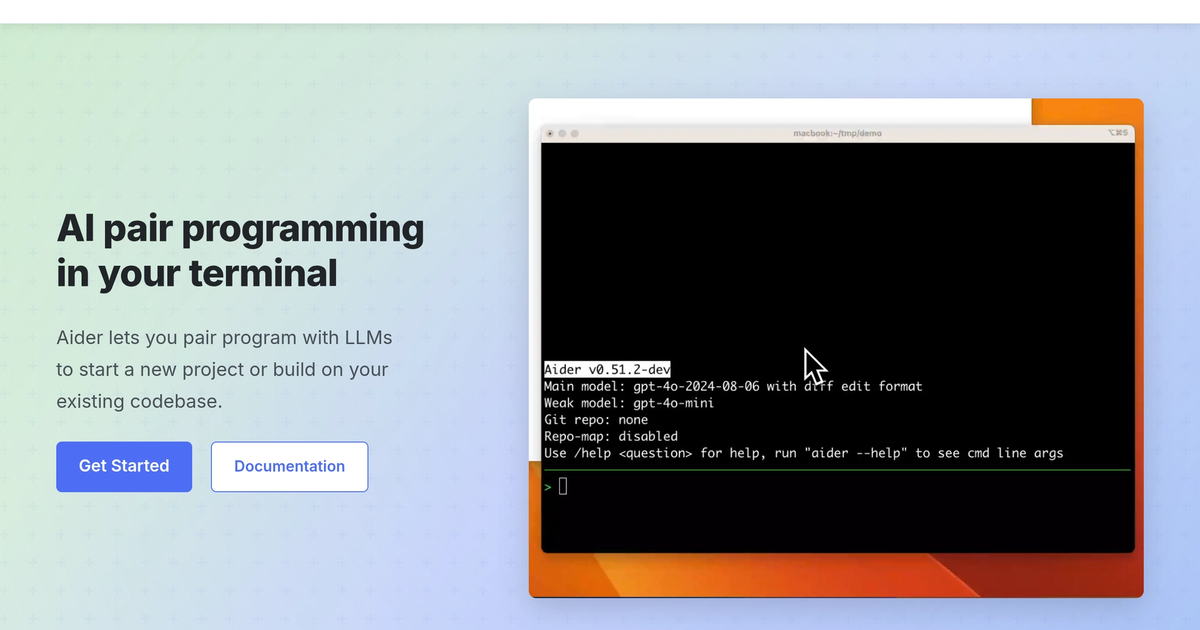
Aider
Terminal pair programmer that edits the repo and can commit — git is the interface.
Best for
- CLI-first developers
- Git-native multi-file edits
- People who refuse an IDE migration
Strengths
- No IDE religion
- The diff is the conversation
Trade-offs
- CLI tax
- You own the model bill
Verdict
Aider is the terminal harness. Claude Code is the other one with a stronger Anthropic flavor. Cursor is the IDE. Copilot is the seat switch. Use Aider when git is already home. Review every commit message. Confirm which models you will pay for. If the team wants a window with a file tree and a chat, you wanted Cursor, and that is allowed. Stay in Aider when the diff is the conversation. Leave when the team needs a file tree and a chat pane. Confirm the model bill before you let it roam a monorepo overnight.

Option B
Cline
Cline is an open-source autonomous coding agent for VS Code and CLI that uses a Plan-and-Act loop to read, edit, execute terminal commands, and build software with your own API keys.
Best for
- Developers wanting an open-source VS Code agent
- Teams using custom model endpoints or BYOK
- End-to-end task automation inside editors
Strengths
- Fully open-source with no vendor lock-in
- Transparent cost control with pay-per-token models
- Deep integration with VS Code
Trade-offs
- Requires managing your own API keys
- Token costs can accumulate on complex agent loops
Verdict
Cline is an open-source Plan-and-Act coding agent for VS Code, CLI, and SDK with bring-your-own keys. Cursor and Windsurf package agent UX into dedicated AI editors. Claude Code and Aider lean terminal-first. GitHub Copilot remains lighter autocomplete. Reach for Cline when you want agentic multi-file edits and terminal runs with your own models and no proprietary IDE lock-in. Skip it if you only want inline completion or a fully hosted seat with zero key management. Cap token spend on long agent loops, keep approval gates on destructive commands, and review plans before unsupervised overnight runs.
Choose Aider if…
- CLI-first developers
- Git-native multi-file edits
- People who refuse an IDE migration
Choose Cline if…
- Developers wanting an open-source VS Code agent
- Teams using custom model endpoints or BYOK
- End-to-end task automation inside editors
Also see Aider alternatives and Cline alternatives. Directory curated by ToolifyNav.
Weekly digest