Compare
Cleanup.pictures vs Upscayl
Side-by-side reference for the two listings. This pair is not an editorial comparison — we only present a comparison as curated when both listings are evaluated and one names the other as an alternative.
We're still gathering detailed evaluation notes for this pair, so it stays out of search results. Check back once both listings are fully reviewed and linked as alternatives.
Option A
Cleanup.pictures
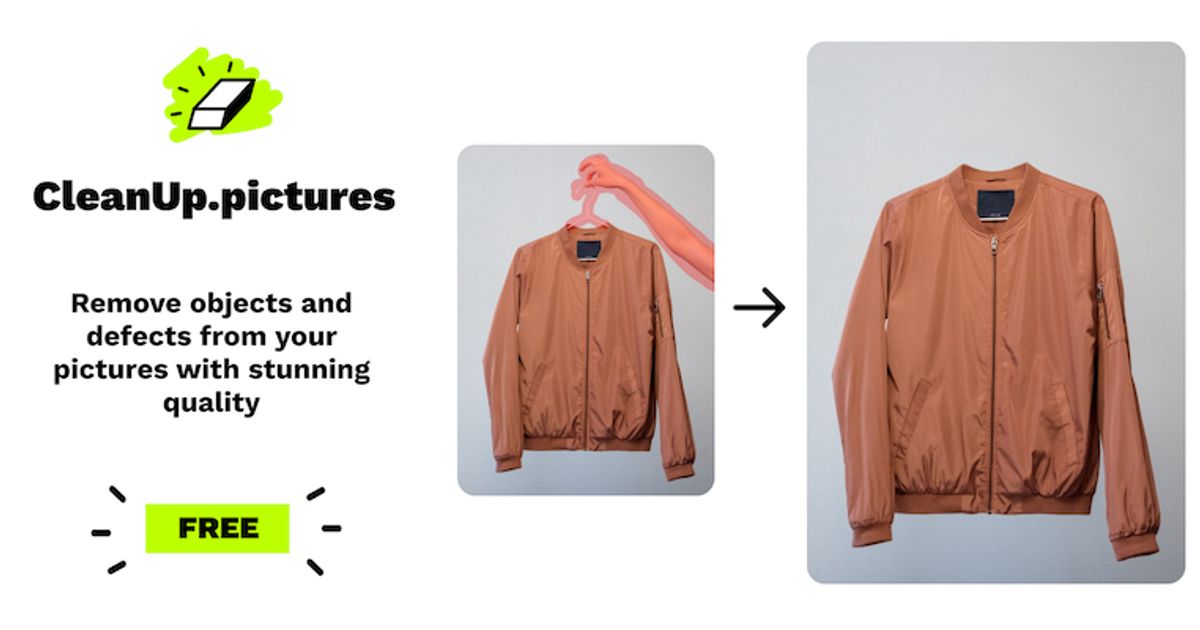
AI inpainting tool that removes objects, people, text, and defects from photos.
Best for
- Product and real-estate shooters scrubbing text, watermarks, or clutter in-browser
- Marketers who need a fast free erase for web thumbs and messaging mockups
- Anyone okay with a 720p free export and a clear $5/mo HD upgrade
Strengths
- Anonymous free erase works — no card, no signup required to download
- ~1.8–2.0s per brush stroke; successive erases on the same canvas without paywall
- HD→SD gate is upfront and honest (720×523 free vs 1200×872 Pro)
- Passwordless magic-link signup works (Junk folder); Pro pricing clearly listed at $5/mo or $36/yr
Trade-offs
- Free hard-caps exports at ~720p — 1200×872 uploads forced to downscale before editing
- Magic-link email landed in Outlook Junk
- Full-res / high-quality refiner locked behind Cleanup Pro or ClipDrop Pro
- Not a full generative editor — single-purpose inpainting only
Verdict
Hands-on (Sep 29, 2026): Anonymous brush erase on a cluttered watch photo in ~2s per stroke, honest 720p free gate (720×523 download), magic link via Junk, Pro at $5/mo or $36/yr. 4/5. Full review: https://toolifynav.com/blog/cleanup-pictures-review

Option B
Upscayl
Free, open-source desktop AI image upscaler for Windows, macOS and Linux, now paired with a paid Upscayl Cloud service.
Best for
- Photographers enlarging older or cropped images for print
- Digital artists preparing assets at higher resolutions
- Privacy-conscious users who cannot upload images to cloud services
Strengths
- Desktop version is completely free and private
- Works on AMD, Intel and Nvidia GPUs without CUDA
- Simple interface suitable for non-technical users
Trade-offs
- Local processing is slow on weak or integrated GPUs
- Upscaled faces and text can look artificial on heavy enlargements
- Cloud features require a separate credit-based subscription
Verdict
Upscayl is the easiest recommendation in its category for anyone who wants AI upscaling without paying or uploading: the desktop app is open source, cross-platform and runs on almost any GPU. Results are faithful rather than heavily generative, which suits photo restoration and print preparation. Slow hardware will feel slow, and extreme enlargements of faces or text still show artifacts. The newer Cloud service adds speed and editing tools for those who need them, but most users can start, and often stay, with the free local version.
Choose Cleanup.pictures if…
- Product and real-estate shooters scrubbing text, watermarks, or clutter in-browser
- Marketers who need a fast free erase for web thumbs and messaging mockups
- Anyone okay with a 720p free export and a clear $5/mo HD upgrade
Choose Upscayl if…
- Photographers enlarging older or cropped images for print
- Digital artists preparing assets at higher resolutions
- Privacy-conscious users who cannot upload images to cloud services
Also see Cleanup.pictures alternatives and Upscayl alternatives. Directory curated by ToolifyNav.
Weekly digest