Compare
Cleanup.pictures vs VanceAI
Side-by-side reference for the two listings. This pair is not an editorial comparison — we only present a comparison as curated when both listings are evaluated and one names the other as an alternative.
We're still gathering detailed evaluation notes for this pair, so it stays out of search results. Check back once both listings are fully reviewed and linked as alternatives.
Option A
Cleanup.pictures
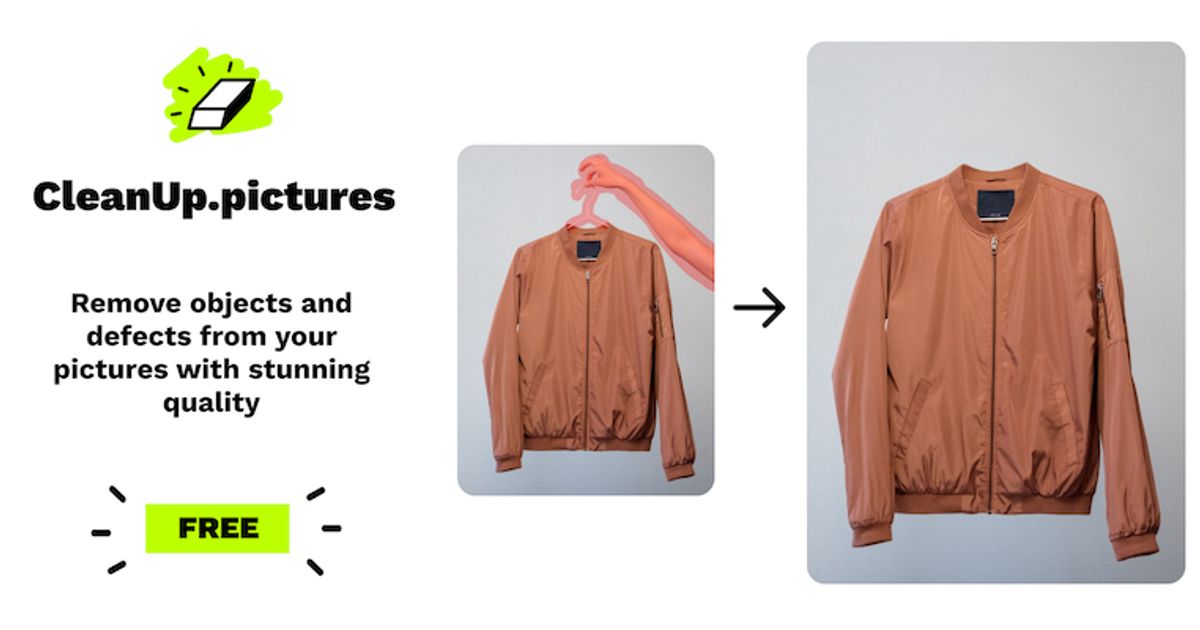
AI inpainting tool that removes objects, people, text, and defects from photos.
Best for
- Product and real-estate shooters scrubbing text, watermarks, or clutter in-browser
- Marketers who need a fast free erase for web thumbs and messaging mockups
- Anyone okay with a 720p free export and a clear $5/mo HD upgrade
Strengths
- Anonymous free erase works — no card, no signup required to download
- ~1.8–2.0s per brush stroke; successive erases on the same canvas without paywall
- HD→SD gate is upfront and honest (720×523 free vs 1200×872 Pro)
- Passwordless magic-link signup works (Junk folder); Pro pricing clearly listed at $5/mo or $36/yr
Trade-offs
- Free hard-caps exports at ~720p — 1200×872 uploads forced to downscale before editing
- Magic-link email landed in Outlook Junk
- Full-res / high-quality refiner locked behind Cleanup Pro or ClipDrop Pro
- Not a full generative editor — single-purpose inpainting only
Verdict
Hands-on (Sep 29, 2026): Anonymous brush erase on a cluttered watch photo in ~2s per stroke, honest 720p free gate (720×523 download), magic link via Junk, Pro at $5/mo or $36/yr. 4/5. Full review: https://toolifynav.com/blog/cleanup-pictures-review

Option B
VanceAI
Suite of AI image enhancement tools for automatic upscaling, background removal, denoising, and portrait sharpening.
Best for
- E-commerce sellers enhancing product photography for web shops and marketplaces
- Print designers needing to enlarge low-resolution client assets for physical production
- Photographers restoring vintage family archives or cleaning up noisy low-light captures
Strengths
- Consistently sharp upscaling results that restore fine detail without plastic artifacts
- Broad suite of focused tools handling virtually every common photo defect
- Available via web browser, offline desktop client, and programmatic API
Trade-offs
- Credit-based pricing structure can become costly for massive high-volume image batches
- Web interface can experience processing queues during peak server loads
- Occasional over-smoothing on highly degraded faces when using aggressive portrait models
Verdict
VanceAI provides a dependable, highly accessible suite of practical image enhancement tools that solve everyday raster quality issues. Its specialized neural networks for upscaling, noise reduction, motion blur repair, and automated background removal consistently outperform standard bicubic algorithms, producing sharp, realistic visual detail across challenging e-commerce product photos and degraded vintage prints. While high-volume processing can consume credits relatively quickly, the availability of both a fast web portal and a batch-oriented Windows desktop client makes VanceAI a reliable workhorse for commercial photo editing and print production workflows.
Choose Cleanup.pictures if…
- Product and real-estate shooters scrubbing text, watermarks, or clutter in-browser
- Marketers who need a fast free erase for web thumbs and messaging mockups
- Anyone okay with a 720p free export and a clear $5/mo HD upgrade
Choose VanceAI if…
- E-commerce sellers enhancing product photography for web shops and marketplaces
- Print designers needing to enlarge low-resolution client assets for physical production
- Photographers restoring vintage family archives or cleaning up noisy low-light captures
Also see Cleanup.pictures alternatives and VanceAI alternatives. Directory curated by ToolifyNav.
Weekly digest