Compare
Clockwise vs Napkin AI
Side-by-side reference for the two listings. This pair is not an editorial comparison — we only present a comparison as curated when both listings are evaluated and one names the other as an alternative.
We're still gathering detailed evaluation notes for this pair, so it stays out of search results. Check back once both listings are fully reviewed and linked as alternatives.
Option A
Clockwise
Intelligent calendar coordinator that automatically optimizes team schedules, creates uninterrupted Focus Time, and resolves meeting conflicts.
Best for
- Engineering, product, and design teams needing dedicated blocks of deep work time
- Fast-growing hybrid companies suffering from pervasive meeting creep and fragmented days
- People managers trying to reduce team burnout and improve development velocity
Strengths
- Directly protects hours of continuous deep work without requiring awkward manual negotiation
- Reduces calendar fragmentation across entire engineering, design, and product teams
- Seamless background operation with zero disruption to standard Google Calendar UI
Trade-offs
- Maximum organizational value requires widespread team adoption rather than solo usage
- Moving meetings can occasionally confuse external participants if not communicated clearly
- Advanced team-wide optimization requires paid per-seat subscriptions
Verdict
Clockwise tackles the pervasive problem of calendar fragmentation by treating internal team meetings as flexible objects that can be algorithmically rearranged to maximize continuous Focus Time. By dynamically grouping meetings and resolving scheduling overlaps without manual intervention, it reliably rescues hours of uninterrupted deep work every week for engineering, design, and product organizations. While the platform delivers its greatest impact when adopted across an entire department rather than by isolated individuals, Clockwise is one of the highest-leverage productivity investments available for collaborative hybrid teams.
Option B
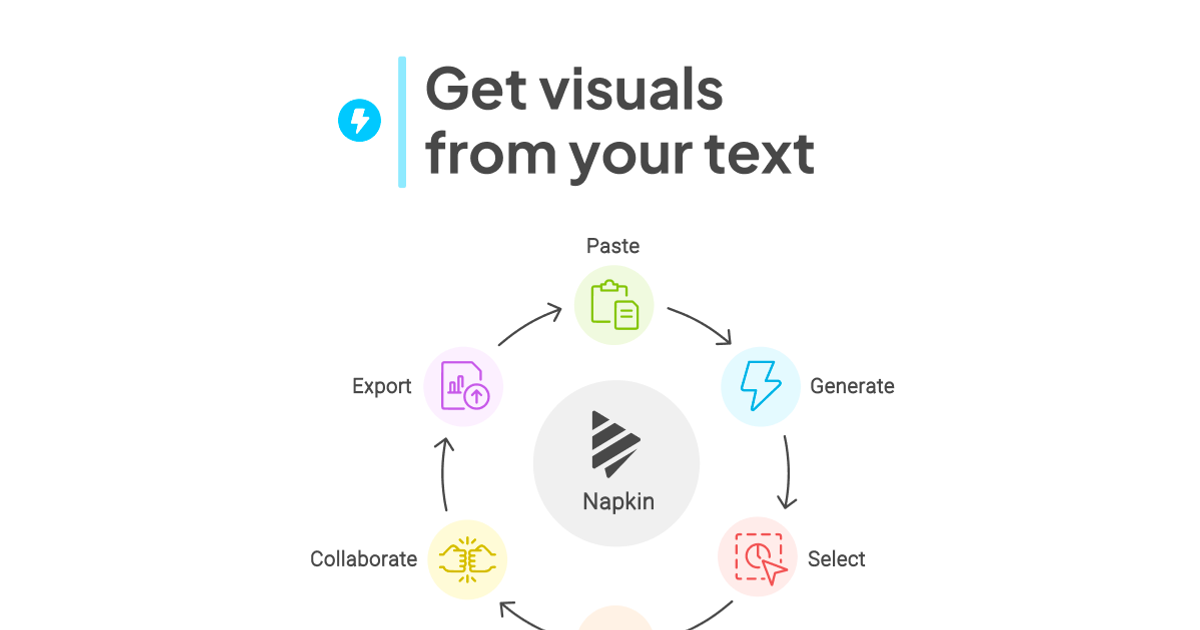
Napkin AI
Text-to-visual tool that turns pasted paragraphs into editable diagrams, flowcharts, mind maps and charts for slides and docs.
Best for
- Writers and developers who explain processes in prose and want a quick flowchart for docs, blogs or X posts
- Solo founders diagramming onboarding or submission flows without opening Figma
- Turning short paragraphs into timelines, lists or mind maps for newsletters
Strengths
- Email + password signup with no card; 500 AI credits a week on Free
- Turned a 108-word paragraph into six visual options in 8 seconds
- The vertical flowchart option kept real if/else branches and a retry loop from plain prose
- 2x (1084 × 3329) and 3x (1626 × 4994) PNG exports are free
- Inline node text editing resizes boxes cleanly once you double-click the node text
Trade-offs
- Every free PNG carries a "Made with Napkin" mark; removing it needs a paid plan
- Colors are palette roles, not per-node; one swatch change turned branch labels white and invisible on the default transparent PNG
- Loop connectors route around the canvas edge and cross the main flow
- Steps follow text order ("Monday Evening" placed after "Friday")
- Verification code landed in Outlook Junk; credit balance only visible in Account Settings
Verdict
Hands-on (Oct 6, 2026): email signup with no card, then a 108-word ToolifyNav submit-flow paragraph became six visual options in 8 seconds, and the vertical flowchart got the Free/paid branches, retry loop and Monday recheck right. 2x/3x PNG export is free, two generations used 34 of 500 weekly credits. Docked for the Napkin mark on every free export, palette-role recoloring that whited out my branch labels, crossing loop wires and text-order mistakes. 4/5. Full review: https://toolifynav.com/blog/napkin-ai-review
Choose Clockwise if…
- Engineering, product, and design teams needing dedicated blocks of deep work time
- Fast-growing hybrid companies suffering from pervasive meeting creep and fragmented days
- People managers trying to reduce team burnout and improve development velocity
Choose Napkin AI if…
- Writers and developers who explain processes in prose and want a quick flowchart for docs, blogs or X posts
- Solo founders diagramming onboarding or submission flows without opening Figma
- Turning short paragraphs into timelines, lists or mind maps for newsletters
Also see Clockwise alternatives and Napkin AI alternatives. Directory curated by ToolifyNav.
Weekly digest