Compare
Glean vs Napkin AI
Side-by-side reference for the two listings. This pair is not an editorial comparison — we only present a comparison as curated when both listings are evaluated and one names the other as an alternative.
We're still gathering detailed evaluation notes for this pair, so it stays out of search results. Check back once both listings are fully reviewed and linked as alternatives.

Option A
Glean
Enterprise AI layer over your company's own data — search, assistant and agents that respect existing permissions.
Best for
- Enterprises whose knowledge is scattered across many SaaS tools
- IT and ops teams that need permission-aware AI answers over internal data
Strengths
- Respects existing document permissions instead of flattening them
- One query reaches wiki, chat, drive and ticketing at once
- Agents can act inside the tools rather than only answering questions
Trade-offs
- Enterprise-only: no self-serve path, and pricing is quoted through sales
- Value depends on how well your tools are connected and tagged
- Rollout needs an owner for permissions and connector hygiene
Verdict
Glean is sold on a promise that is easy to test and hard to fake: ask a question, get an answer drawn from your own company's material, with the source attached and the permission rules intact. Where a company has real sprawl, that is worth a lot, and the agent layer means the same index can start doing work instead of only answering. The costs are organisational — connectors to maintain, policies to agree, a number quoted rather than listed — and it only pays off at a size where nobody knows where the onboarding doc lives.
Option B
Napkin AI
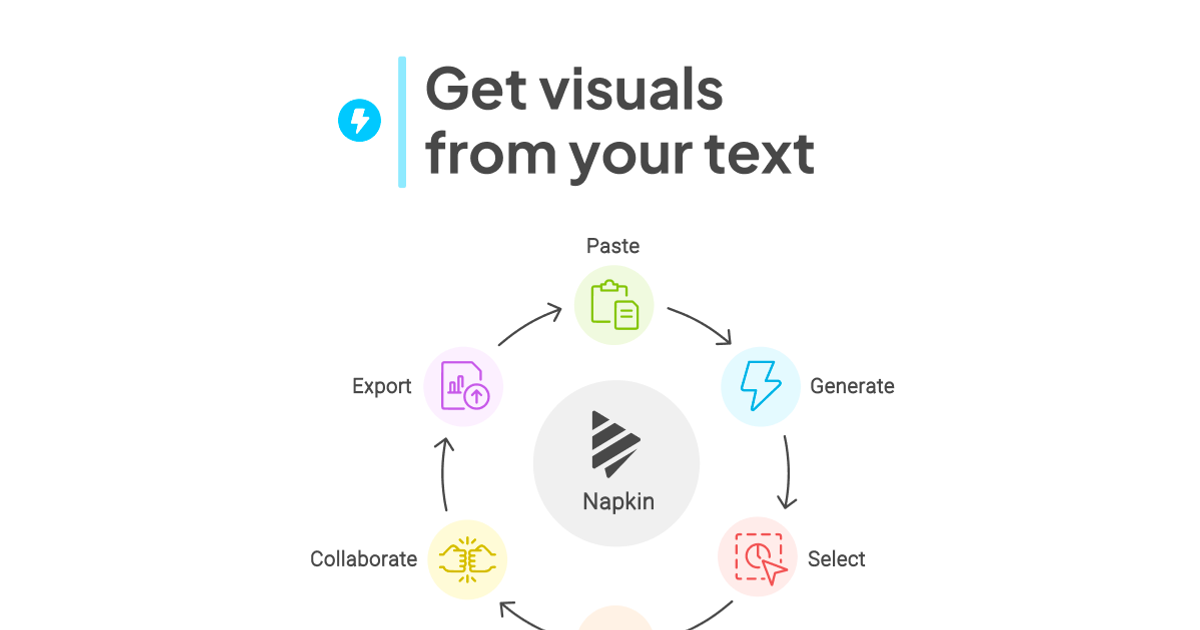
Text-to-visual tool that turns pasted paragraphs into editable diagrams, flowcharts, mind maps and charts for slides and docs.
Best for
- Writers and developers who explain processes in prose and want a quick flowchart for docs, blogs or X posts
- Solo founders diagramming onboarding or submission flows without opening Figma
- Turning short paragraphs into timelines, lists or mind maps for newsletters
Strengths
- Email + password signup with no card; 500 AI credits a week on Free
- Turned a 108-word paragraph into six visual options in 8 seconds
- The vertical flowchart option kept real if/else branches and a retry loop from plain prose
- 2x (1084 × 3329) and 3x (1626 × 4994) PNG exports are free
- Inline node text editing resizes boxes cleanly once you double-click the node text
Trade-offs
- Every free PNG carries a "Made with Napkin" mark; removing it needs a paid plan
- Colors are palette roles, not per-node; one swatch change turned branch labels white and invisible on the default transparent PNG
- Loop connectors route around the canvas edge and cross the main flow
- Steps follow text order ("Monday Evening" placed after "Friday")
- Verification code landed in Outlook Junk; credit balance only visible in Account Settings
Verdict
Hands-on (Oct 6, 2026): email signup with no card, then a 108-word ToolifyNav submit-flow paragraph became six visual options in 8 seconds, and the vertical flowchart got the Free/paid branches, retry loop and Monday recheck right. 2x/3x PNG export is free, two generations used 34 of 500 weekly credits. Docked for the Napkin mark on every free export, palette-role recoloring that whited out my branch labels, crossing loop wires and text-order mistakes. 4/5. Full review: https://toolifynav.com/blog/napkin-ai-review
Choose Glean if…
- Enterprises whose knowledge is scattered across many SaaS tools
- IT and ops teams that need permission-aware AI answers over internal data
Choose Napkin AI if…
- Writers and developers who explain processes in prose and want a quick flowchart for docs, blogs or X posts
- Solo founders diagramming onboarding or submission flows without opening Figma
- Turning short paragraphs into timelines, lists or mind maps for newsletters
Also see Glean alternatives and Napkin AI alternatives. Directory curated by ToolifyNav.
Weekly digest