Compare
Grain vs Napkin AI
Side-by-side reference for the two listings. This pair is not an editorial comparison — we only present a comparison as curated when both listings are evaluated and one names the other as an alternative.
We're still gathering detailed evaluation notes for this pair, so it stays out of search results. Check back once both listings are fully reviewed and linked as alternatives.
Option A
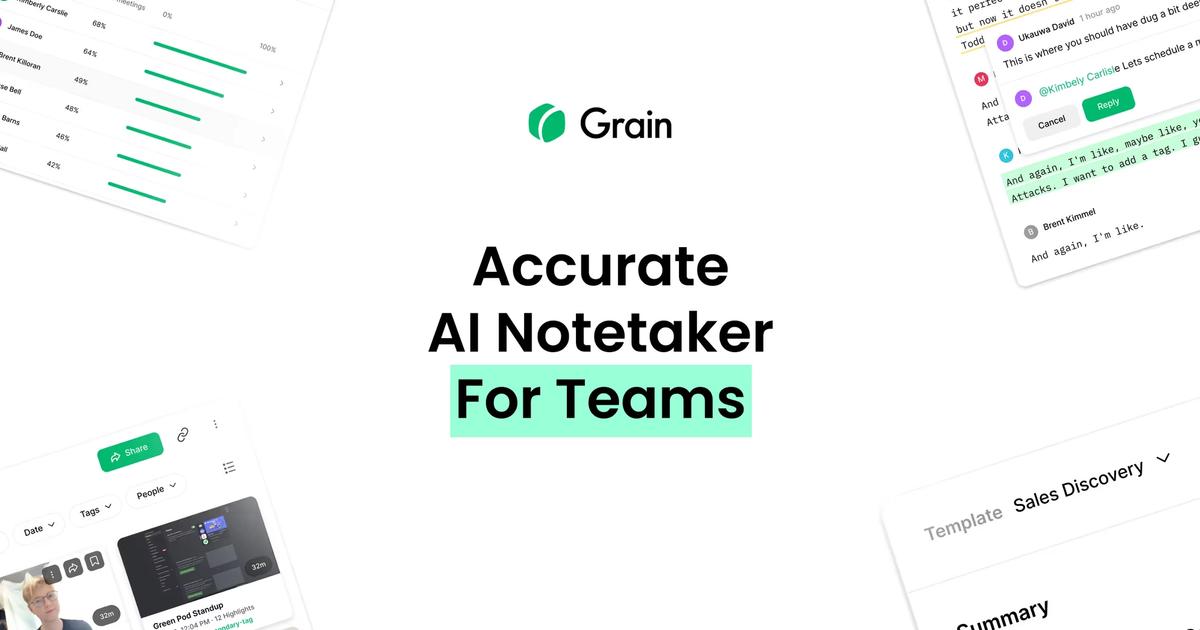
Grain
AI meeting workspace that automatically records, transcribes, and summarizes video calls while generating shareable highlight clips for revenue teams.
Best for
- B2B sales and revenue teams wanting automated CRM data entry and deal summaries
- UX researchers and product managers sharing authentic customer interview clips
- Remote teams needing searchable institutional knowledge across all video meetings
Strengths
- Eliminates manual CRM note-taking for account executives and customer success reps
- Easy creation of short video highlight clips that bring the authentic voice of the customer to Slack
- High transcription accuracy with support for multiple languages and technical vocabularies
Trade-offs
- Having a recording bot join every call can occasionally inhibit candid customer remarks
- Advanced CRM sync and unlimited transcription libraries require paid business seats
- Can result in information overload if team members do not configure summary templates
Verdict
Grain excels at turning ephemeral customer video meetings into durable, searchable team intelligence. Its tight integrations with major CRM platforms like HubSpot and Salesforce automate tedious post-meeting data entry, while its intuitive video highlight clipper allows sales reps and user researchers to easily share authentic customer feedback directly into Slack or product roadmaps. Although introducing an automated recording bot into sensitive client conversations requires thoughtful customer communication, Grain offers exceptional value for revenue and product organizations focused on capturing customer truth.
Option B
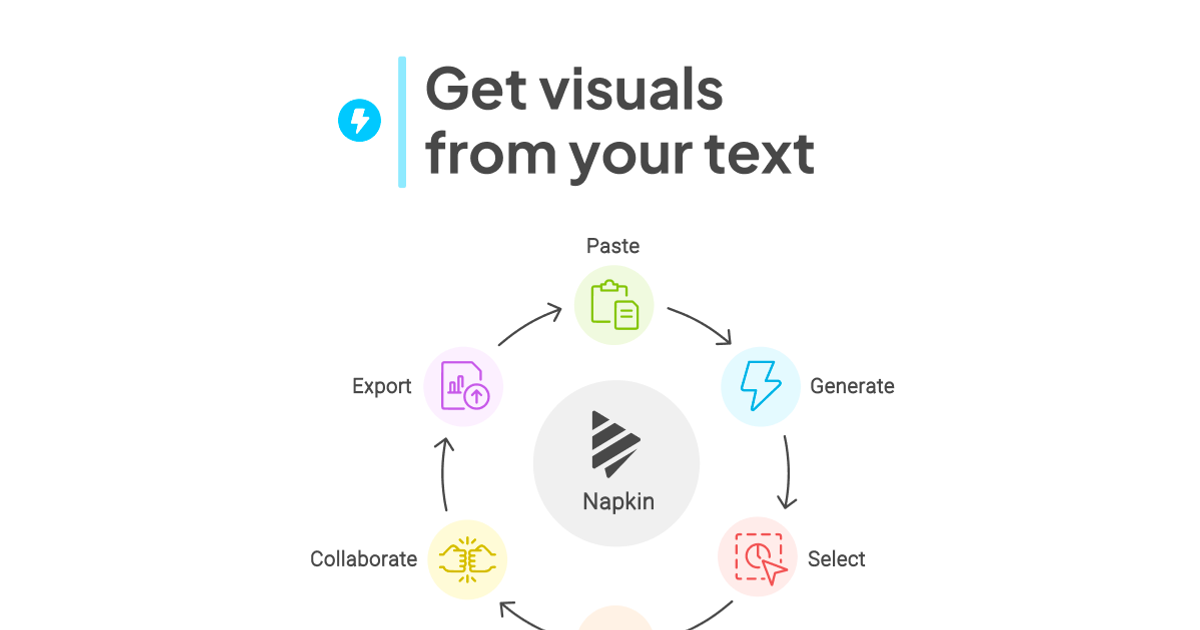
Napkin AI
Text-to-visual tool that turns pasted paragraphs into editable diagrams, flowcharts, mind maps and charts for slides and docs.
Best for
- Writers and developers who explain processes in prose and want a quick flowchart for docs, blogs or X posts
- Solo founders diagramming onboarding or submission flows without opening Figma
- Turning short paragraphs into timelines, lists or mind maps for newsletters
Strengths
- Email + password signup with no card; 500 AI credits a week on Free
- Turned a 108-word paragraph into six visual options in 8 seconds
- The vertical flowchart option kept real if/else branches and a retry loop from plain prose
- 2x (1084 × 3329) and 3x (1626 × 4994) PNG exports are free
- Inline node text editing resizes boxes cleanly once you double-click the node text
Trade-offs
- Every free PNG carries a "Made with Napkin" mark; removing it needs a paid plan
- Colors are palette roles, not per-node; one swatch change turned branch labels white and invisible on the default transparent PNG
- Loop connectors route around the canvas edge and cross the main flow
- Steps follow text order ("Monday Evening" placed after "Friday")
- Verification code landed in Outlook Junk; credit balance only visible in Account Settings
Verdict
Hands-on (Oct 6, 2026): email signup with no card, then a 108-word ToolifyNav submit-flow paragraph became six visual options in 8 seconds, and the vertical flowchart got the Free/paid branches, retry loop and Monday recheck right. 2x/3x PNG export is free, two generations used 34 of 500 weekly credits. Docked for the Napkin mark on every free export, palette-role recoloring that whited out my branch labels, crossing loop wires and text-order mistakes. 4/5. Full review: https://toolifynav.com/blog/napkin-ai-review
Choose Grain if…
- B2B sales and revenue teams wanting automated CRM data entry and deal summaries
- UX researchers and product managers sharing authentic customer interview clips
- Remote teams needing searchable institutional knowledge across all video meetings
Choose Napkin AI if…
- Writers and developers who explain processes in prose and want a quick flowchart for docs, blogs or X posts
- Solo founders diagramming onboarding or submission flows without opening Figma
- Turning short paragraphs into timelines, lists or mind maps for newsletters
Also see Grain alternatives and Napkin AI alternatives. Directory curated by ToolifyNav.
Weekly digest