Compare
Livedocs vs Tableau AI
Side-by-side reference for the two listings. This pair is not an editorial comparison — we only present a comparison as curated when both listings are evaluated and one names the other as an alternative.
We're still gathering detailed evaluation notes for this pair, so it stays out of search results. Check back once both listings are fully reviewed and linked as alternatives.
Option A
Livedocs
A data agent that answers questions, queries the warehouse, and draws charts without a blank SQL editor.
Best for
- Analysts who live in warehouses, not slide decks
- Teams on Postgres, BigQuery, or Snowflake
- Questions that need a plan, not a saved dashboard
Strengths
- Removes the blank-SQL tax on exploratory questions
- Built around real tables, not demo CSVs
Trade-offs
- Useless without data access
- Not a citation engine for papers
- Will not replace a modeled BI semantic layer overnight
Verdict
Livedocs is for the person whose “research” is last quarter’s facts in a warehouse, not a stack of PDFs. Julius is still simpler for a one-off spreadsheet. Tableau AI is still the better home if the deliverable is a governed dashboard someone else will open next month. Put Livedocs on the list when you want an agent to plan the query path against production-shaped data. Before you connect it, write down what it is allowed to read. The product is only as trustworthy as that decision. Keep Perplexity and NotebookLM for sources that are not your warehouse.
Option B
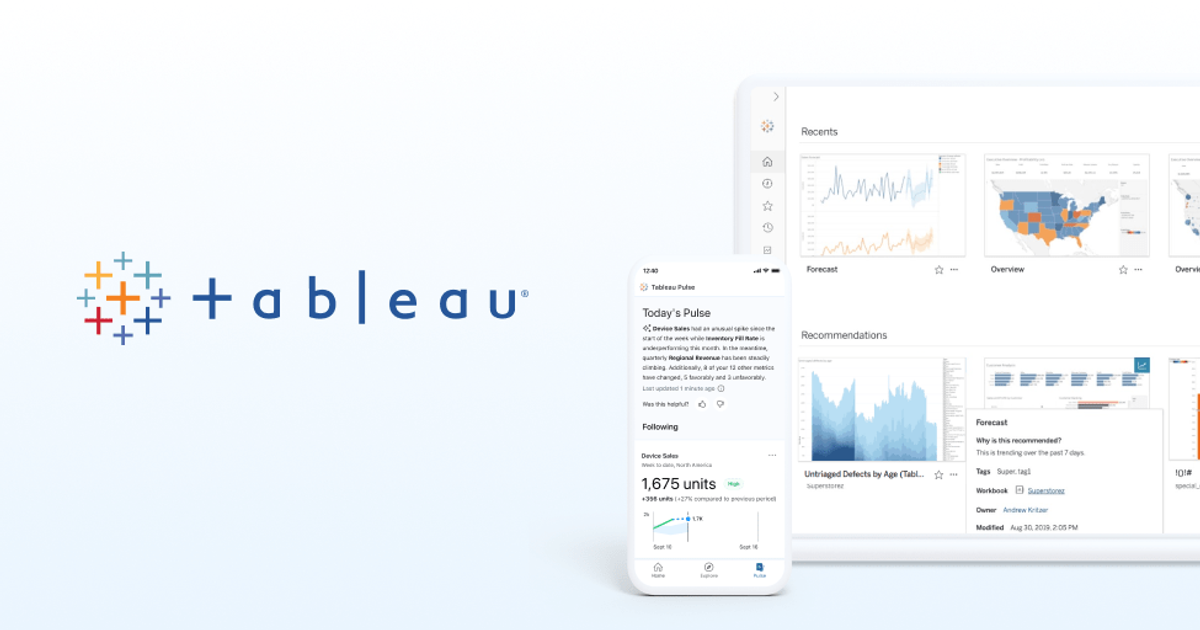
Tableau AI
AI on top of Tableau — useful only after certified metrics exist.
Best for
- Orgs already on Tableau Cloud or Server
- Natural language over certified sources
- Analysts who will audit the assist
Strengths
- Lives where the dashboards already are
- Inherits governance if you built it
Trade-offs
- Amplifies a bad model
- Not a reason to start a Tableau project
Verdict
Tableau AI is for companies that already did the BI work. Julius is the middle conversation. Livedocs is the warehouse agent. ChatCSV is the attachment. Turn the feature on after metrics are certified, not as a way to avoid certifying them. Write the weekly audit. Confirm which AI features your Tableau SKU actually includes — marketing and the contract still diverge. Enable AI on one certified source, audit answers for two weeks, then widen. If you cannot staff the audit, do not enable the feature. Tableau without definitions plus AI is a rumor mill with charts.
Choose Livedocs if…
- Analysts who live in warehouses, not slide decks
- Teams on Postgres, BigQuery, or Snowflake
- Questions that need a plan, not a saved dashboard
Choose Tableau AI if…
- Orgs already on Tableau Cloud or Server
- Natural language over certified sources
- Analysts who will audit the assist
Also see Livedocs alternatives and Tableau AI alternatives. Directory curated by ToolifyNav.
Weekly digest