ClickUp Brain
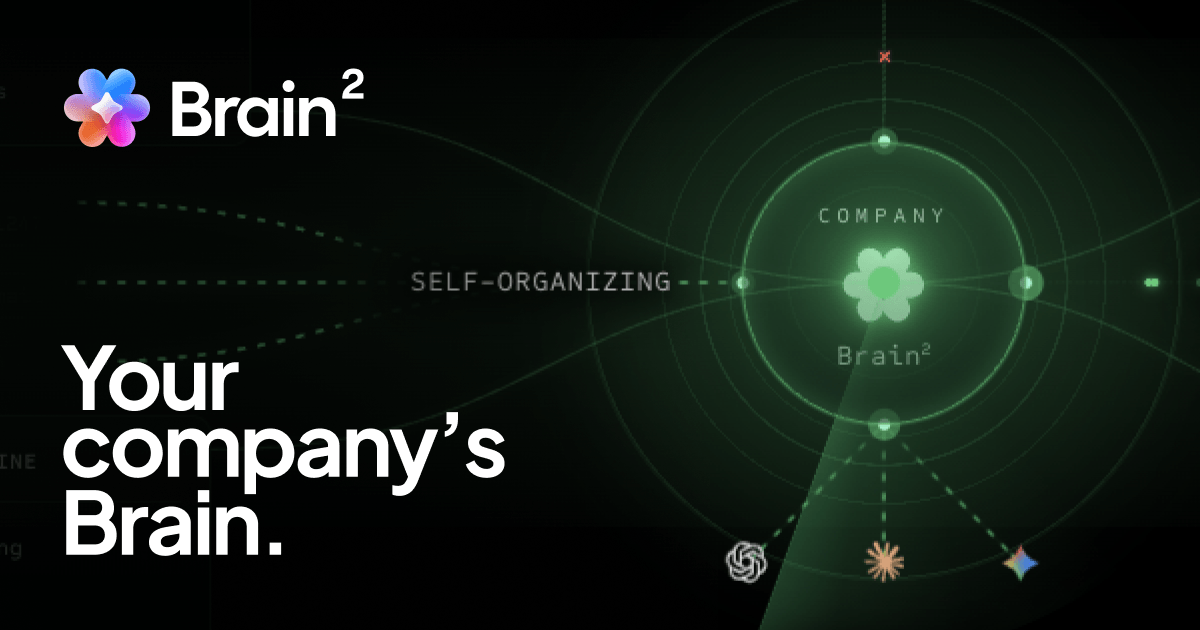
ClickUp's AI layer for tasks, docs, standup summaries, and workspace Q&A.
Evaluation
What to know
Best for
- Teams standardized on ClickUp for projects and docs
- Managers automating status and standup prose
- Ops leads answering 'what's blocking launch?' from workspace data
Not ideal for
- Companies standardized on Notion/Asana/Jira without ClickUp
- Users needing a dedicated call recorder first
- Air-gapped orgs that forbid cloud work OS AI
Key features
- Workspace-aware Q&A over tasks and docs
- AI summaries for standups and project status
- Writing help inside ClickUp Docs and updates
- Tied to ClickUp Free/Unlimited/Business/Enterprise plans
- Centralizes AI inside an existing work OS
Pros
- Context comes from real tasks, not pasted transcripts only
- Reduces tool-sprawl if the team already uses ClickUp
- Useful for status writing and backlog cleanup
Cons
- Weak ROI outside a ClickUp-standardized company
- AI limits depend on shifting ClickUp packaging
- Not a best-of-breed meeting recorder by itself
ToolifyNav verdict
ClickUp Brain is the in-OS AI companion beside tl;dv's meeting bot: worthless as a standalone AI toy, powerful when ClickUp already holds the work. Notion AI is the parallel story in another OS; Motion competes on calendar automation. Adopt Brain only after the workspace taxonomy is clean — messy lists produce messy AI answers — and verify whether your seats include the AI actions your managers expect every Monday. Recheck live pricing and plan limits before a team rollout. Recheck live pricing and plan limits before a team rollout.
About
About ClickUp Brain
ClickUp Brain is the AI layer inside ClickUp's work management platform. It summarizes tasks and docs, answers questions across workspace context, helps write updates, and accelerates standups and project status for teams already living in ClickUp lists, Docs, Chat, and dashboards. Rather than a standalone chatbot, Brain is valuable when your projects, docs, and assignees already sit in ClickUp — the AI reads that graph.
ClickUp's broader pricing includes a Free Forever plan, Unlimited around $7–$10 per user/month, Business around $12–$19, and Enterprise custom. Brain access and AI usage limits are tied to ClickUp plan packaging and may appear as included AI features or add-on style entitlements depending on current packaging — confirm on clickup.com/pricing and the Brain product page before assuming every Free seat gets unlimited AI.
Competitors include Notion AI, Motion, and generic meeting assistants. ClickUp Brain wins when the work OS is already ClickUp; it loses when the company standard is Linear + Notion + Slack without a ClickUp migration appetite.
Related
More in Office & Productivity
Same category — not a curated competitor list.
Discover More
Weekly digest
Get weekly AI tools + hands-on reviews
A short digest of new tools and hands-on breakdowns — unsubscribe anytime.