Kling AI
Cinematic short clips from a still or a sentence — longer motion than a two-second GIF.
Evaluation
What to know
Editorial notes based on the vendor's own documentation and public pricing, plus hands-on testing where a score or review is shown above. They describe fit for a job, not absolute quality.
Best for
- Cinematic shorts from text or a still
- Product moments that need camera energy
- Side-by-sides with Runway and Luma
Not ideal for
- Talking-head avatars (HeyGen)
- Timeline recuts (CapCut)
Key features
- Text-to-video
- Image-to-video
- Longer cinematic motion
- Camera-like moves
Pros
- Shot-length ambition
- Worth a three-engine trial
Cons
- Credits
- Not an NLE
ToolifyNav verdict
Kling is a cinematic generator. Runway is the wider lab. Luma is the other motion sketch. Flow is Veo. HeyGen is a face. Run the same brief on three engines the same day. Keep the one whose motion you will actually cut. Confirm commercial terms and credit burn before a campaign lock. Run Kling, Runway, and Luma on one brief. Keep the motion you will cut. Confirm credits and commercial terms. HeyGen if you needed a face, not a camera. If you needed a spokesperson, you wanted HeyGen, not a camera model.
About
About Kling AI
Kling is in the conversation when a two-second loop feels like a GIF and you want camera motion that suggests a real shot. Start with a still or a sentence, not a full animatic. Trial protocol: write one product moment, generate on Kling, Runway, and Luma with the same prompt family, score motion and brand safety, drop the winner into CapCut for sound.
Longer clips cost attention and budget. Storyboard before you burn generations. Treat outputs as previz until color, audio, and legal clear. Runway is the broader suite. Pika is playful social. HeyGen is a talking face. Flow is Veo’s Google camera.
Hands and physics will still lie. Watch the extra twice.
If you needed a spokesperson reading a script, you are on the wrong page.
Watch hands and text on the extra pass. First-view wow hides melted fingers. Brand safety is a second viewing, not a feeling in the generate button. Watch the extra twice. First-view wow hides melted hands.
Alternatives
Alternatives to Kling AI

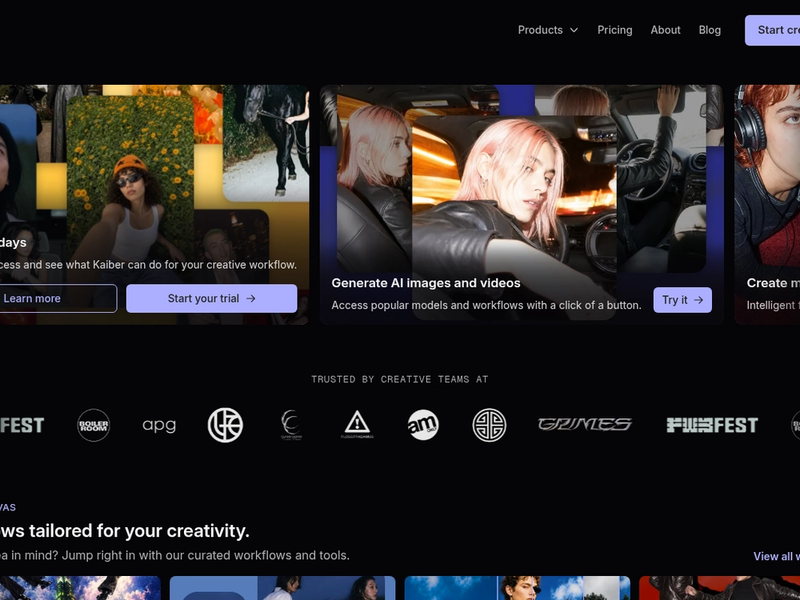
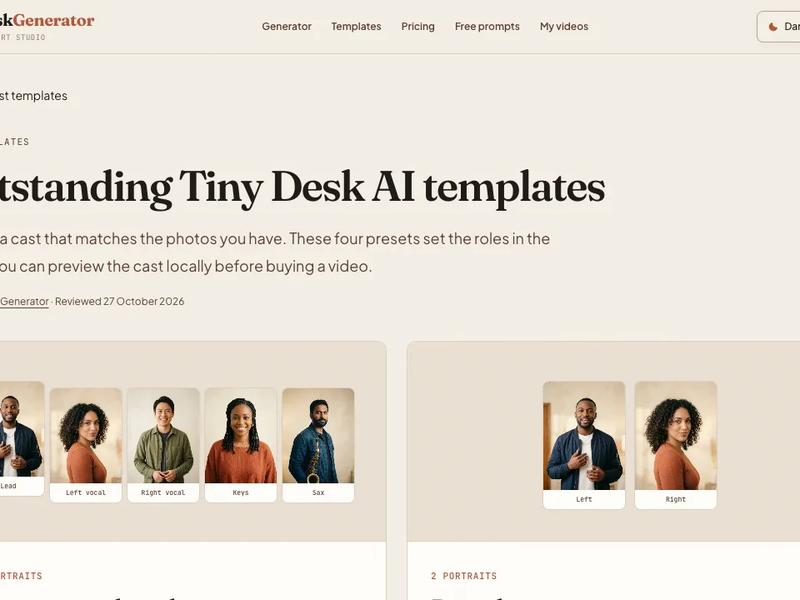
Direct Side-by-Side Comparisons
Discover More
Weekly digest
Get weekly AI tools and hands-on reviews
A short digest of new tools and hands-on breakdowns. Unsubscribe anytime.