Magic Patterns
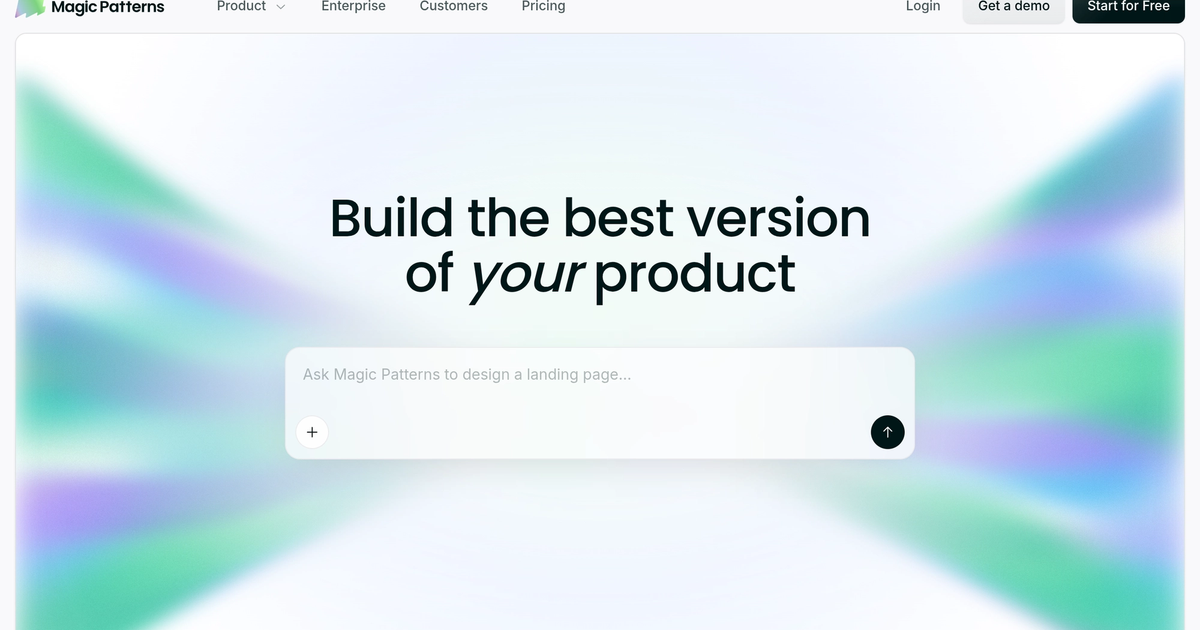
AI UI prototyping that matches your design system — prompts and screenshots become shareable product screens for PMs and engineers.
Evaluation
What to know
Editorial notes based on the vendor's own documentation and public pricing, plus hands-on testing where a score or review is shown above. They describe fit for a job, not absolute quality.
Best for
- Product teams prototyping features before committing build resources
- Cross-functional reviews that need hi-fi UI, not wireframe sketches
- Enterprises that need certified AI design tooling
Not ideal for
- Solo designers who already live entirely in Figma
- Teams that only need static marketing mockups
- Code-first React scaffolding (look at v0-class generators instead)
Key features
- Prompt / PRD / screenshot to high-fidelity UI
- Import styles and design-system rules for on-brand generation
- Live multiplayer editing for design and engineering
- Customer-facing prototype sharing for feedback loops
- SOC 2 and ISO 27001 enterprise security posture
Pros
- Fast path from customer call to clickable prototype
- Design-system matching reduces off-brand mockups
- Collaboration surface that engineers will actually open
Cons
- Paid seats climb quickly for larger product orgs
- Not a substitute for production component governance in Figma
- Generation quality still depends on how clean your inputs and tokens are
ToolifyNav verdict
Magic Patterns sits in the product-team prototyping lane: design-system-aware UI generation with live collaboration, not a blank-canvas art tool and not a production design-system authority. Visily-class boards chase non-designer stakeholder clarity; Banani pushes editable multi-screen mockups with Figma export; v0 drafts React. Magic Patterns is strongest when the bottleneck is exploring product directions that already have visual language and need customer feedback before engineering commits. Directory readers should treat seat pricing and generation limits as first-class constraints. Recheck the live pricing page and trust center before an enterprise rollout.
About
About Magic Patterns
Magic Patterns is an AI design platform aimed at product teams who need high-fidelity UI before they burn design or engineering cycles. You feed it a prompt, a product requirement, a screenshot, or design-system rules, and it generates interactive screens meant to look like your existing product rather than a generic template dump. Real-time multiplayer editing lets design and engineering iterate on the same prototype instead of trading static files.
The positioning is experimentation culture: explore several directions, show customers something clickable, then decide what deserves a full build. SOC 2 and ISO 27001 claims plus an enterprise trust center matter for companies that will not paste product UI into consumer chat tools. It is not trying to replace Figma as the long-term system of record; it is trying to compress the gap between idea and stakeholder-ready prototype.
Public FAQ pricing lists a limited free tier, Starter at about $20 per seat per month, Business at about $100 per seat per month, and Enterprise custom. Confirm seat math and generation limits on the live pricing page before a workshop week — credit or seat caps are what stall demos mid-session.
Related
More in Art & Creative Design
Same category — not a curated competitor list.
Discover More
Weekly digest
Get weekly AI tools and hands-on reviews
A short digest of new tools and hands-on breakdowns. Unsubscribe anytime.