Read AI
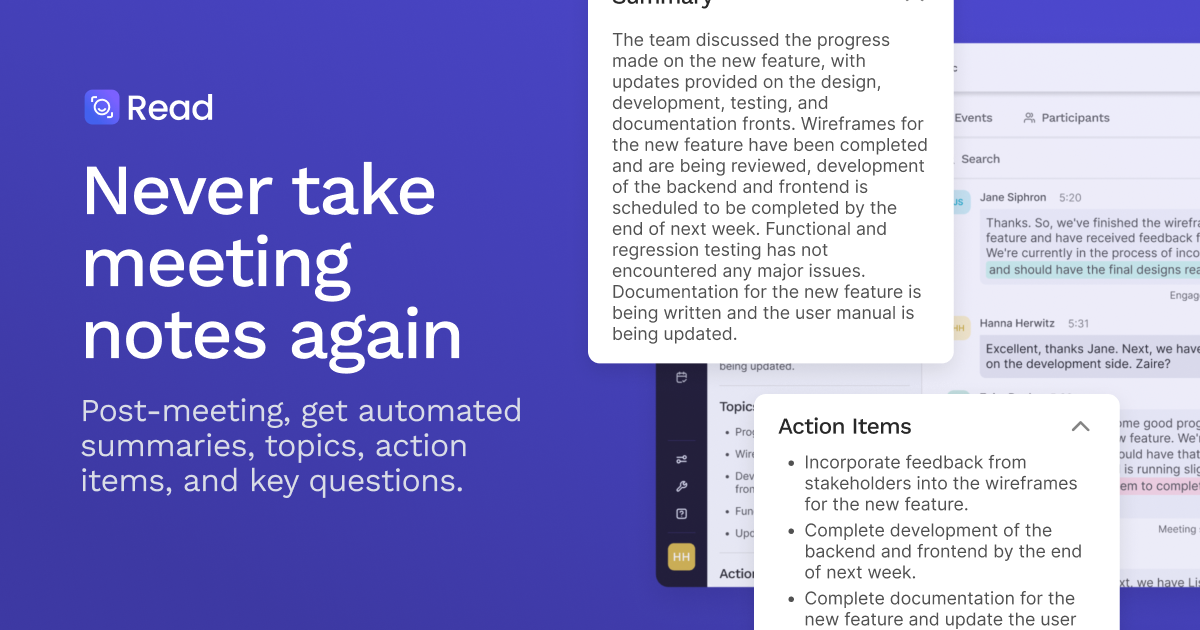
AI meeting notetaker that summarizes Zoom, Meet and Teams calls and lets you search meetings, email and chat with cited answers.
Evaluation
What to know
Best for
- Sales and customer teams logging calls into CRM
- Managers who run many recurring meetings
- Distributed teams that need searchable decision history
Not ideal for
- Organizations that prohibit third-party meeting bots
- Heavy users unwilling to pay beyond five meetings
- Teams needing deep video editing of recordings
Key features
- Automatic transcripts, summaries, action items and highlights for Zoom, Meet, Teams
- Live in-meeting notes and meeting-coach metrics
- Ask Read search across meetings, email and messages with citations
- Integrations with Salesforce, HubSpot, Notion, Jira, Slack; MCP, Claude and ChatGPT apps
- Desktop, mobile and browser apps; 20+ languages
Pros
- Platform-agnostic across the big three meeting tools
- Search spans more than meetings, reducing context hunting
- Free plan includes unlimited search and core summaries
Cons
- Free plan limited to five meeting transcripts a month
- Video playback reserved for Enterprise tier
- Always-on recording assistants raise consent and culture questions
ToolifyNav verdict
Read AI is a capable notetaker that is quietly trying to become something larger: the place you ask what happened across every meeting, email thread and Slack channel. The cited answers and pre-meeting briefs are where it differentiates from basic transcription bots, and the MCP and ChatGPT/Claude integrations show it wants to feed other AI tools rather than compete with them. Buyers should weigh the privacy side honestly, since always-present assistants need clear consent norms, and note that video playback is an Enterprise feature. Teams living in back-to-back calls will recover the Pro fee quickly.
About
About Read AI
Read AI started as a meeting assistant and is expanding into a work-context layer. The base product joins Zoom, Google Meet or Microsoft Teams calls — or captures in-person meetings through its mobile apps — and produces transcripts, summaries, action items, highlights and meeting metrics. A live dashboard can show transcription and summaries during the call, and a personalized meeting coach surfaces patterns in how you run and participate in meetings. Everyone in a meeting is notified that Read is present.
The more strategic piece is Ask Read, an enterprise search assistant that answers questions across meetings, email and messages with citations: what was decided, who owns it, what is still open. Before a meeting, Read can deliver a brief built from calendar, email, past meetings and CRM context; afterward it routes action items into tools your team already uses. Integrations include HubSpot, Salesforce, Notion, Asana, Slack, Jira, Confluence, Zapier and webhooks, and Read is available as a Claude connector, a ChatGPT app and an MCP server. A newer feature, Ada, is positioned as a digital twin that handles tasks and manages workflow on your behalf, and can be reached by email.
Apps cover Windows, macOS, Android, iPhone and a Chrome extension, and the service supports more than 20 languages. Paid tiers lift the free plan's five-meetings-per-month cap and lengthen maximum recording duration; Enterprise+ adds HIPAA compliance, SAML and SCIM.
Related
More in Office & Productivity
Same category — not a curated competitor list.
Discover More
Weekly digest
Get weekly AI tools + hands-on reviews
A short digest of new tools and hands-on breakdowns — unsubscribe anytime.