Spline
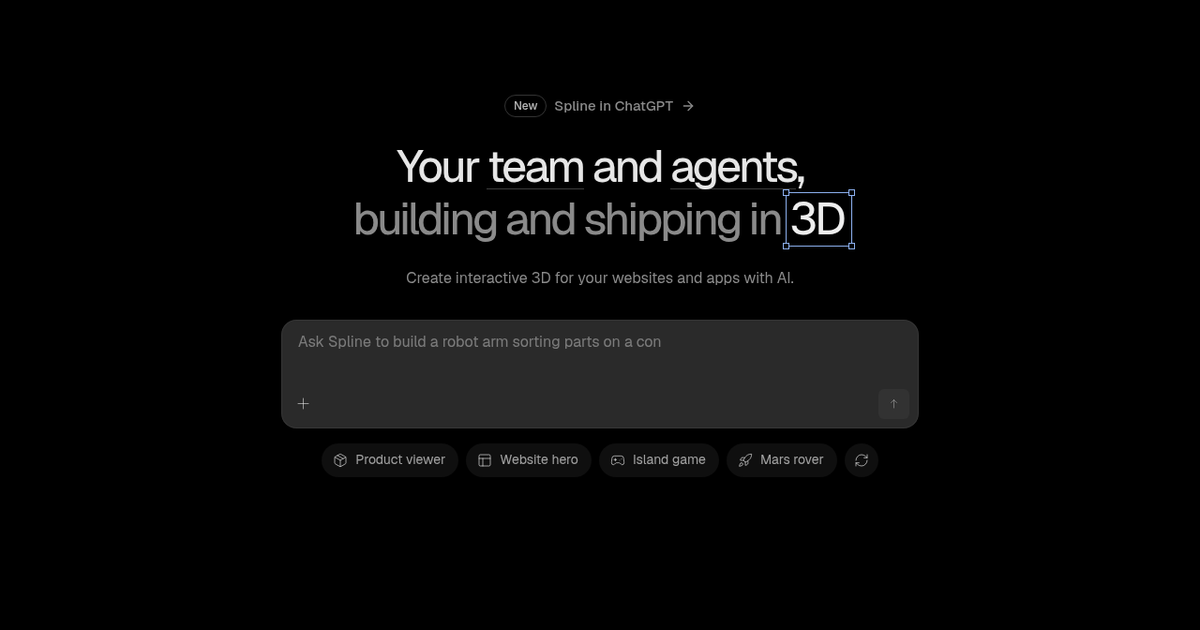
Collaborative browser 3D design tool for interactive web, iOS and Android scenes, now with an in-editor AI agent and MCP access.
Evaluation
What to know
Editorial notes based on the vendor's own documentation and public pricing, plus hands-on testing where a score or review is shown above. They describe fit for a job, not absolute quality.
Best for
- Web designers adding interactive 3D heroes and product viewers
- Product teams prototyping 3D UI for iOS and Android apps
- Design teams that want agents to rough out scenes for humans to finish
Not ideal for
- VFX or animation studios rendering cinematic shots
- Engineers needing precise CAD geometry
- Teams that need self-hosted exports without an Enterprise contract
Key features
- Browser-based modeling, materials, lighting and physics in one editor
- States, events and keyframes for interactive, scroll- or hover-driven scenes
- Publish to web, React, iOS (SwiftUI/Metal) and Android from one file
- In-editor AI agent plus MCP server for external coding agents
- Real-time multiplayer editing with unlimited viewers on every plan
Pros
- Much gentler learning curve than Blender for interactive web 3D
- One file ships to web and native mobile without rebuilding
- Agent edits stay fully editable as normal Spline objects
Cons
- Free plan exports carry a watermark and include no AI credits
- Heavy scenes can hurt page performance if not optimized
- Not a replacement for film-grade rendering or complex rigging
ToolifyNav verdict
Spline earns its place as the default recommendation for designers who want interactive 3D on a website or in an app without learning a game engine. Its strongest argument is the publish story: the same scene ships to web embeds, React and native mobile renderers, and teammates collaborate live. The AI agent and MCP access are useful accelerators rather than the core reason to adopt it. Teams after photoreal rendering or precise engineering geometry should look elsewhere, and anyone shipping client work should budget at least Hobby to remove the watermark.
About
About Spline
Spline is a real-time 3D design editor that runs in the browser and is built for interactive scenes rather than offline renders. Designers model with primitives, booleans and sculpting, then layer materials, lighting and post-processing, and add behavior through states, keyframes, events and physics. The result can be published as a link, embedded on a website, dropped into a React project, or exported to native renderers for iOS (Metal/SwiftUI) and Android, which is a large part of why product and marketing teams adopt it for hero sections and product viewers.
The newest layer is AI. An agent inside the editor can draft a scene from a prompt, and an MCP server lets external agents such as Claude, ChatGPT, Cursor or Codex read and modify a Spline file. Every agent change lands as an operation in the live document, so teammates can watch, undo, comment or take over by hand. AI credits power the agent along with 3D, texture and image generation, and each paid seat receives a monthly allowance.
Spline also maintains a public library of community scenes and materials. Collaboration is multiplayer by default, and every plan includes unlimited viewers, so stakeholders can review files without buying seats.
Related
More in Art & Creative Design
Same category — not a curated competitor list.


Discover More
Weekly digest
Get weekly AI tools and hands-on reviews
A short digest of new tools and hands-on breakdowns. Unsubscribe anytime.