Cleanup.pictures Review: Fast Inpainting Behind a 720p Gate (4/5)
Cleanup.pictures let me wipe SAMPLE WATERMARK, FOR SALE — DEMO, and REMOVE ME off a watch photo in about six seconds of server time — then handed back a 720×523 free download with the HD gate spelled out up front.
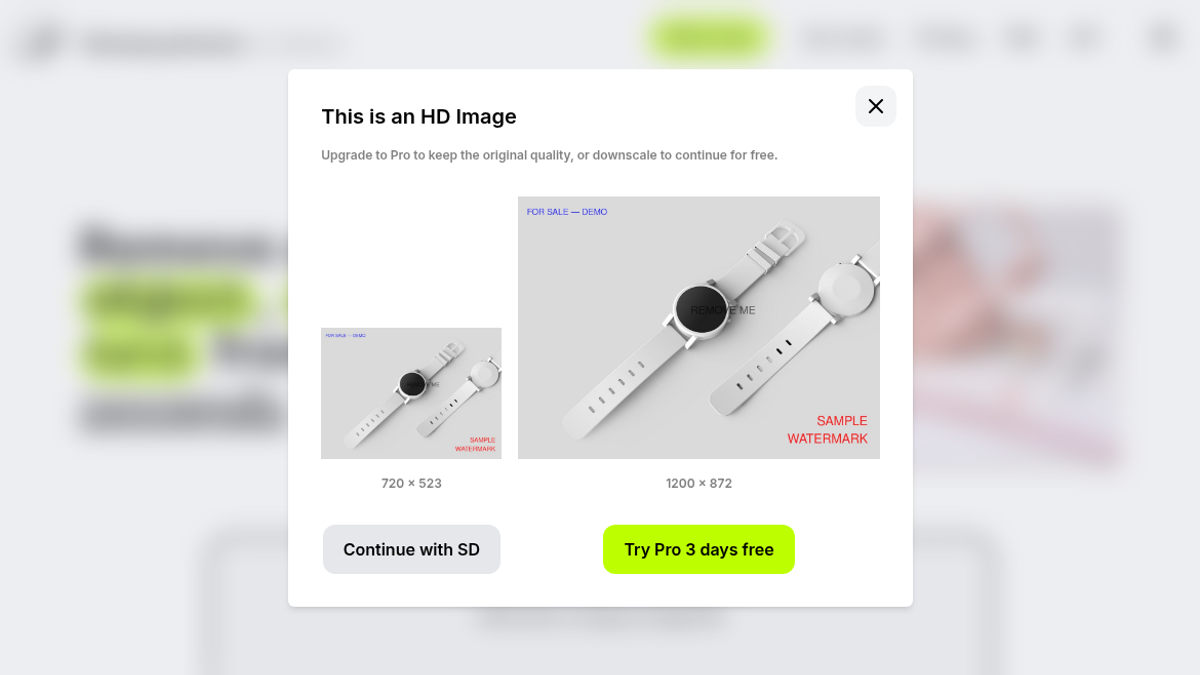
The moment test-clutter.jpg hit cleanup.pictures, a modal titled This is an HD Image covered the canvas: “Upgrade to Pro to keep the original quality, or downscale to continue for free.” Left side showed 720 × 523 with a gray Continue with SD button. Right side showed the original 1200 × 872 with a lime-green Try Pro 3 days free. I took SD. No signup. No card. The editor came up in under a second at 720×523.
The file was a 53.5 KB watch product shot I’d marked up on purpose — red SAMPLE WATERMARK bottom-right, blue FOR SALE — DEMO top-left, dark REMOVE ME across the crystal. Homepage copy still sitting in the tab behind the modal: “Remove any unwanted object, defect, people or text from your pictures in seconds.” Upload box: “Click here or drag an image file.” That’s the whole pitch. Tuesday night in La Rioja, ~22:26 ART, I just wanted to know if the free brush could wipe those three overlays without a billing form in the way. The listing on ToolifyNav already said freemium with a ~720p free export; I wanted the live modal numbers, not the marketing blur.
Three strokes on a watch photo
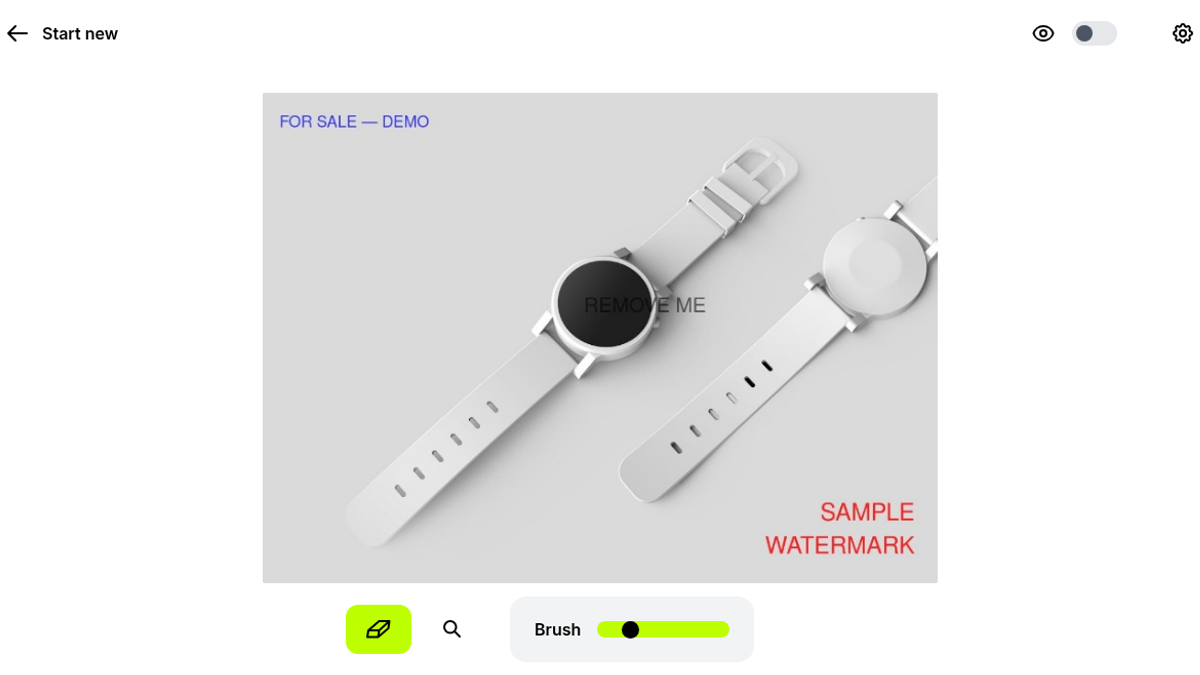
Brush default sat at 49.9 on a 10–200 slider. Lime-green eraser active. Nothing else competing for attention — undo, zoom, gear, a bright Download that stayed quiet until the first fill landed. The canvas itself was already the downscaled frame. You feel that before you paint: the watch is a little softer than the JPG I dropped in.
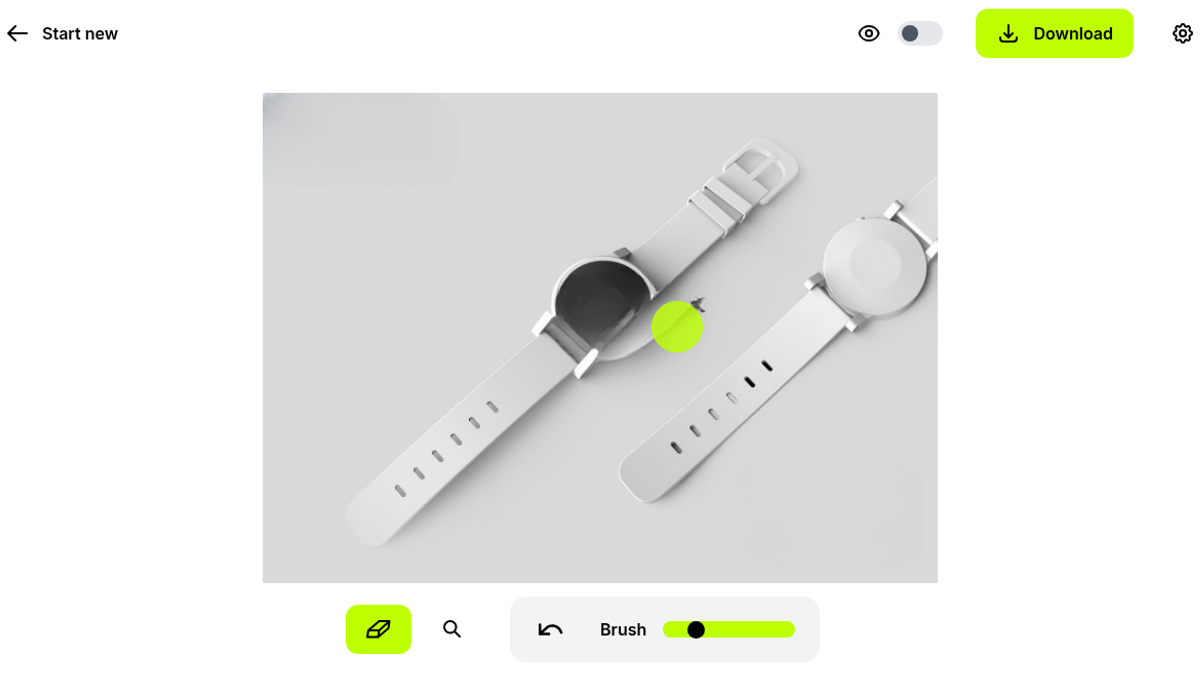
First pass: painted over the red watermark. Release → about 2.0 seconds → gray tabletop filled back in. No smear edge where the letters had been. Download lit up. Undo was there if I wanted it.
Second pass: blue FOR SALE — DEMO. Roughly 1.8 seconds. Canvas updated in place. No interstitial. No credit meter. No “one more free erase” toast. That silence is part of why this tool feels usable — the free path doesn’t nickel-and-dime each stroke.
Third pass was the one that usually ruins product shots — dark text sitting on glass. Tight brush over REMOVE ME, and the crystal highlights came back clean enough that I’d actually ship the crop for a web thumbnail. Three strokes, maybe ten seconds of hand work, about six seconds of server time stacked. I didn’t open ClipDrop’s other tools, the API, or mobile gestures. Tonight was the Cleanup canvas only.
The download is honest about what free means
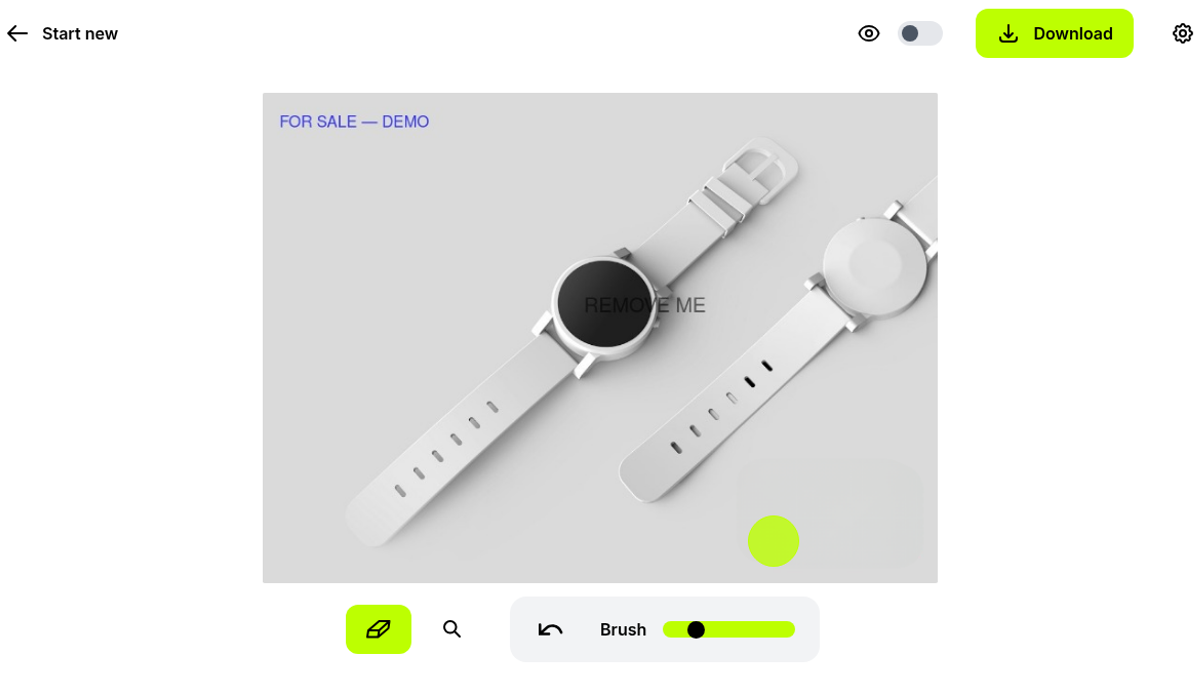
Green Download. Instant. File landed as test-clutter_cleanup.jpg, 196,721 bytes (~192 KB). Resolution check: exactly 720 × 523. The payload looked like PNG bits wearing a .jpg name. Zero ads. Zero captcha. Zero card wall.
That 720p wall is the whole free story. My upload started at 1200×872 and lost more than a third of its pixels before I ever touched the brush — the HD modal forced the choice up front, which I prefer to a surprise watermark on export. Fine for messaging a cleaned mockup or a small ecommerce thumb. Not fine if a client expects the original megapixels back. The upgrade modal later spelled it out again: “Upgrade now to enable high resolution with no compression (vs 720p max for the free version).”
I bounced between the eye toggle and the filled canvas once after the third stroke, just to confirm the overlays were actually gone and not merely dimmed. They were gone. Undo still worked after the download button appeared, which matters when you’re mid-session and brush a little too wide on a dial marker.
Magic link went to Junk, pricing didn’t hide
I still signed in after the download, mostly to see how accounts work. Menu → Sign in. Passwordless. Typed forleoliang@hotmail.com. Inline copy: “Sign-in link sent to forleoliang@hotmail.com (check your spams folder).” They weren’t kidding — Outlook Junk, sender noreply@cleanup.pictures, subject along the lines of “Sign in to cleanup-pictures requested at 2026 September 30 01:29 UTC.” Firebase link. Session flipped to free with Sign out visible. No Google / Apple / GitHub / Microsoft buttons in the path I used.
What the site actually showed for money:
- Free ($0): unlimited images, hard-capped at 720p
- Cleanup Pro: $5/month or $36/year ($3/mo billed annually, marked down from $60), 3-day trial, unlimited resolution + high-quality refiner
- ClipDrop Pro: from $11/month if you want the wider suite (remove/replace background, uncrop, generative fill)
API is listed as usage-based. I didn’t poke it. Didn’t run the paid trial checkout either — the “Try Pro 3 days free” button was right there on the HD gate, and I left it alone so the free path stayed clean. Same ecosystem as Clipdrop (the site brands itself “Cleanup.pictures by Clipdrop”), so if you already live in that suite the Pro upsell is familiar territory. I stayed on Cleanup alone.
For marketplace sellers, real-estate people, and anyone scrubbing date stamps or sample text off an otherwise good photo, this is a fast browser eraser. Drop file, paint, download. Anonymous works. Magic link works if you dig Junk. The catch is resolution: if your pipeline needs full-res client files, free will bounce you at the HD modal every time. Pay $5 or take the annual $36 when that wall actually blocks a deliverable — not before.
Final rating: 4 out of 5.
ToolifyNav Directory
Explore Cleanup.pictures on ToolifyNav
AI inpainting tool that removes objects, people, text, and defects from photos.