Pixelcut Review: A Clean 1080p Cutout in Four Seconds, Then an Account Wall for the Studio (4/5)
Pixelcut cut out a portrait onto a clean canvas in under four seconds and handed over an unwatermarked 751×1080 download without a login, but prompt-driven AI backgrounds and full resolution hit an immediate account wall.
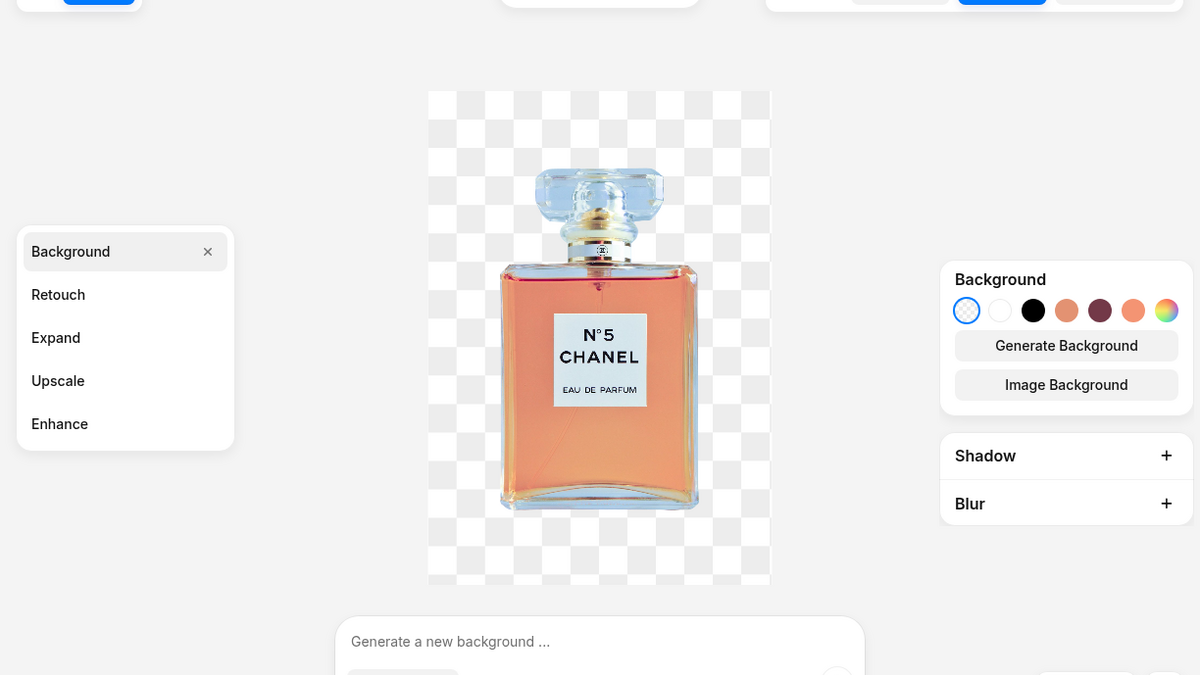
I opened Pixelcut on a Monday night expecting the usual freemium trap: an upload box that looks completely frictionless on the homepage, followed by a pixelated 400-pixel thumbnail and a credit card form before you can even see whether the mask worked. I've spent enough time testing cutout engines for ToolifyNav to know the script by heart. Remove.bg caps your free preview at 612×408, Photoroom falls apart if your widget layers shift, and Cleanup.pictures keeps you behind a 720p gate unless you start a trial.
Pixelcut's landing page pitches 'The AI Video and Image Platform' and plasters logos from Apple, Nike, and H&M across the header. Right below sits a direct link into their standalone Background Remover tool. No account required to start, no card requested, and a clean dropzone with three stock sample portraits waiting under the upload button. As someone who shoots and edits product photos regularly, I care less about the enterprise badge parade and a lot more about edge fringing on fabrics and whether I can get a file out of the tab without handing over a mailbox. I clicked the first portrait—a woman in an orange floral blouse against a cluttered room—just to time the server trip.
Four seconds to a 1080p checkerboard
The upload button spun for roughly 3.8 seconds before the whole page smoothly transitioned into an in-browser workspace at /ai-image-editor?tool=removeBackground. The background was gone. Not smeared, not haloed with that awkward white fringe you get on cheap segmentation models, but cleanly lifted right down to individual curls along her jawline and the shoulder seam of her shirt.
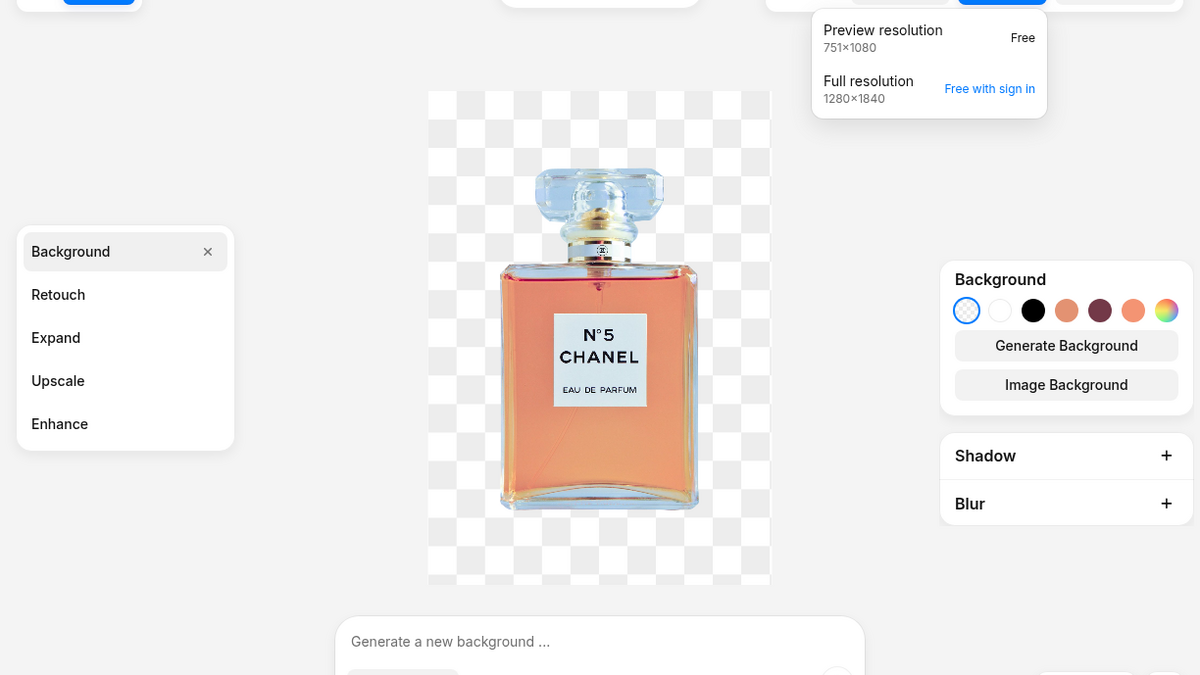
What caught me off guard was what happened when I clicked the black 'Download' button in the upper-right corner. Usually this is where the ambush happens. Instead, a clean two-row dropdown appeared. The bottom row said 'Full resolution 1280x1840 Free with sign in.' But the top row said 'Preview resolution 751x1080 Free.' I clicked it. The browser immediately saved a crisp, transparent PNG to disk with zero watermark, zero login prompt, and zero email capture.
751×1080 is not a throwaway thumbnail. That is taller than high-definition video and more than sharp enough for an Instagram story, an ecommerce catalog card, or a newsletter header. When you compare that to the 500-pixel mush most competitors hand over without an account, Pixelcut is actually giving away a genuinely usable production cutout. You can drop a quick product shot on it, grab the PNG, and paste it into Figma or Shopify without ever creating a login.
The canvas UI also gives you a side-by-side 'Compare original and result' toggle, zoom controls from 10% to 500%, and an option to cast a subtle contact shadow underneath the cutout. The shadow control worked instantly without lagging the viewport, grounding the subject instead of leaving her floating like a flat sticker.
Typing a prompt turns into a paywall
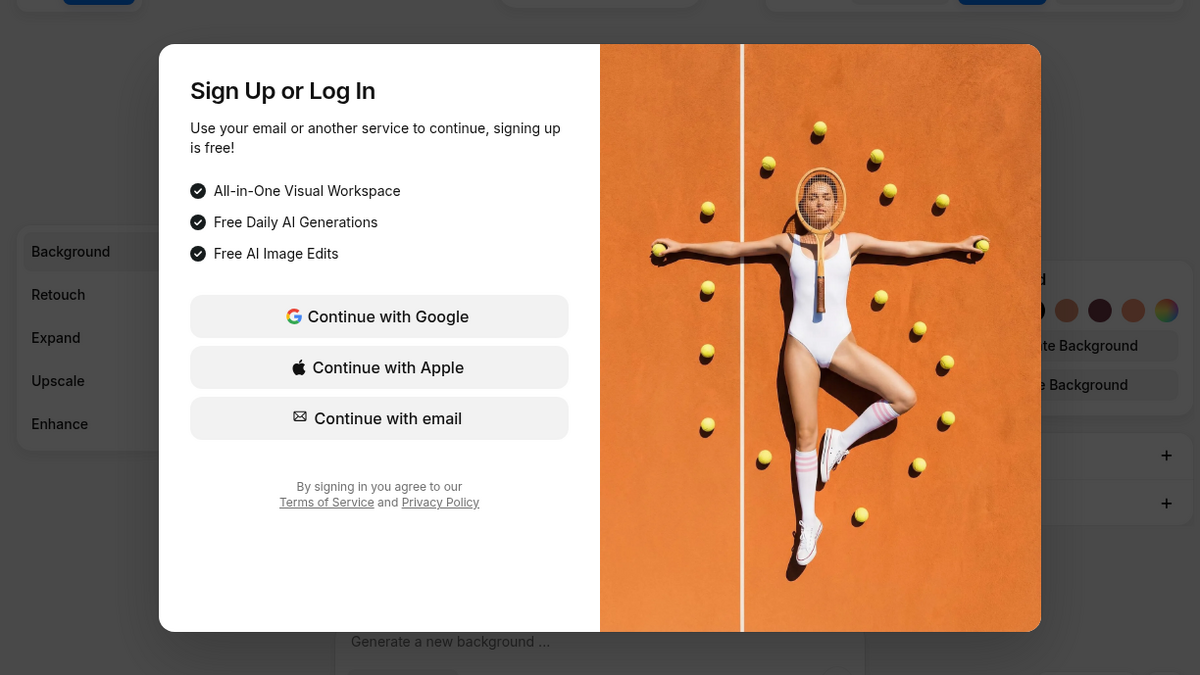
Once the cutout landed on the checkerboard canvas, the editor opened up a left-hand toolbar with secondary tools: Background, Retouch, Expand, Upscale, and Enhance. At the bottom of the canvas sat a prompt bar labeled 'Model AI Backgrounds.' If you sell physical goods online, this is the real feature you want: drop a raw cutout onto a clean marble kitchen counter or a warm studio table without setting up three softboxes in your living room.
I typed 'minimalist white wooden table with soft sunlight studio' into the text box and hit the black generate arrow. That was the end of the anonymous free ride. The canvas instantly blurred behind a full-screen modal titled 'Sign Up or Log In' with an internal illustration labeled 'Paywall.' The prompt didn't execute in preview mode; it didn't give me a single free watermarked test render. The moment you move past static segmentation into generative diffusion, the door shuts firmly.
The same gate applies to the other generative tools in that rail: generative expand, AI upscaling past standard resolution, and the virtual actor staging all slam into the exact same login prompt. Pixelcut draws a sharp line between its legacy utility features and its generative AI suite: mask cutting is a generous free funnel, while prompt synthesis is strictly gated behind registered accounts.
The Cloudflare barrier on email signup
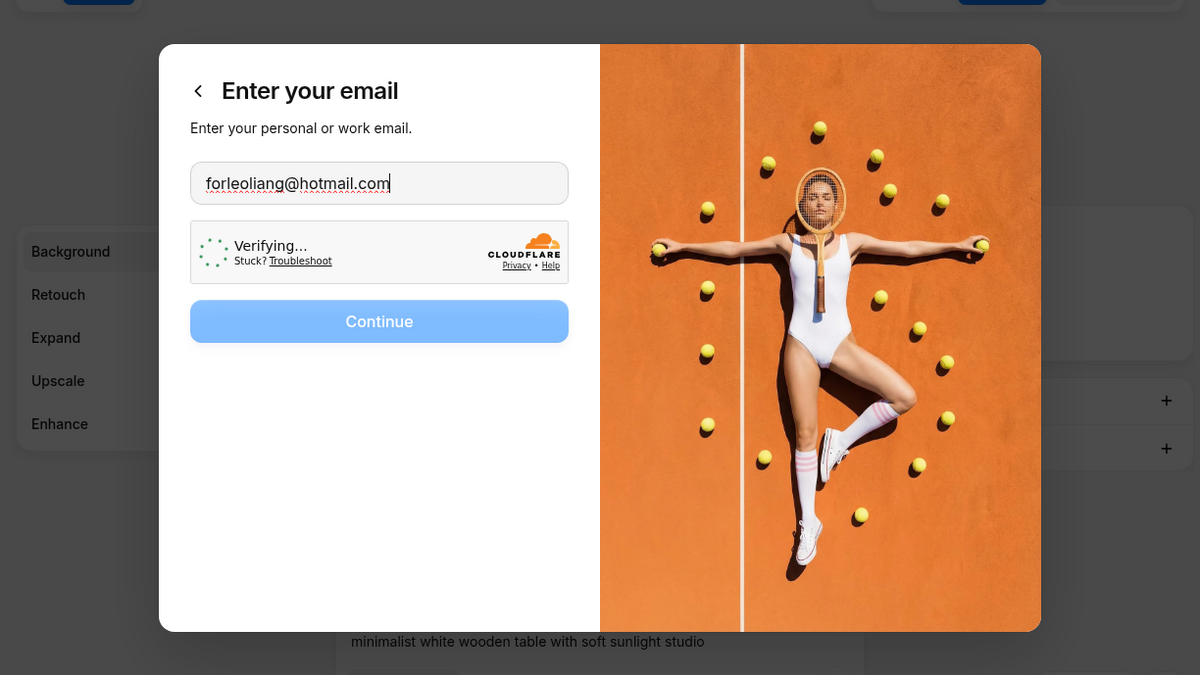
Generative models cost real GPU compute, and nobody hands out unlimited image synthesis to anonymous web crawlers. So I went to create an account. The dialog offered Continue with Google, Continue with Apple, and Continue with email. I clicked email to keep things isolated from my main personal accounts.
I typed in forleoliang@hotmail.com. Right below the text field, an iframe containing a Cloudflare security challenge popped into the frame. The blue 'Continue' button switched to disabled, and there it stayed. The Turnstile widget hung, waiting on verification inside the modal, leaving the submit button dead in the water. If you don't want to use Google or Apple OAuth, that email flow can be a sudden dead end.
I didn't test their bulk editor on hundreds of catalog SKUs, nor did I burn through the 600 monthly credits on their Pro tier ($8 to $10 a month depending on annual billing) to see how their AI actor avatars handle hands or complex jewelry reflections. But as a fast, browser-based utility, Pixelcut solves the single biggest annoyance with online background removers: you can walk up to the URL, drop a portrait or product shot on the canvas, and walk away with a clean 1080p cutout in four seconds without handing over your inbox.
Final rating: 4 out of 5.
ToolifyNav Directory
Explore Pixelcut on ToolifyNav
Mobile-first AI product photo editor for background removal, batch edits, templates, and on-brand catalog visuals.
Keep Reading
Related posts
SaaS Reviews
Felo vs Perplexity: Two Cited-Answer Tools, Different Friction
Felo nailed an anonymous Chile/Aconcagua trap then signup hit an image captcha. Perplexity gave cited research synthesis in Incognito with a soft Pro upsell and one answer in Chinese. Both scored 4/5 for different jobs.
SaaS Reviews
Powerdrill Review (4/5): Every Number Right, Until I Changed One
I gave Powerdrill a 40-row sales CSV and seven questions. It got every number right and showed the code it ran. Then I corrected one order, and the next answer quietly used the old data. Final rating: 4 out of 5.
SaaS Reviews
Paperguide vs Consensus: Cited Answers, Two Different Jobs
Paperguide wrote a cited daguerreotype answer I could open paper by paper. Consensus answered a fasting question with a meter across twenty studies. Both scored 4/5 for different jobs inside cited research.