Compare
Grammarly vs Typeahead
Side-by-side notes for builders choosing between Grammarly and Typeahead. Prefer the tool that matches your job, not the louder brand.
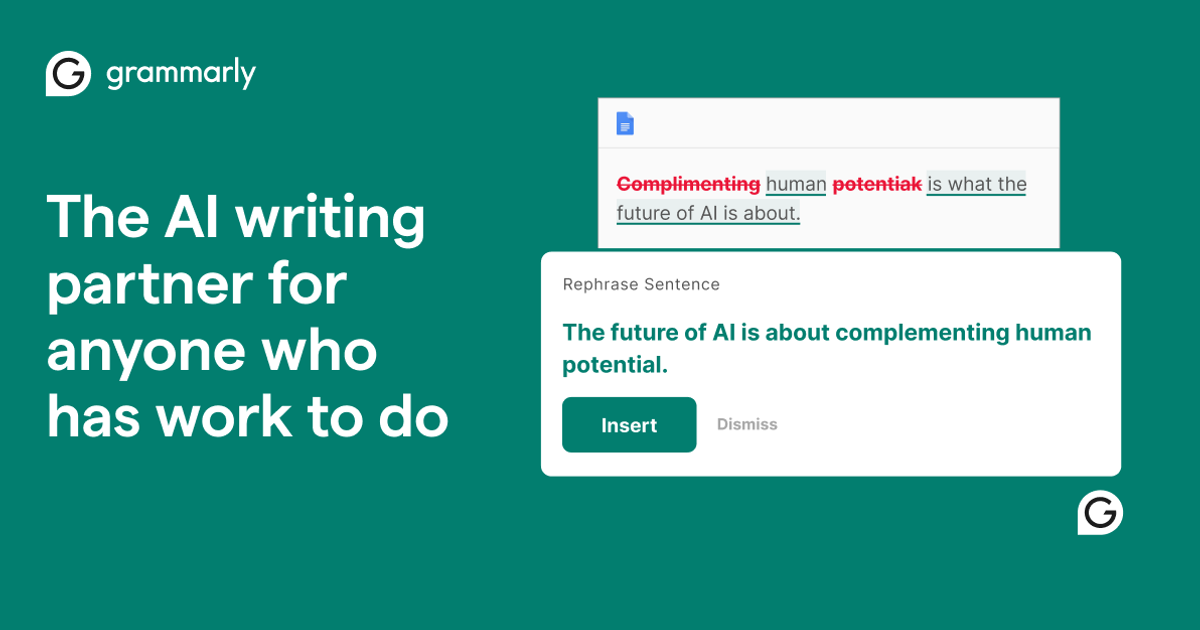
Option A
Grammarly
Last-mile grammar, tone, and clarity in the text boxes where writing actually happens.
Best for
- Writers who want last-mile grammar and clarity flags inside a Free web Docs editor without a card
- People okay declining Try Pro for $0 / 10-day free CTAs and reading each accept before applying
Strengths
- Free web editor flagged deliberate errors (Verb problem, Correct pronoun, Rephrase, Use the right word, plus and/sound/visitor/your/feel) without demanding a card
- Suggestions in a few seconds after paste; applied weather→whether and saw score move 55→61 with text visibly updated
- Hotmail accepted despite Work or school email label; Outlook verify ~1 min; No, thanks exits the 10-day Pro CTA
Trade-offs
- Accepting Correct pronoun usage on its wrote it (not it's) — odd Free suggestion
- Loud Pro upsell: header Try Pro for $0 plus Try Pro for 10 days free! modal/plan screen
- Full-sentence rewrite, AI detector, and plagiarism stay behind Pro; extension/apps/SSO/checkout not in this run
Verdict
Grammarly Free web Docs flagged a 56-word messy draft (All 10 / Grammar 9 / Clarity 1, score 55) and applied weather→whether plus a weird its→it swap; score rose to 61 with no card required. Pro CTAs (Try Pro for $0 / 10-day free) stay loud; AI rewrite/detector/plagiarism stay locked. Final rating: 4/5. Full review: https://toolifynav.com/blog/grammarly-review
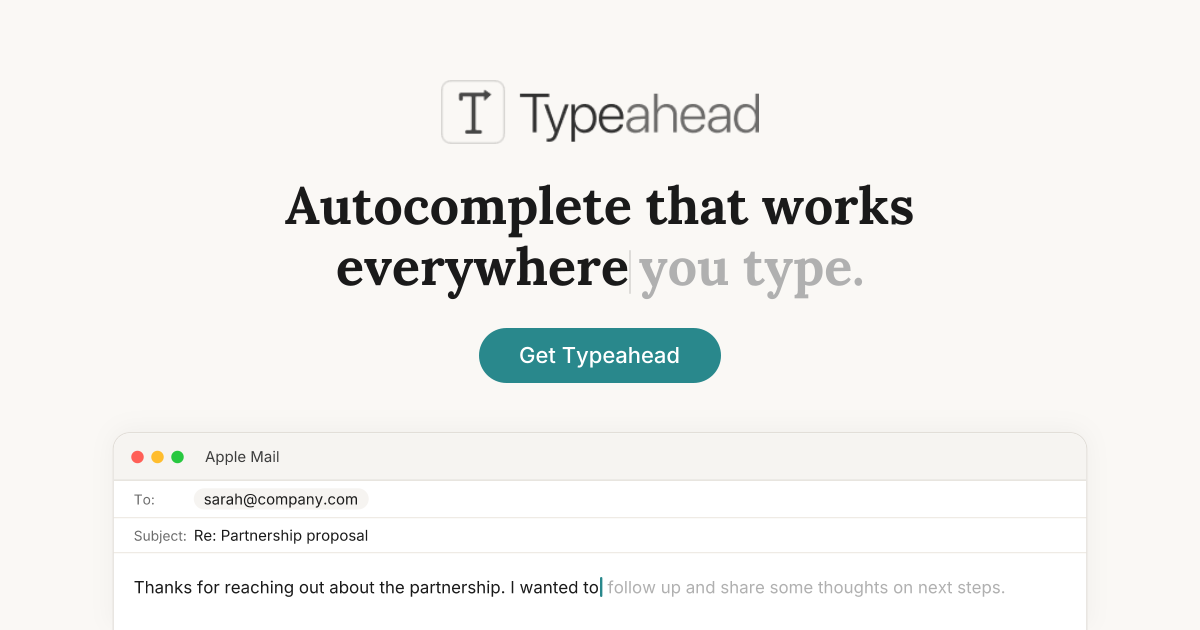
Option B
Typeahead
On-device sentence completion for every Mac text field. Drafts stay on the machine.
Best for
- Mac writers who live in native text fields all day
- People who refuse to send drafts to a cloud model
- Ghost-text fans who already like IDE autocomplete
Strengths
- Private by construction, not by a settings toggle
- Latency feels like the OS, not like an API
- One job, finished
Trade-offs
- Mac only
- Will not become your editor or inbox
Verdict
Typeahead should be on the shortlist only if the problem is “finish this sentence in the field I am already in,” and the constraint is that the keystrokes cannot leave the machine. That is a real, narrow job. It is not a Notion replacement, not an inbox, and not a writing coach. Superhuman still wins if the unit of work is an email thread. Grammarly still wins if the unit of work is a grammar pass across browsers. Notion AI still wins if the draft has to live next to the rest of the wiki. Buy Typeahead when those products feel like too much surface area for a caret that just needs a next-token guess — and confirm the Mac-only license before you pitch it to a mixed-OS team.
Choose Grammarly if…
- Writers who want last-mile grammar and clarity flags inside a Free web Docs editor without a card
- People okay declining Try Pro for $0 / 10-day free CTAs and reading each accept before applying
Choose Typeahead if…
- Mac writers who live in native text fields all day
- People who refuse to send drafts to a cloud model
- Ghost-text fans who already like IDE autocomplete
Also see Grammarly alternatives and Typeahead alternatives. Directory curated by ToolifyNav.
Weekly digest