Anima
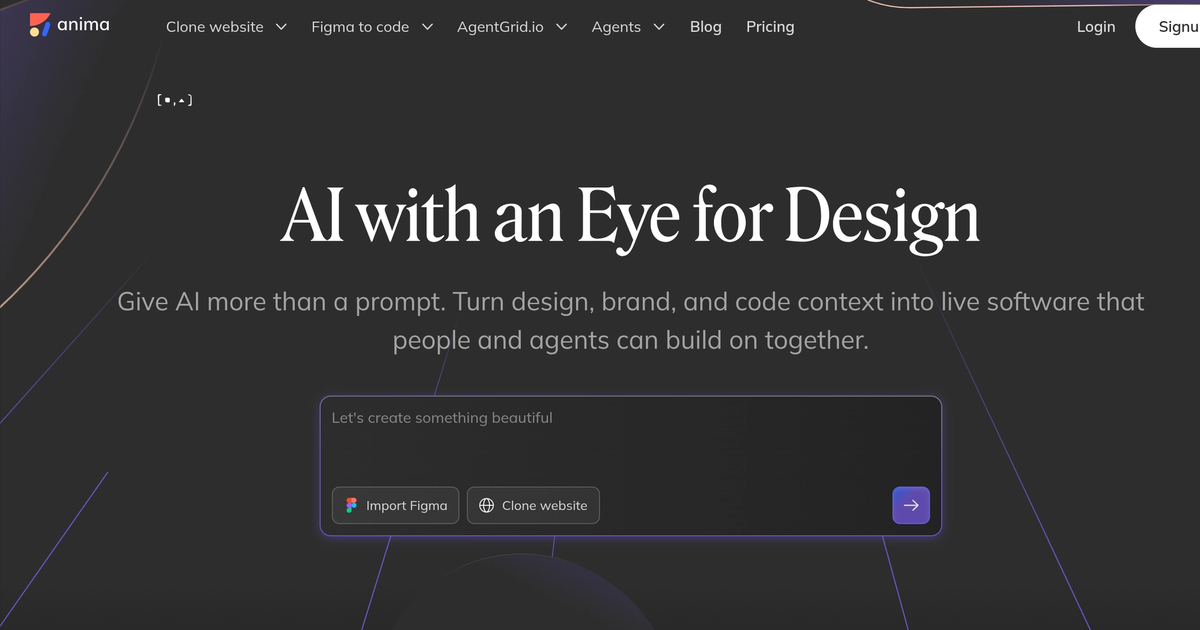
AI UX design agent that turns prompts and Figma into editable websites and apps.
Evaluation
What to know
Editorial notes based on the vendor's own documentation and public pricing, plus hands-on testing where a score or review is shown above. They describe fit for a job, not absolute quality.
Best for
- Product teams prototyping SaaS UI with design fidelity
- Agencies converting Figma into starter frontends
- Founders who need editable sites, not static mockups
Not ideal for
- Illustration or brand-art generation
- Fully autonomous app shipping without engineers
- Orgs locked into a single Figma Make / FigJam-only stack
Key features
- Prompt and Figma to editable web/app UI
- AI UX agent for screens, copy, and flows
- Design-to-code export with developer handoff
- Collaborative canvas for design and product
- Component-aware iteration instead of one-shot images
Pros
- Bridges design craft and shippable UI better than pure image generators
- Figma import reduces blank-canvas cold starts
- Useful for agencies pitching interactive drafts fast
Cons
- Seat and AI-usage pricing needs live confirmation before team rollout
- Complex design systems still need human cleanup after export
- Not a replacement for production design-token governance
ToolifyNav verdict
Anima sits in the design-agent and Figma-to-product lane: stronger when you care about editable UX structure than when you only need a marketing image. Locofy pushes harder on production frontend codegen; Relume and Uizard lean marketing-site scaffolding; Lovable-class tools chase full app generation. Directory readers should treat Anima as a craft-oriented accelerator for UI exploration and handoff, then verify seat pricing and export quality against their own Figma libraries before standardizing a squad. Recheck export targets and collaboration seats against your next prototype sprint, and keep a human design review on any screen that will touch production customers.
About
About Anima
Anima positions itself as an AI UX design agent for product and design teams who want shipped UI, not just pretty mockups. You can start from a natural-language prompt, import Figma, or iterate inside Anima's canvas; the output is meant to be an editable website or app shell rather than a disposable screenshot. The company leans hard into the Figma-to-code story — auto layout, components, and developer handoff — while adding agent-style flows that propose screens, copy, and interaction states.
Public materials emphasize speed for startups and agencies that lack a full design-engineering bench: describe a landing page or SaaS dashboard, refine visually, then export code or continue iterating with an AI assistant that understands the current design tree. Anima competes in the crowded design-to-product lane against Locofy, Uizard, Relume, and Lovable-class builders, but its messaging stays closer to UX craft and Figma fidelity than pure vibe-coding.
Pricing is freemium with collaborative team seats; exact AI generation caps and export entitlements shift on the live pricing page, so treat published seat math as directional and re-check before a studio-wide rollout. Enterprise sales cover SSO and larger workspaces. For ToolifyNav readers, Anima is most interesting when the artifact must remain design-editable and still leave cleanly into frontend code.
Related
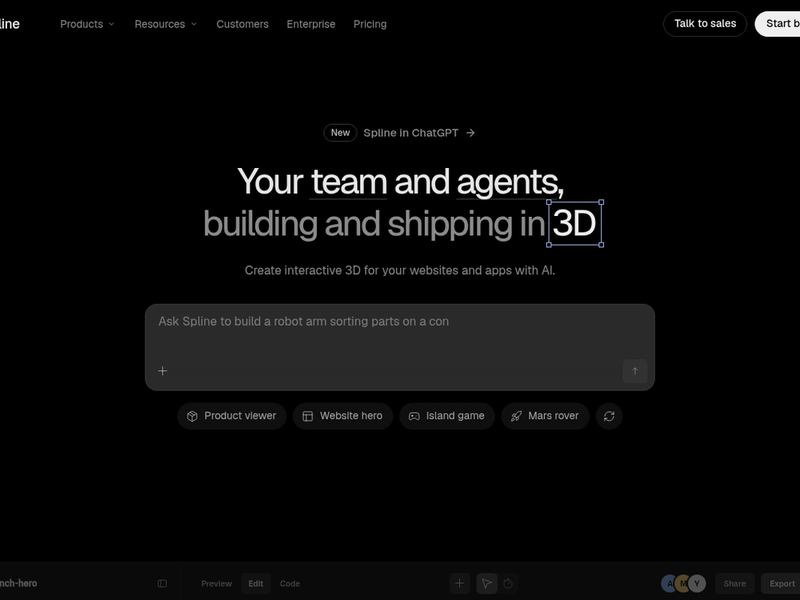
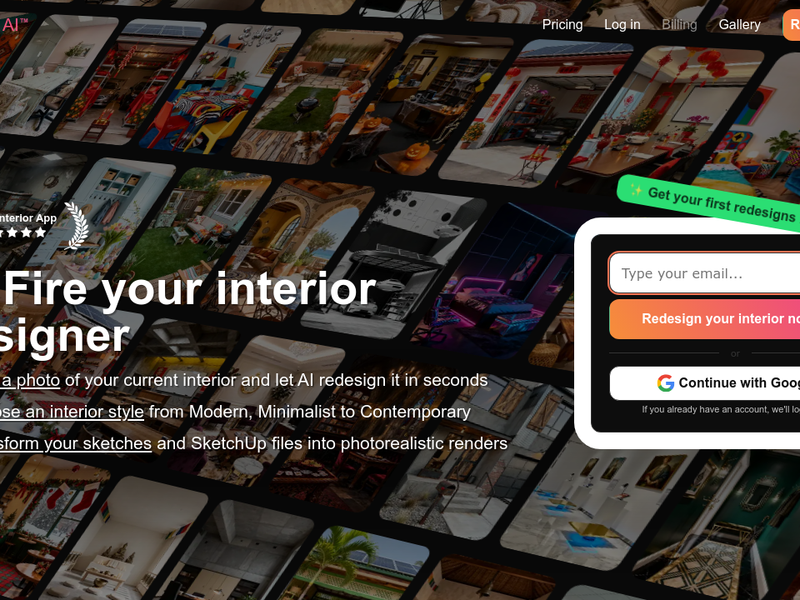
More in Art & Creative Design
Same category — not a curated competitor list.

Discover More
Weekly digest
Get weekly AI tools and hands-on reviews
A short digest of new tools and hands-on breakdowns. Unsubscribe anytime.