Kittl
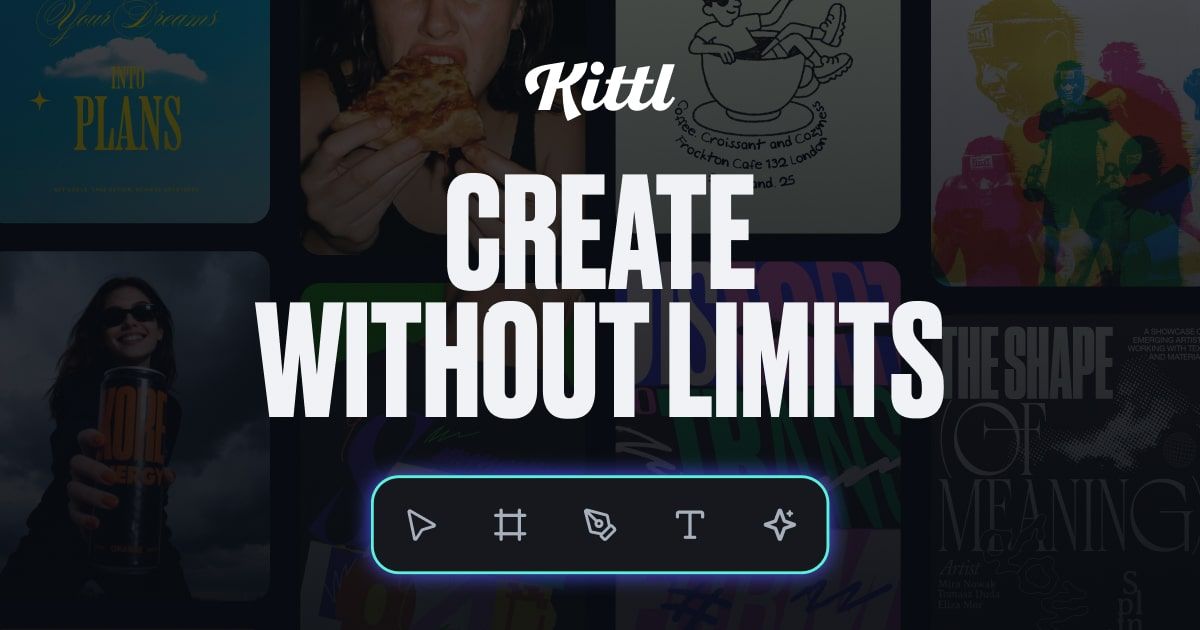
AI-first design platform for branding, mockups, vectors, and creator graphics.
Evaluation
What to know
Best for
- Creator brands and merch sellers shipping product visuals
- Freelance designers needing mockups plus AI generation
- Small marketing teams replacing Photoshop for everyday assets
Not ideal for
- Complex multi-screen product UI systems
- Teams that must stay inside Figma-only pipelines
- Users needing unlimited free commercial exports
Key features
- Vector editing, text effects, and product mockups in one canvas
- Multi-model AI image and video generation inside the editor
- Background remover and smart creative flows
- 1M+ stock assets plus premium template libraries on paid plans
- Free tier with upgrade path to Pro and Expert seats
Pros
- Keeps designers in a controllable editor instead of chat-only art
- Broad model menu reduces hopping across generator tabs
- Mockups and brand templates speed seller and agency output
Cons
- Free plan commercial rights and AI tokens are tightly capped
- Credit burn can surprise heavy video or batch image days
- Not a substitute for full Figma design-system governance
ToolifyNav verdict
Kittl is the creator-brand design workbench in this Art pair: broader and more production-shaped than Khroma’s color niche, lighter than a full Adobe Creative Cloud seat. Canva remains the mass-market alternative; Kittl leans harder into vector craft, mockups, and a multi-model AI rack for people who still want editable control. Budget AI credits against real weekly asset volume before upgrading, and keep brand guidelines outside the generator so style drift does not sneak into every SKU shot. For directory readers comparing Art tools, shortlist Kittl when the deliverable is a sellable visual, not a Figma handoff or a research brief.
About
About Kittl
Kittl markets itself as an AI-first design platform for ambitious brands and creator businesses that need standout graphics without living forever in Photoshop. The canvas mixes professional vector editing, text effects, mockups, and template libraries with multi-model AI image and video generation — public pages list options spanning Ideogram, Flux-family models, Google Imagen variants, OpenAI image models, and ByteDance Seedream generations, plus background removal and smart flows meant to keep designers in control rather than one-shotting disposable art.
The commercial story is freemium. Free forever covers a handful of projects, professional templates, a one-time AI token allotment, and a large stock of photos, graphics, and fonts, but commercial rights are restricted on free. Pro lands around $19 per month ($14 annual messaging on-site) with unlimited projects, daily AI credits, multi-gig storage, and premium templates/mockups; Expert around $49 per month ($39 annual) adds heavier AI credit pools, larger storage, and curated asset libraries. Confirm live numbers on kittl.com/pricing because token math and model menus change.
Kittl competes with Canva AI, Adobe Express, and specialized mockup tools. Its pitch is designer agency: you remain the art director while AI accelerates generation and cleanup. That makes it a strong Art-category listing for ToolifyNav — closer to brand and product visuals than pure text-to-UI tools like Stitch or Relume.
Related
More in Art & Creative Design
Same category — not a curated competitor list.

Discover More
Weekly digest
Get weekly AI tools + hands-on reviews
A short digest of new tools and hands-on breakdowns — unsubscribe anytime.