Narakeet
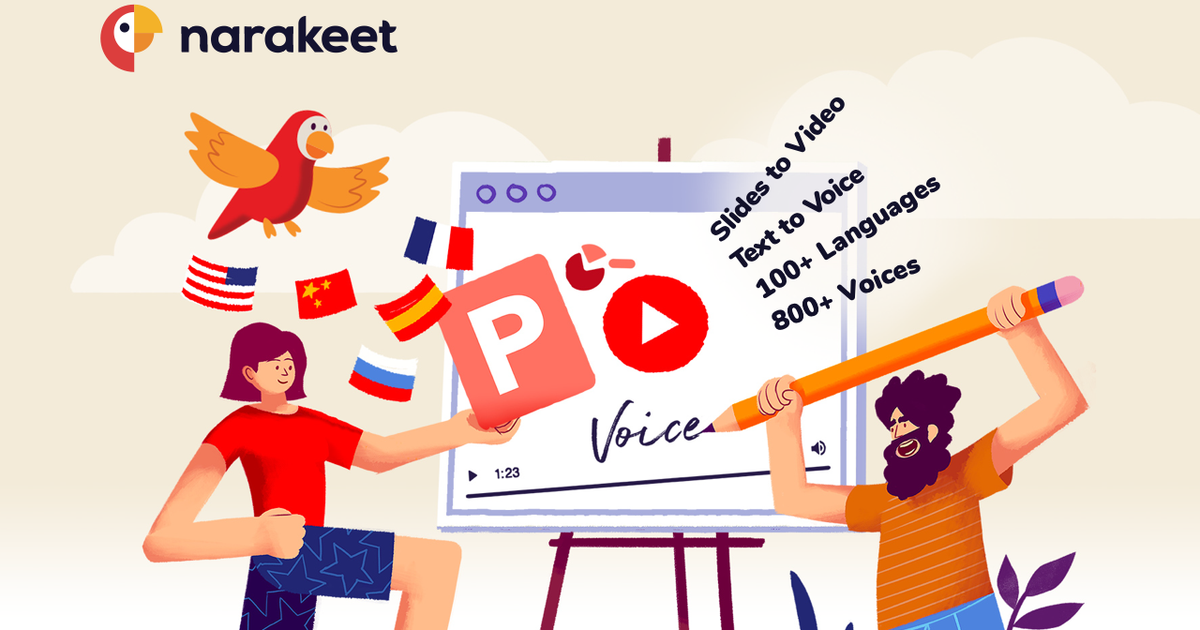
Text-to-speech and narrated-video maker that turns scripts, PowerPoint decks and Markdown into voiceovers and videos using 900 voices in 100 languages, with pay-per-minute pricing.
Evaluation
What to know
Best for
- Trainers converting PowerPoint courses into narrated videos
- Developers generating tutorial videos from Markdown in CI
- Teams needing narration in many languages and accents
Not ideal for
- Character dialogue or dramatic audiobook performance
- Creators wanting avatar presenters on screen
- Users who need voice cloning of their own voice
Key features
- 900 voices in 100 languages with many regional English accents
- PowerPoint-to-video narration from speaker notes
- Markdown-to-video for scripted, version-controlled content
- Text-to-audio export to MP3 or WAV with speed and pitch control
- Speech-to-text, dubbing, CLI and API tools
Pros
- Pay-per-minute packs avoid recurring subscription fees
- Updating slides or scripts regenerates the whole narration consistently
- Wide accent coverage for localized training
Cons
- Voice expressiveness trails emotion-focused TTS studios
- Interface is functional rather than polished
- Free accounts cannot be used commercially
ToolifyNav verdict
Narakeet rewards people who maintain content over time. Its strongest feature is not a single voice but the workflow: narration lives as text in slide notes or Markdown files, so revisions are edits rather than reshoots. Combined with pay-per-minute pricing and a wide accent catalog, that makes it sensible for training teams and developers documenting products. It is less suited to emotional performances, and its interface looks dated next to newer studios. Anyone who updates tutorials or courses regularly should consider it before signing up for another monthly voice subscription.
About
About Narakeet
Narakeet grew out of a frustration its founder, software consultant Gojko Adzic, describes on the site: re-recording narration and re-syncing screens every time a tutorial changed. Originally launched as Video Puppet in 2018, it now turns written material into narrated audio and video, using 900 voices across 100 languages and a long list of regional English accents, from Scottish and Welsh to Nigerian, Filipino and Singaporean.
There are several ways in. Text to Audio converts typed scripts, Word documents or subtitle files into MP3 or WAV, with control over speed, volume and pitch. PowerPoint to Video reads the speaker notes in a deck and produces a narrated video timed to the slides, so updating a training module means editing text rather than re-recording. Markdown to Video does the same for scripted videos kept as text files, which appeals to developers who version their content in Git. Narakeet also offers speech-to-text transcription, AI dubbing and command-line and API tools for automated builds.
Pricing is unusual in this category: instead of subscriptions, you buy one-time packs of audio or video minutes, from $6 for 30 minutes down to about $0.05 per minute at volume, billed per second of final output. A free account lets you try the tools with limits, and commercial use requires a paid account.
Related
More in Voice Generation & Conversion
Same category — not a curated competitor list.
Discover More
Weekly digest
Get weekly AI tools and hands-on reviews
A short digest of new tools and hands-on breakdowns. Unsubscribe anytime.