Paperpal
Academic writing assistant from the Editage team that flags grammar, rewrites text in a scholarly register, and adds citation, plagiarism and AI-detection checks.
Hands-on Review and Evidence
Leo Liang · Hands-on
Hands-on score: 4 / 5
Paperpal Review: 7 of 7 Planted Grammar Slips Caught on the Free Tier (4/5)
I pasted an 86-word paragraph with seven planted grammar slips into Paperpal's free tier. It caught all seven, rewrote one sentence with Make Academic in about 2.5 seconds, and quietly charged 11 of my 200 monthly edits before I'd accepted a single fix.
Best for
- Graduate students and researchers tidying short manuscript passages
- Non-native English academics who want a formal, journal-style register
- Checking an abstract or cover letter for grammar slips without paying
Not ideal for
- Blog, marketing or casual writing where a formal tone gets in the way
- Long messy drafts on the free tier's 200 edits a month
- Heavy daily rewriting beyond 5 free AI actions a day
Evaluation
What to know
Editorial notes based on the vendor's own documentation and public pricing, plus hands-on testing where a score or review is shown above. They describe fit for a job, not absolute quality.
Key features
- Grammar, readability and style suggestions tuned for academic writing
- Paperpal AI rewrites: Paraphrase, Improve Fluency, Make Academic, Simplify
- Research & Cite assistant over 300M+ scholarly publications
- Checks suite: plagiarism, AI detection, reference check, journal fit
- Word add-in and .docx upload up to 25 MB
Pros
- Caught all 7 planted grammar slips in an 86-word test paragraph, with all 11 suggestions usable on the free tier
- Email signup with no card and no verification step; straight into the editor
- Make Academic rewrite came back in about 2.5s and fixed both errors without changing the meaning
Cons
- Free edits are charged per suggestion generated, not per fix accepted — 11 of 200 gone on one 86-word check
- Only 5 AI rewrites a day on the free tier
- Rewrites lean formal ("keep" becomes "maintain"), and some basic errors are filed under vague Readability labels
ToolifyNav verdict
Hands-on (Oct 12, 2026): cardless email signup with no verification, all 7 planted grammar slips caught in an 86-word paragraph (11 suggestions, none locked), and a Make Academic rewrite in about 2.5s that read correctly. Loses a point for tight free meters — edits charged per suggestion generated, 5 AI uses a day — plus a formal pull that won't suit casual writing. 4/5. Full review: https://toolifynav.com/blog/paperpal-review
About
About Paperpal
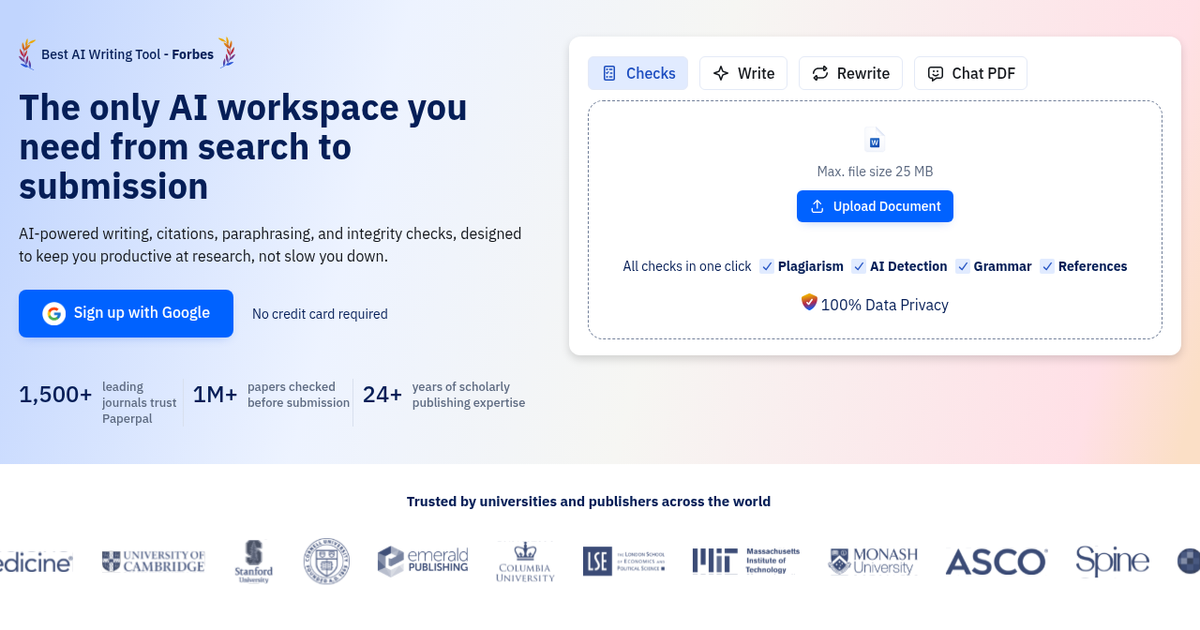
Paperpal is an AI writing workspace for academic and research writing from Cactus Communications, the company behind the Editage editing service, which cites more than 24 years in scholarly publishing. It is designed to carry a manuscript from sources to submission rather than to generate essays from scratch.
The research side lets you upload references and PDFs, chat with papers, and ask questions answered with cited findings from more than 300 million verified research articles, building a literature review as you go. While drafting, you can add guidelines, reviewer notes or an outline and get suggestions grounded in your sources, then cite in more than 10,000 styles. Writing tools include grammar and consistency checks trained on scholarly text, plus paraphrase, trim, translate and an AI review function.
The pre-submission suite is the distinctive part: a plagiarism check for unintentional similarity and missing citations, AI-pattern detection, a reference check that flags citation errors, broken links and AI-hallucinated references, and a journal-fit check. A beta Illustrate feature generates figures. Paperpal works inside Microsoft Word through an add-in and in Google Docs, Overleaf and the browser through Chrome and Edge extensions.
Paperpal says more than 1,500 journals trust it and over a million papers have been checked before submission. A free tier gives limited monthly usage; Prime and Pro raise limits substantially, with institutional licenses available.
Alternatives
Alternatives to Paperpal
Direct Side-by-Side Comparisons
Discover More
Weekly digest
Get weekly AI tools and hands-on reviews
A short digest of new tools and hands-on breakdowns. Unsubscribe anytime.