Khroma Review: Fifty Likes, Forty-Eight Seconds, Limitless Free Palettes (4/5)
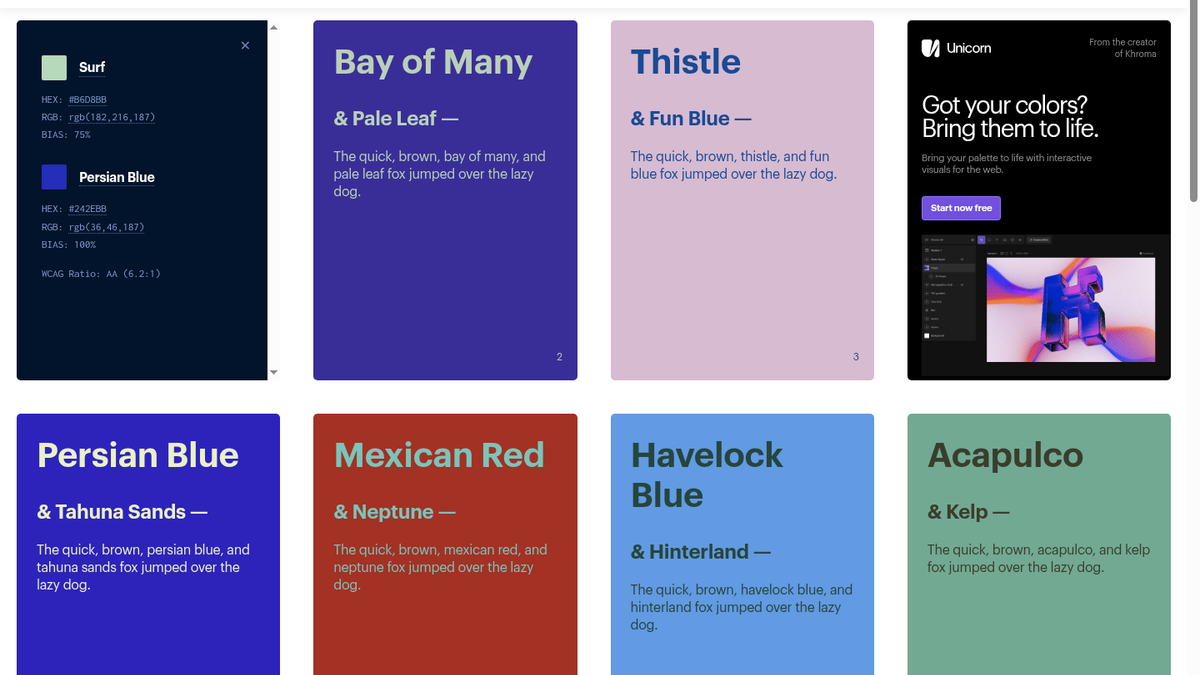
I liked fifty swatches on Khroma, waited ~48 seconds for the in-browser net to hit ~95% accuracy, then searched pastel and got 24 pairs — Surf #B6D8BB and Persian Blue #242EBB copied with WCAG AA (6.2:1), no account and no card.
By swatch forty-six the grid was still throwing muted midtone greens and pale dark magentas at me. Counter in the top bar had crawled from "50 likes to go" through "49 colors left" and was almost done. I was on https://www.khroma.co/train late Wednesday in La Rioja — ART, around 22:20 — because the homepage had sold a simple pitch: "Design with colors you love." Subcopy under that: Khroma uses AI to learn which colors you like and creates limitless palettes to discover, search, and save. Big blue Generate button. No pricing page. No "start free trial." I hit Generate and landed on the fifty-swatch wall.
The train screen is blunt about what you’re doing. "Choose 50 colors. These colors will be used to train a color generator algorthim personalized to you…" — yes, "algorthim," that’s in the live copy. A note under it says for this beta your data stays in localstorage, only this browser on this device. Swatches carry labels like RICH LIGHT BLUE and MUTED MIDTONE VIOLET. When the counter hits zero, a green Start Training button appears and a navy "READY TO TRAIN" card asks you to hit Got it. Still no account. Still no card. The ToolifyNav listing for Khroma already called it a free AI color tool; I wanted to see whether that held once the neural net actually ran.
The fifty-swatch tax, then a 48-second run
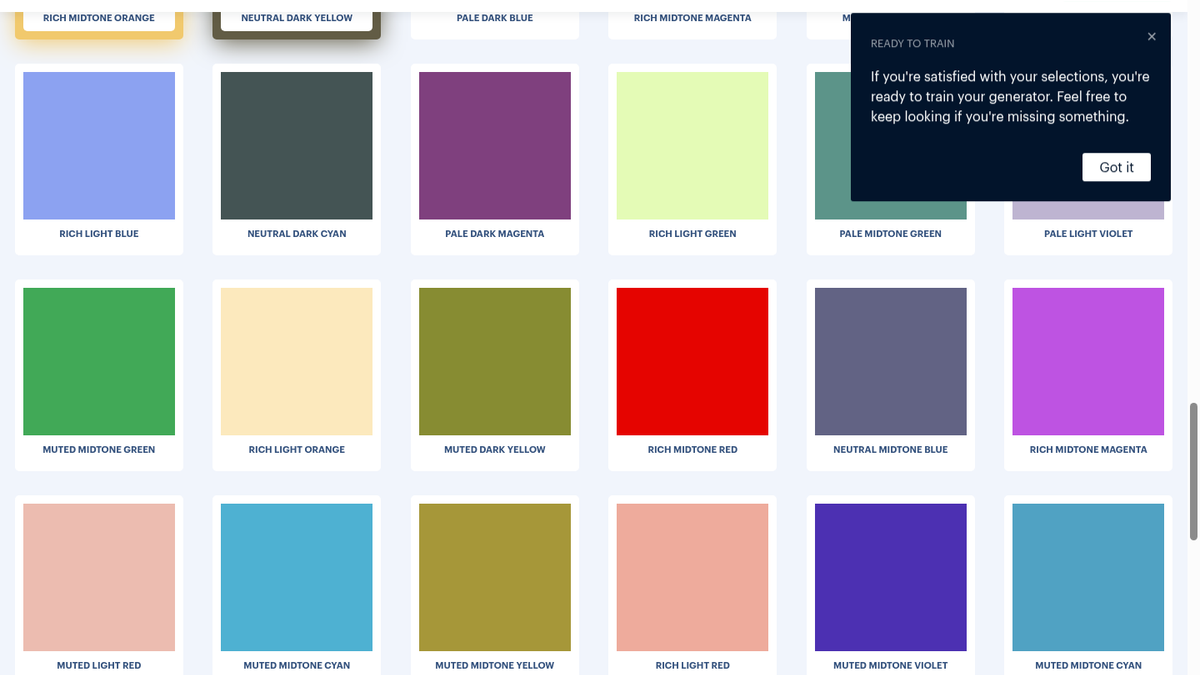
Fifty clicks is a real onboarding tax. You can’t mash random tiles if you care what comes out later — I leaned dusty pastels, deep navy, warm earth, the kinds of hues I actually keep in photo grades and UI mocks. Then Start Training. Progress text in the browser, not a spinner to a remote GPU: "Training: 62% Accuracy: 95.06%" flipped into "Training: 67% Accuracy: 95.05%" and finished at 100% in about 48 seconds. Redirect to /generator. Under the hood it’s a client-side synaptic.js Perceptron writing weights into IndexedDB via localforage — which is why there’s no signup gate and also why wiping the browser means wiping the model unless you export.
The generator is an infinite scroll of pairs. Top bar has view icons for Type, Poster, Gradient, Image, four-color Palette, and Favorites. Two Bias fields both sat at 50. Search placeholder: "What are you looking for? Search 'tips' for help." A small "Generating…" bar flickered at the bottom while more cards streamed in. Heart on a card dumps it into state.favorites with the current weights. I checked that with a quick IndexedDB peek — favorites array grew, weights stayed. No toast asking me to upgrade. No credit meter. BETA badge still red next to the K logo the whole time.
"pastel" returned twenty-four pairs
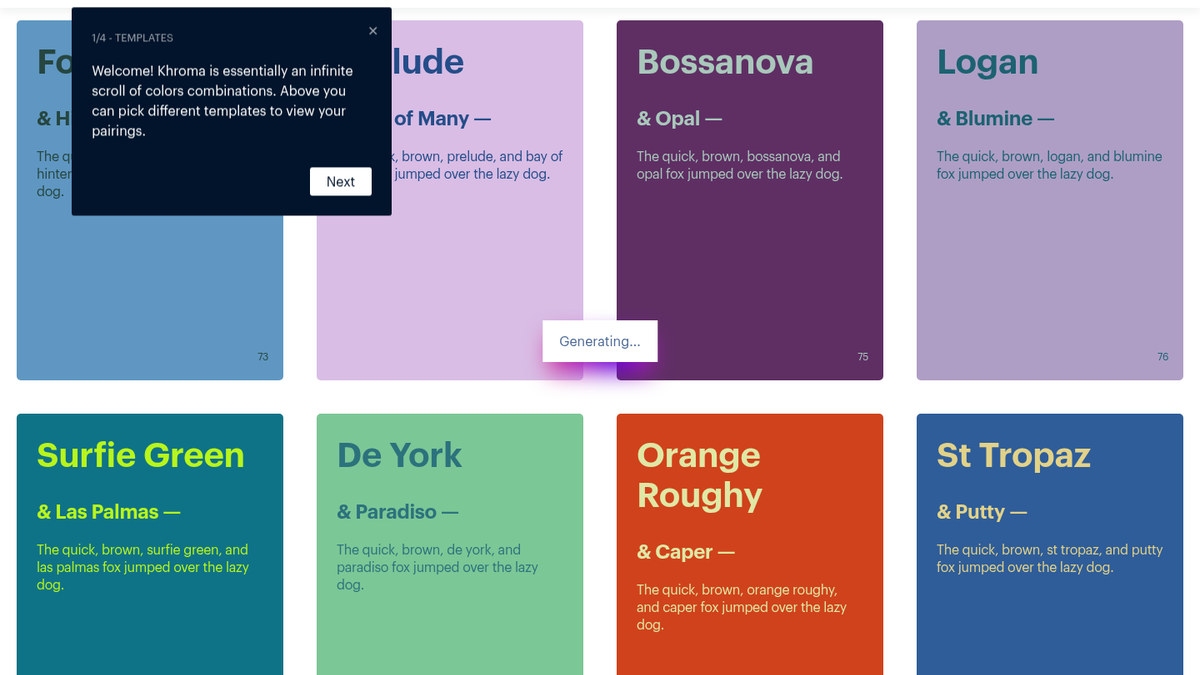
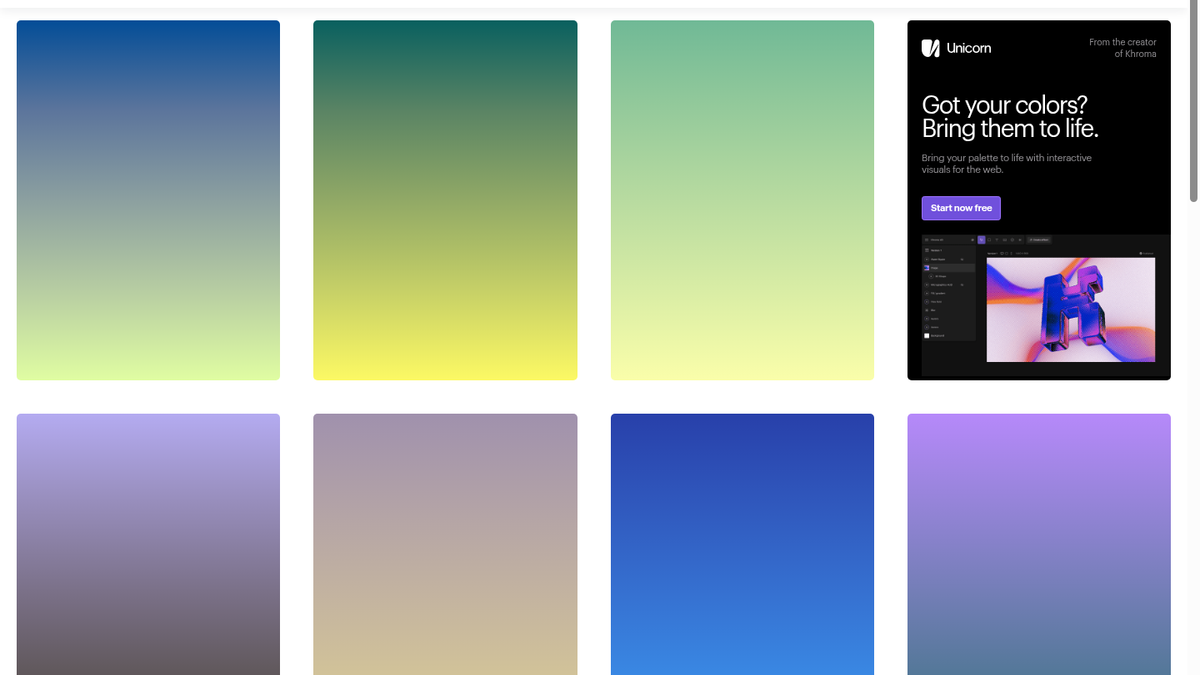
I typed pastel into the search field and hit Enter. Grid snapped to 24 filtered combinations — Deco & Chambray, Royal Blue & Sweet Corn, Caper & Elm among them. Names come from ntc.js, so you’re not stuck staring at naked hexes in the feed. Poster and Type views put the same pairs into layout and body-copy samples; Gradient mode was the cleanest cover shot of the night.
Opened Color Details on Surf & Persian Blue:
- Surf —
#B6D8BB,rgb(182,216,187), bias 75% - Persian Blue —
#242EBB,rgb(36,46,187), bias 100% - WCAG — AA (6.2:1)
One click on #B6D8BB and a toast said "Copied to clipboard!" That was the whole export path for day-to-day use. No ASE gate. No "Pro unlocks hex." Just the hex, RGB, name, bias, and contrast ratio on the card. I favorited the pair before moving on — heart SVG, no confirmation modal.
Settings, JSON suitcase, one DOM quirk
Gear icon opens Settings. Chromatic Gradients was ON — "This will make some gradients look less muddy." Never fail WCAG was OFF — "This will block type combos which fail the WCAG contrast ratio test." There’s an Edit training colors link that warns it resets the generator. And a mint Download Khroma data button that packages your personal generator and favorites as JSON so you can upload them on another machine’s training page. That’s the migration story: not cloud sync, a file. I didn’t open Figma plugins or try this on a phone — stayed in the desktop browser session from about 22:19 to 22:26 ART.
One bug showed up after a few filter passes. Search replaces #grid children; if Color Details was open on a card that got torn out, the overlay detaches until you reload. Minor, but real. Unicorn promo cards from the same creator sit in the feed with a "Start now free" pitch — I left those alone and stayed on Khroma itself.
Khroma is for designers and indie builders who will trade fifty deliberate likes for a taste-trained feed and one-click hex/WCAG without making an account. Skip it if you need cloud sync out of the box or you refuse to pick that many swatches before you see a single palette. Free means free here — no tier table, no card wall, local weights, JSON suitcase if you move machines.
Final rating: 4 out of 5.
ToolifyNav Directory
Explore Khroma on ToolifyNav
AI color tool that learns your taste and generates endless searchable palettes.