Khroma
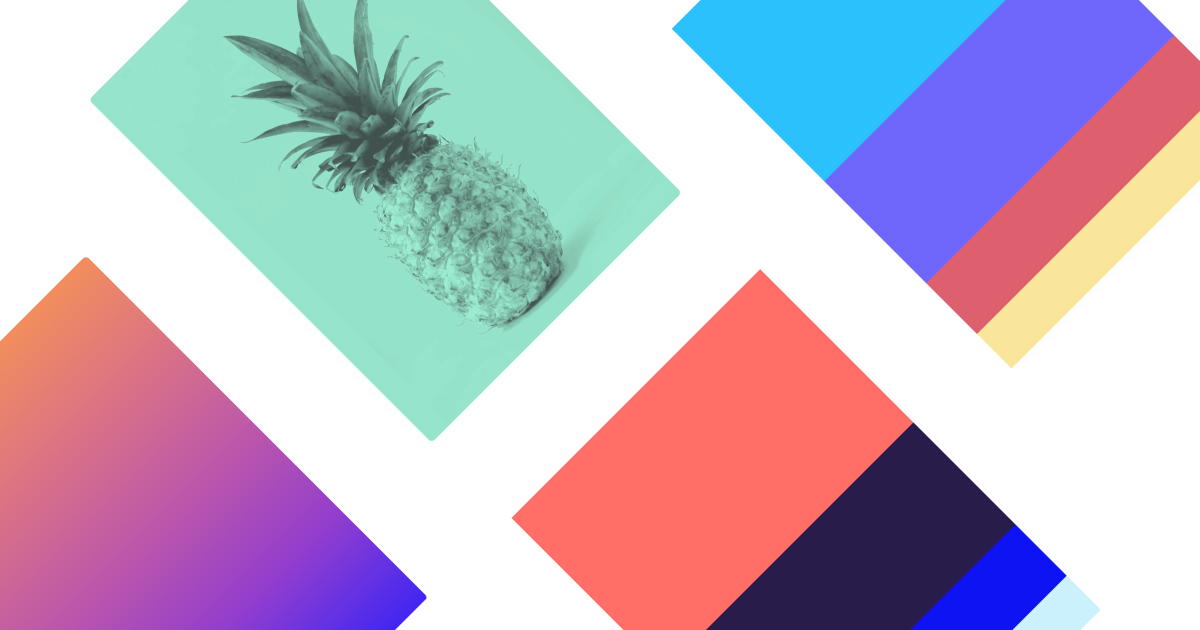
AI color tool that learns your taste and generates endless searchable palettes.
Evaluation
What to know
Best for
- Brand and product designers exploring accessible palettes
- Freelancers who know a mood but need hex relationships
- Students learning contrast and color systems hands-on
Not ideal for
- End-to-end logo or marketing-site design
- Enterprises needing SSO-managed design systems
- Photo or illustration generation workflows
Key features
- Train a neural palette generator from ~50 liked colors
- Infinite combinations with typography, gradient, and image previews
- Search/filter by hue, tint, value, name, hex, or RGB
- WCAG accessibility ratings and CSS export snippets
- Local library of saved pairs without mandatory signup
Pros
- Personal taste model beats generic random palette walls
- Accessibility contrast built into each saved pair
- Zero-cost entry with almost no onboarding friction
Cons
- Narrow scope — no UI mockups, vectors, or brand kits
- Local-storage beta can make multi-device libraries fragile
- No team governance or shared brand-token sync
ToolifyNav verdict
Khroma is the taste-trained color specialist in this harvest: strongest when palette discovery and WCAG pairs are the job, weakest when you need a full creative suite. Kittl and Canva-class tools win for finished brand assets; Khroma wins the earlier moment when you still argue about whether the accent should be coral or terracotta. Directory readers should treat it as a free, focused companion beside Figma or Kittl rather than a replacement design OS. Export CSS and contrast notes into your token file once a palette sticks, and retrain if the bias drifts too narrow for a new brand chapter.
About
About Khroma
Khroma is a browser-based AI color companion built for designers who already know the vibe they want but still waste hours hunting hex pairs that feel right. You train a small neural network by liking about fifty colors; Khroma then generates an infinite stream of combinations biased toward your taste and blocks colors you tend to reject. Each pair surfaces names, hex and RGB values, CSS snippets, and WCAG contrast ratings so accessibility is not an afterthought after the moodboard stage.
The product stays deliberately narrow: it is not a full design suite, Figma competitor, or generative illustration model. Strengths sit in preference learning, search filters by hue, tint, value, named color, hex, or RGB, and view modes that preview typography, gradients, blocks, or custom images before you commit a brand system. Data for the personal generator typically lives in local browser storage on the free beta, which keeps signup friction near zero but means palettes do not magically sync across devices unless you export.
Public materials and designer writeups treat Khroma as free with no paid tier advertised — unusual in 2026 AI tooling and worth re-checking if monetization appears later. Compared with Coolors-style randomizers or Adobe color wheels, Khroma’s differentiator is the trained bias slider rather than curated community packs alone. For ToolifyNav’s Art lane it is a specialist: perfect when color systems are the bottleneck, not when you need logos, UI frames, or photo generation.
Related
More in Art & Creative Design
Same category — not a curated competitor list.

Discover More
Weekly digest
Get weekly AI tools + hands-on reviews
A short digest of new tools and hands-on breakdowns — unsubscribe anytime.