Vizard Review: An 8.0 Virality Score on Elephant Trunks, 720p Watermarks, and a 3-Day Clock (4/5)
I fed Vizard the historic 19-second 'Me at the zoo' clip to test its AI video clipper. It returned an accurate 9:16 vertical short in 25 seconds with an 8.0 virality rating, but the free tier comes with a 720p watermark, a WebGL requirement, and a 3-day deletion timer.
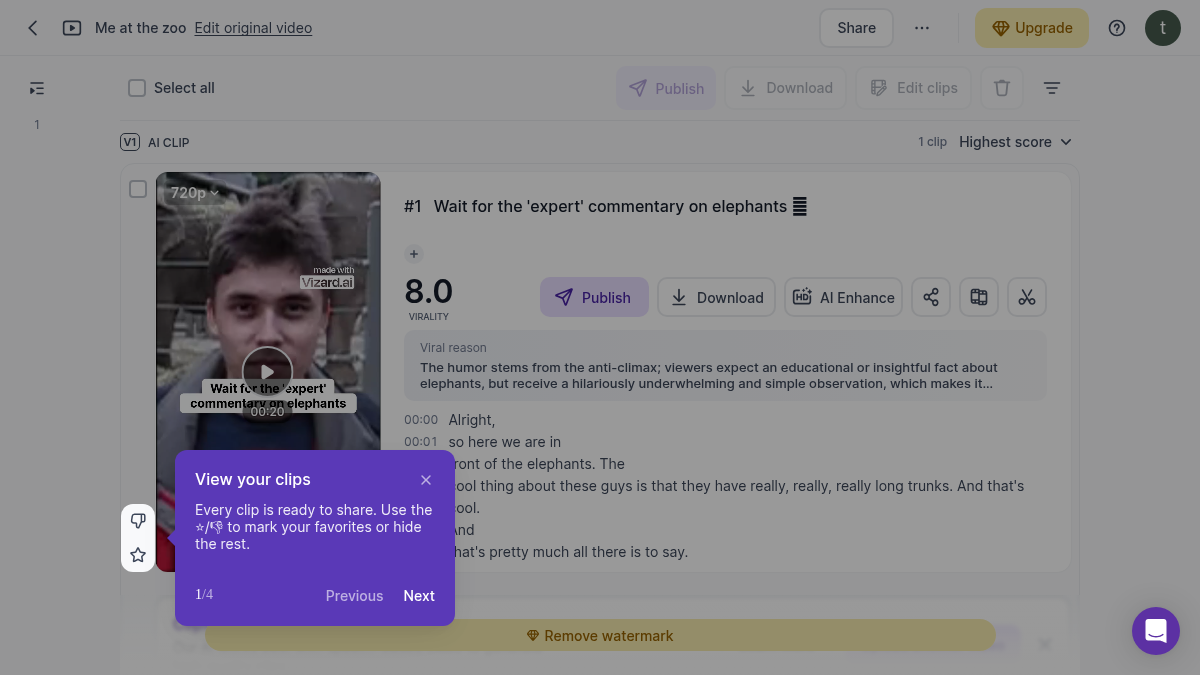
I wanted to see what happens when you feed a dedicated AI video clipper nineteen seconds of ancient, grainy footage and ask it to find virality. I went to Vizard, registered a fresh free account, and pasted the URL of the very first video ever uploaded to YouTube: Jawed Karim standing in front of elephants in 2005. No high-production podcast setup, no crisp studio lighting, just nineteen seconds of casual speech about long trunks.
Sixty credits up front, and no card at the gate
Getting in was pleasantly friction-free. I signed up with an email address and a password, received a confirmation email through SendGrid within five seconds, clicked the verification link, and landed on an onboarding flow. It asked for a role (I picked content creator), a primary goal (growing social media), and how I heard about them. No credit card request appeared, no forced trial countdown timer popped up, and the workspace opened directly.
The top navigation bar showed 60 credits allocated on the Free tier, refreshing automatically each month. That is enough headroom to test real workflows rather than hitting an immediate wall after twenty seconds of rendering.
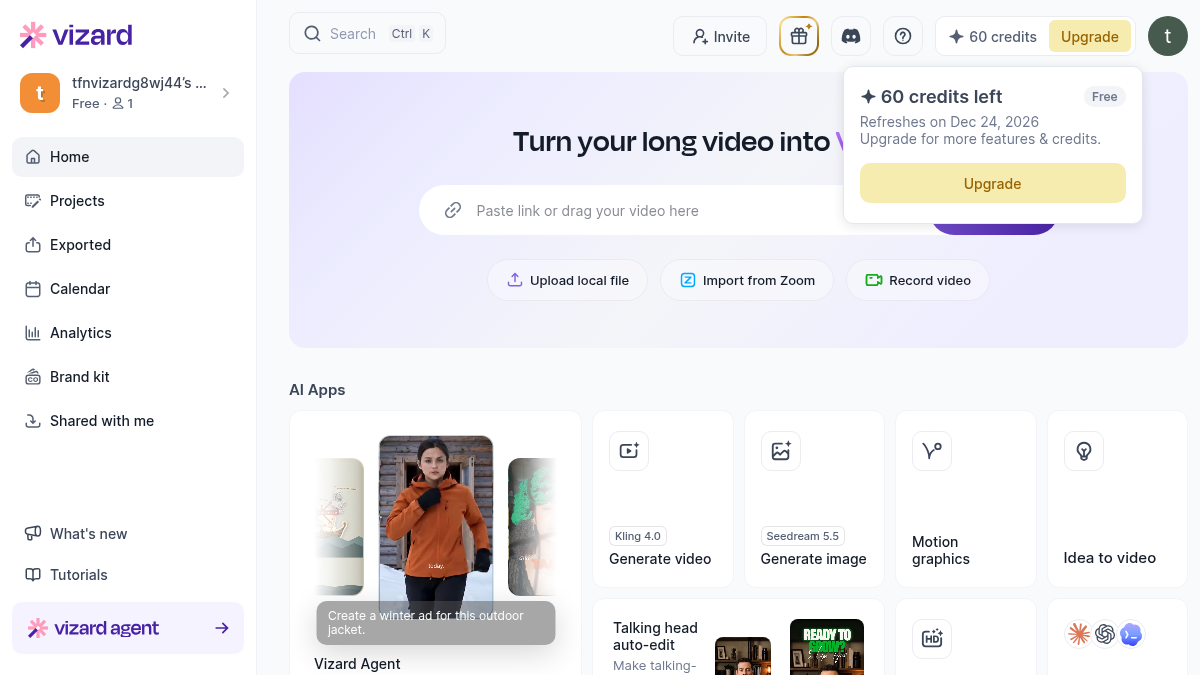
Me at the zoo became a 9:16 vertical clip in under half a minute
The input field on the dashboard accepts direct video uploads or links from YouTube, Google Drive, StreamYard, Loom, Twitch, TikTok, Instagram, and Dropbox. I pasted the YouTube link for “Me at the zoo” and pressed Enter. The system resolved the metadata instantly: title recognized, duration measured at 00:19, and resolution identified at 480p.
Before clipping, Vizard presents a setup screen. You can select the AI model (Model v1 was the default), choose an aspect ratio (9:16 for vertical shorts, 16:9 for landscape, or 1:1), pick a clip length target, and toggle options like animated emojis, keyword highlighting, B-roll insertion, silence removal, and auto-censorship. I selected vertical 9:16, left clip length on Any length, and clicked “Get AI clips.”
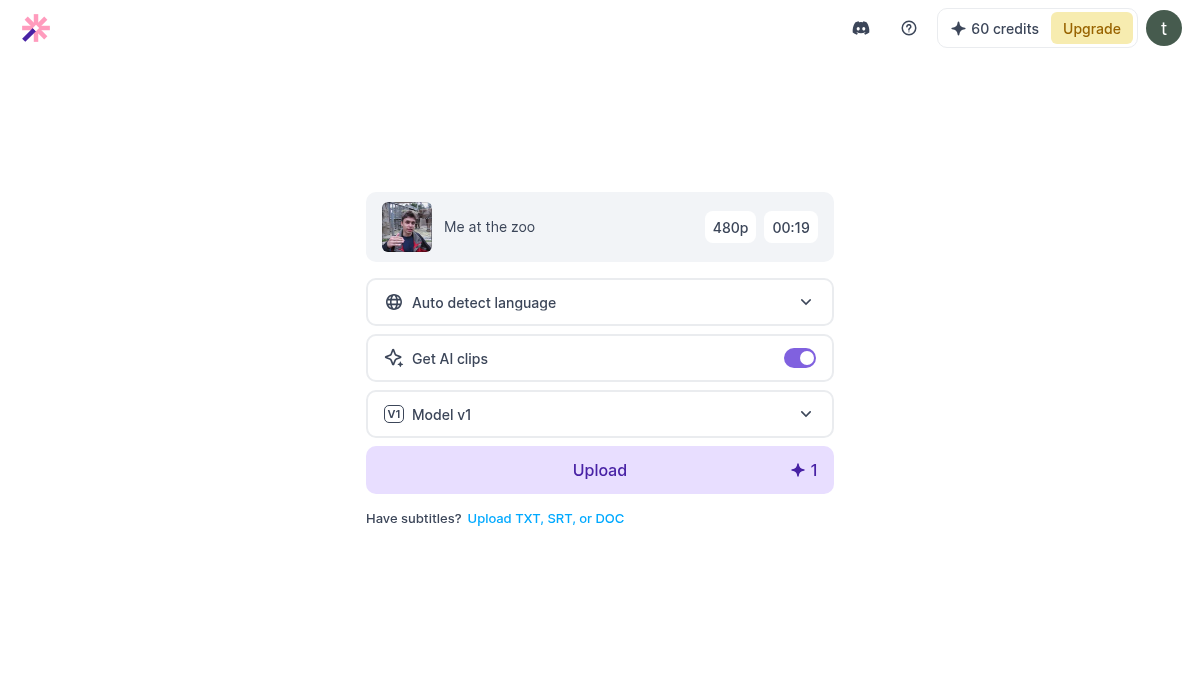
Exactly 1 credit was deducted, bringing my balance from 60 to 59 credits. Within roughly 25 seconds, the job was done. The project appeared in my workspace, and opening it revealed a single generated short rendered in 720p.
What caught my eye was the AI’s editorial reasoning. It rated the nineteen-second clip with an 8.0 Virality score, generated a title — “Wait for the 'expert' commentary on elephants 🐘” — and wrote an explanation for why it works: “The humor stems from the anti-climax; viewers expect an educational or insightful fact about elephants, but receive a hilariously underwhelming and simple observation, which makes it relatable and meme-worthy.” The word-by-word transcription was completely accurate, capturing every pause from “Alright, so here we are in front of the elephants” to “And that's pretty much all there is to say.”
The WebGL wall in the timeline editor
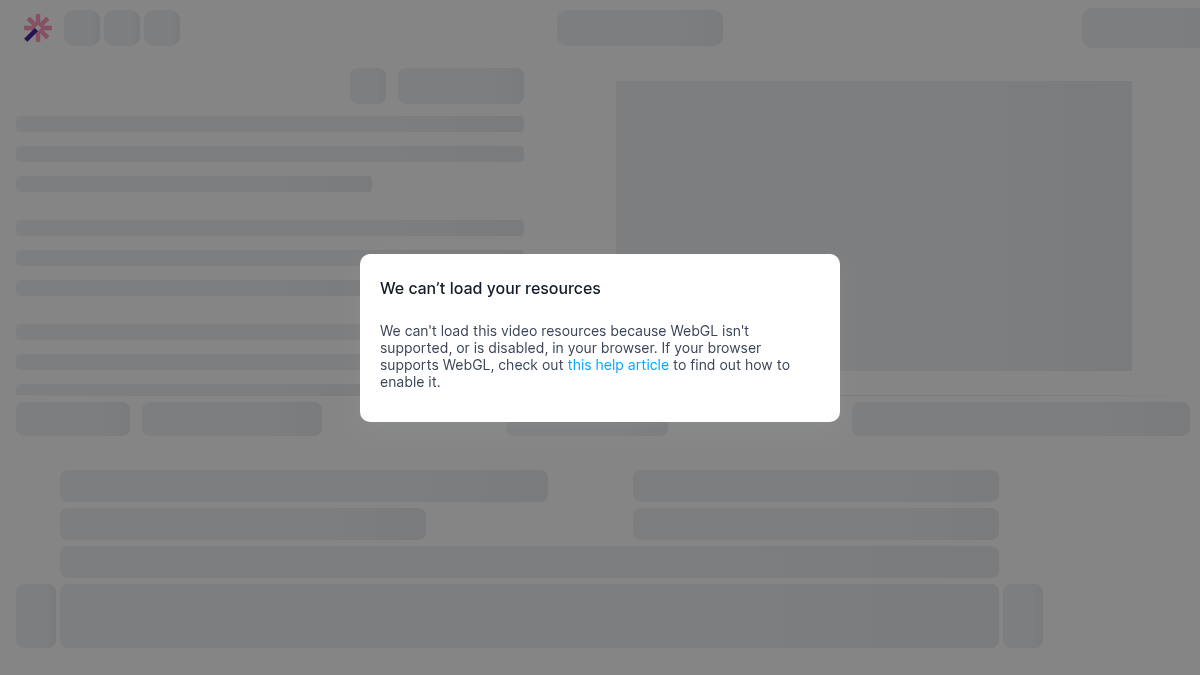
Beside the generated clip, there is an “Edit clips” button linking into Vizard’s full web timeline editor. When I clicked through to adjust subtitles and framing, I was stopped by an explicit system notice: “We can’t load this video resources because WebGL isn't supported, or is disabled, in your browser.”
If you are running in an environment without hardware GPU acceleration — such as a virtualized browser instance or certain remote Linux setups — the deep editor refuses to initialize. The automated clipping and transcription work entirely on their backend servers, but hands-on canvas editing demands local WebGL support.
The 720p ceiling and a three-day clock
I also tested what happens when you feed the link box bad input. Pasting a plain website address like a non-video URL and clicking the submit button quietly does nothing unless you hit Enter, at which point the interface reminds you to drop a link from supported video platforms. It did not swallow bogus input or generate phantom transcriptions.
The real boundaries show up once you look at the storage and export terms. On the free plan, projects carry a countdown label: “Expires in 3 days.” After 72 hours, projects in your workspace are deleted. Exports on the free tier are capped at 720p and include a visible Vizard watermark. Subtitle transcripts can only be downloaded as raw TXT; getting timed SRT files requires a paid subscription.
The pricing page lists the Creator plan at $29 monthly, or $14.50 monthly ($174 billed yearly), which bumps monthly credits to 7,200 a year, unlocks 4K exports, removes the watermark, and stores 100 GB of video without the three-day deletion timer. Business runs $39 monthly ($19.50 monthly billed yearly) with brand kits, custom fonts, and team seats.

To be fair to the tool, this test was a quick turnaround on a short, single-speaker clip. I did not test uploading a two-hour multi-mic podcast, scheduled auto-posting across six social accounts, Cantonese dubbing, or the paid Vizard Agent with larger Pro and Max models. What I can verify is that the core pipeline works cleanly: fast signup, zero hallucinations on transcript text, clever comedic viral detection, and a functional 9:16 short generated in under half a minute.
Final rating: 4/5. Vizard is one of the fastest and sharpest vertical clippers I have tested for turning talking-head video into captioned shorts. The transcript accuracy and anti-climax detection on a 2005 video were spot on. Just know that the free tier is strictly an audition: the 720p watermark and three-day project expiration mean you will need the Creator plan if you plan to publish without branding. I will keep the ToolifyNav listing updated if the limits shift.
ToolifyNav Directory
Explore Vizard on ToolifyNav
AI clipping tool — turn long videos into short, social-ready clips for TikTok, Reels, and Shorts.
Keep Reading
Related posts
SaaS Reviews
Diffit Review: A Useful Worksheet in Seconds, but a 404 Became a Lesson (3/5)
Diffit turned my temperature notes into a correct grade-five worksheet, then rewrote it for grade two without losing the numbers. But it also invented classroom details and generated a polished lesson from a URL that returned 404, so the output needs a teacher’s source check.
SaaS Reviews
Auphonic Review: -24.47 to -16.00 LUFS in Seconds, but Free Exports Get a Jingle (4/5)
I fed Auphonic a 25.56-second speech file with uneven levels, white noise, and hum. It hit -16.00 LUFS exactly and varied the leveler gain by section, but the free MP3 grew by 6.408 seconds because Auphonic appends a jingle.
SaaS Reviews
Knowt Review: A 2-Page PDF Became a Clean Study Guide in 30 Seconds, but Flashcards Are Behind the Paywall (3/5)
Knowt's AI PDF Summarizer turned a two-page PDF I wrote myself into a structured nine-section study guide in about 30 seconds, and stayed faithful to my source. The note body leaks raw LaTeX into doubled numbers, the word count is wrong, and Flashcards from the same PDF are gated behind ULTRA at $95.99/yr.