Kilo Code
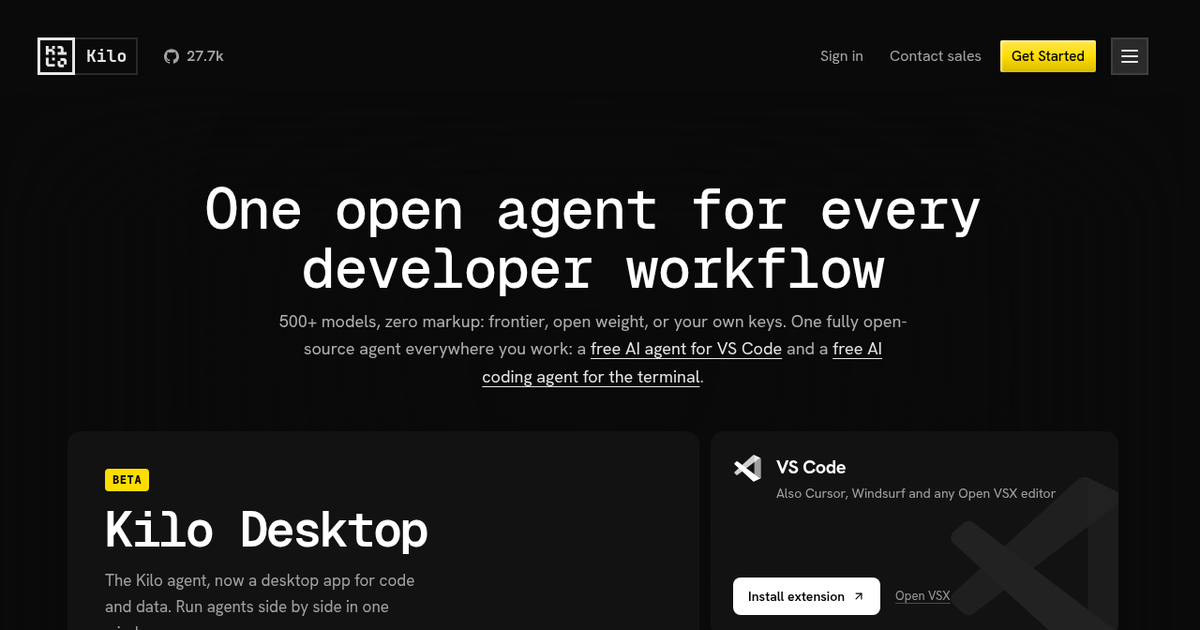
Open-source coding agent for VS Code, JetBrains, the terminal and the cloud that routes to 500+ models at provider cost, with bring-your-own-key and local model support.
Evaluation
What to know
Editorial notes based on the vendor's own documentation and public pricing, plus hands-on testing where a score or review is shown above. They describe fit for a job, not absolute quality.
Best for
- Developers who want an open, auditable coding agent
- Teams standardizing on one agent across IDEs and CI
- Engineers with existing API contracts or local GPUs
Not ideal for
- Developers wanting one all-inclusive flat subscription
- Non-technical builders looking for a no-code app generator
- Organizations that block editor extensions from outside marketplaces
Key features
- Same open-source agent across VS Code, JetBrains, CLI, desktop and cloud
- Kilo Gateway with 500+ models at provider rates and no markup
- Bring-your-own-key and local models via Ollama or LM Studio
- Auto Model routing across Frontier, Efficient and Free tiers
- Parallel agents in isolated git worktrees plus a code reviewer
Pros
- Prompts, context and decisions are inspectable under an MIT license
- No lock-in when switching models or providers
- Usable at zero cost with free or local models
Cons
- Paying separately for inference, cloud compute and seats makes the total harder to forecast
- Many surfaces and modes add setup overhead for newcomers
- Result quality swings with whichever model a task is routed to
ToolifyNav verdict
Kilo suits developers who want their coding agent to be a transparent tool rather than a sealed service. The MIT-licensed agent, zero-markup gateway and BYOK support mean the main cost is whatever model you choose, and the same agent follows you from the editor to the terminal to CI. That openness shifts responsibility onto the user: picking models, watching spend and configuring agents all take effort. Teams that value auditability and vendor flexibility will appreciate the design, whereas anyone wanting a polished, opinionated IDE out of the box may find it more toolkit than finished product.
About
About Kilo Code
Kilo Code grew out of the same family of open-source VS Code agents as Cline and Roo Code and has since become its own platform, now branded simply Kilo at kilo.ai. The core is an MIT-licensed agent you can inspect, fork or self-host, offered as a VS Code extension (which also works in Cursor, Windsurf and other Open VSX editors), a JetBrains plugin, a CLI for shells and CI jobs, a beta desktop app, and cloud agents you can start from a browser, Slack or a phone.
Kilo's business pitch is inference without markup. Its Gateway exposes more than 500 models across 60+ providers at the providers' own rates; you can also plug in your own Anthropic, OpenAI, Google, Azure or Bedrock keys, or run local models through Ollama or LM Studio. An Auto Model setting routes each task to a Frontier, Efficient or Free tier, and Auto Free works without any paid inference at all.
Specialized agents cover different contexts, parallel tasks run in isolated git worktrees, and a Code Reviewer checks pull requests. The project's GitHub repository shows roughly 27,000 stars, and Kilo reports more than five million users. Teams and Enterprise plans add shared custom agents, centralized billing, adoption analytics, SSO and audit logs.
Related
More in Coding & Development
Same category — not a curated competitor list.
Discover More
Weekly digest
Get weekly AI tools and hands-on reviews
A short digest of new tools and hands-on breakdowns. Unsubscribe anytime.