Plus AI
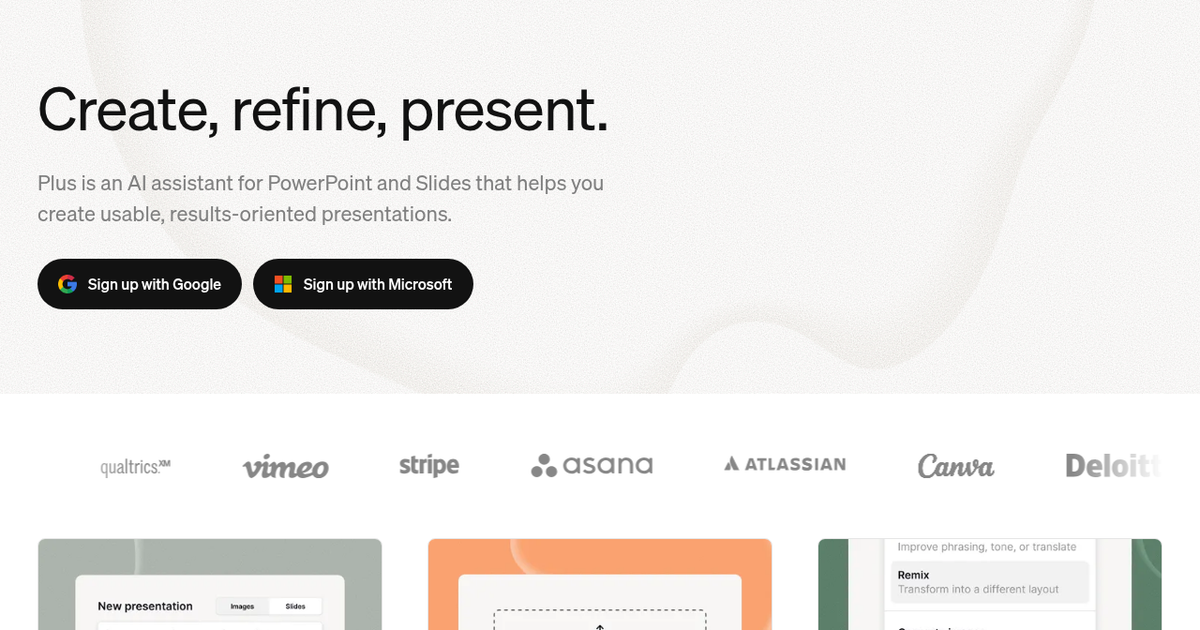
AI presentation assistant that builds and edits decks directly inside Google Slides and PowerPoint, from prompts or uploaded documents, using editable designer templates.
Evaluation
What to know
Best for
- Consultants and analysts building client decks in PowerPoint
- Google Workspace teams producing weekly updates
- Companies needing AI decks that respect brand templates
Not ideal for
- People who want web-native, scroll-style presentations
- Occasional users unwilling to pay a subscription
- Designers who prefer building slides from scratch
Key features
- Add-in for Google Slides and PowerPoint, no separate editor
- Deck generation from prompts or uploaded PDF, Word and PPTX files
- Remix to reformat any slide into a new layout
- Editable charts, tables, icons and AI images
- Custom branded templates and shared presets for teams
Pros
- Output stays as native slides that colleagues can edit normally
- Works with a company's existing templates on team plans
- Slide-level rewrite and remix tools save formatting time
Cons
- No free plan after the seven-day trial
- Heavy users must move to the expensive Max tier
- Design range depends on the template library rather than freeform layouts
ToolifyNav verdict
Plus AI respects where presentations actually live. Because it works inside PowerPoint and Google Slides, the decks it produces pass straight into existing review cycles and corporate templates, which is where many standalone generators stumble. The Remix and Rewrite tools are as valuable as first-draft generation for anyone who spends hours reformatting slides. The trade-off is cost: there is no ongoing free tier, and team branding sits on the Team plan. Professionals who make decks weekly in either suite will likely recover the subscription quickly; occasional presenters may find the trial enough.
About
About Plus AI
Plus AI takes the opposite approach to standalone deck generators: rather than moving your work into a new app, it runs as an add-in inside Google Slides and PowerPoint. Everything it creates is a normal, native presentation file that you own and can keep editing with familiar tools after you cancel.
You can start from a few sentences, one of the preset prompt types, or an uploaded PDF, Word document, PowerPoint or text file, and Plus drafts the full deck. Editing tools then work slide by slide. Insert adds a new slide from hundreds of layouts; Rewrite expands, summarizes or adjusts tone; Remix reformats any slide — even an unstructured block of text — into a chosen design such as three columns. Plus can generate images in preset styles, add professional icons automatically and build charts and tables that remain fully editable. Custom instructions store context it should always remember, and a preset library saves prompts for recurring decks such as client proposals or company updates. It reads, writes and translates most languages.
The templates are made by professional slide designers and work with every AI feature. Team plans extend this to an organization's own branded templates and shared preset libraries, so generated slides stay on-brand. All plans begin with a seven-day free trial.
Related
More in Office & Productivity
Same category — not a curated competitor list.
Discover More
Weekly digest
Get weekly AI tools and hands-on reviews
A short digest of new tools and hands-on breakdowns. Unsubscribe anytime.