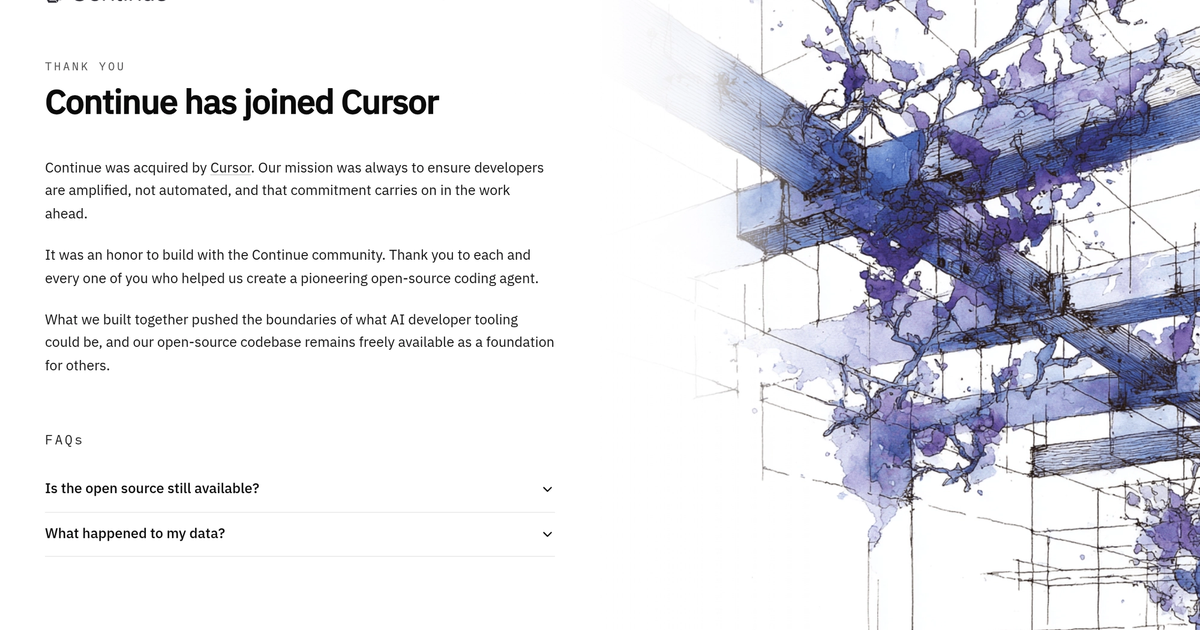
Continue
Open VS Code / JetBrains plugin: autocomplete and chat against models you configure.
Evaluation
What to know
Editorial notes based on the vendor's own documentation and public pricing, plus hands-on testing where a score or review is shown above. They describe fit for a job, not absolute quality.
Best for
- Teams that want model choice inside VS Code or JetBrains
- Local plus API mixes
- People willing to own config
Not ideal for
- Zero-setup buyers
- GitHub-only procurement
Key features
- VS Code and JetBrains plugins
- Bring your own models
- Configurable context
- Open stack
Pros
- No forced IDE migration
- Control
Cons
- Config tax
- Not a managed agent product
ToolifyNav verdict
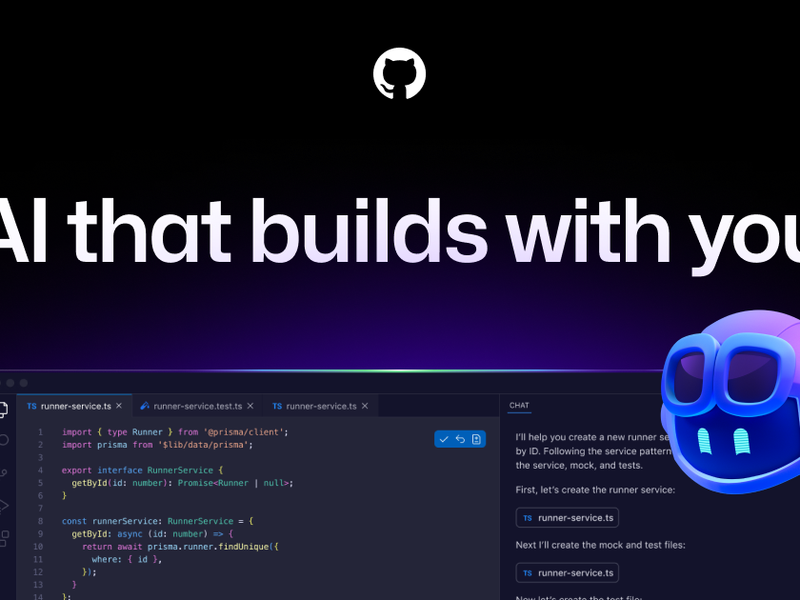
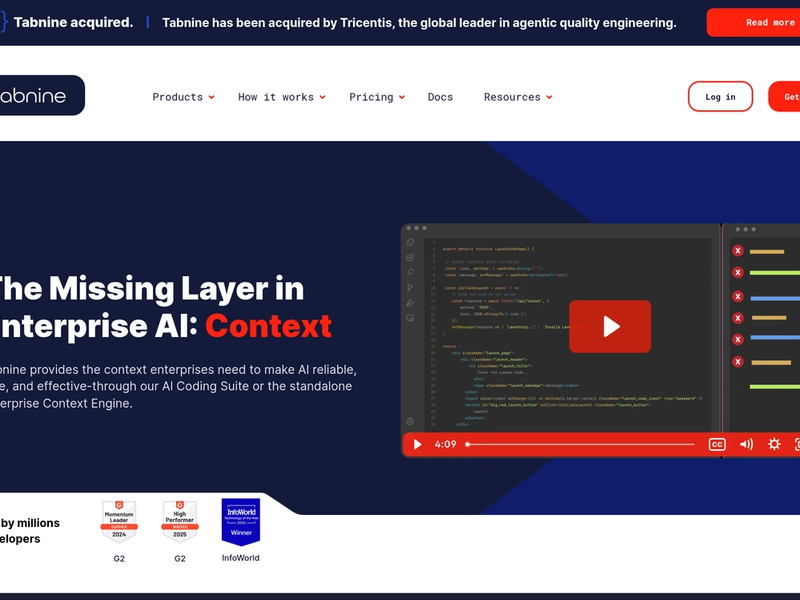
Continue is the open plugin path. Cursor is managed agent UX. Copilot is the seat switch. Cody is Sourcegraph context. Tabnine is private completion. Pick Continue when someone will own the config file. Write that name down. If the name is “we’ll figure it out,” buy Copilot and stop pretending you run a platform. Pick Continue when a named person owns the YAML. Pick Copilot when nobody will. Document allowed models. Surprise local weights are how two teammates debug two different worlds.
About
About Continue
Continue lets you stay in the IDE and swap the brain. Local, API, or mixed. The win is control. The cost is setup: model configs, context providers, team conventions. If nobody wants to own that, a managed product will feel better on day one.
Zero-setup agent polish is Cursor. GitHub-only procurement is Copilot. Private on-prem completion is often Tabnine. Huge monorepo search heritage is Cody. Continue is “we own the stack,” not “buy a seat and forget.”
You will spend a Saturday on YAML. That Saturday is the product. If you resent it, leave.
Document the allowed models. Surprise local weights are how two teammates get two different answers to the same bug.
Check the config into the repo with comments. A plugin stack that lives only on one laptop is not a team tool. It is a hobby that will vanish on the next machine. If the YAML is not in git, the stack does not exist.
Alternatives
Alternatives to Continue


Direct Side-by-Side Comparisons
Discover More
Weekly digest
Get weekly AI tools and hands-on reviews
A short digest of new tools and hands-on breakdowns. Unsubscribe anytime.